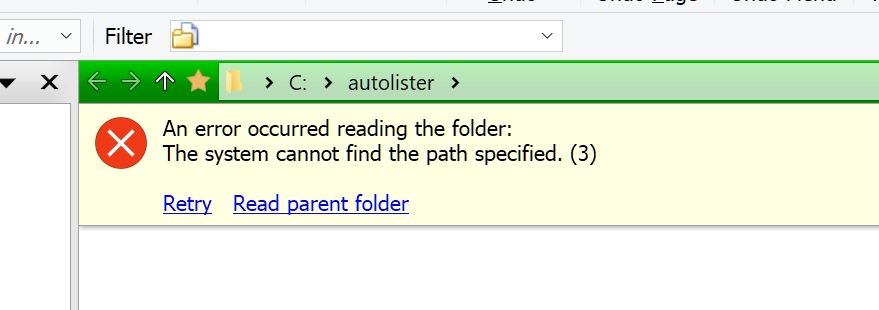
Suddenly, this morning, when I opened Dopus, I got this error message in the lister area:
"An error occurred reading the folder: The system cannot find the path specified. (3) Retry. Read parent folder"
I reset the default lister, and in startup, the Open default lister is checked. And still, I get the error message when I start Dopus. The folder that opens seems to be C > autolister
What might have happened? (I have read earlier messages (6-7 years ago; but the do not describe exactly the same issue that I have – Starting Dopus, and default start lister not coming up.)
Sounds like the startup shortcut has been edited and the arguments in it are wrong. (Or Opus is being launched in a custom way with incorrect arguments.)
Oh yes, I deleted the drivers for the keyboard in order to update them, and then, I reprogrammed the keyboard start button for Dopus (Fn + F3) by copying the target line in a Dopus button on True Launch Bar (TLB; app), and it had "/autolister" as an argument. It worked fine when I used the TLB button, but not when I used Fn + F3.
So, I now deleted "/autolister" in both places, and it now works fine in both.