Hi all, I really welcome the integration of the improved speed of folder sizing in DOpus v13.x compared to previous versions.
I have been spoiled by stand alone sizers (e.g. WizTree) that utilise native MFT functionality for even faster sizing and more importantly, it doesn't require a rescan of subfolders when navigating the folder tree.
Is there any chance of native MFT support in DOpus? Or if not, a way to navigate the folder structure without it requiring a scan of each subfolder?
"tell Opus where to launch it from." Will you explain? I don't understand this.
I changed the .ini file, and my other settings in Options are as stated.
Full shut down 2x, but the speed is not happening like back in October when it was astoundingly fast - so I'm still not configured properly, or else I need to install 1.5 instead of running portable.
I added the details to the manual page I linked to:
If Everything is already running in the background, Opus should find it automatically. You can also configure Opus to launch Everything the first time it is needed, if you have Everything configured not to launch at Windows startup, via the everything_autolaunch setting in Preferences / Miscellaneous / Advanced.
Note that that setting is only for searching. If you want to use Everything for folder sizes, it has to be running already (one way or another):
everything_autolaunch: This lets you configure Opus to automatically run Everything when it's needed to do a search (note: will not auto-launch for folder sizes, only searching). To use this, set the value to the full command line needed to run Everything on your system (e.g. "C:\Program Files\Everything\Everything.exe" -startup).
All boxes are checked on that settings tab, and there are no custom listing in the bottom field.
I shut down/restarted again, and still just the same average performance.
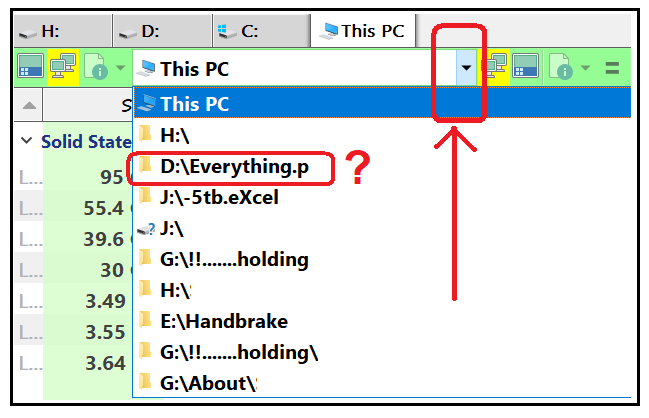
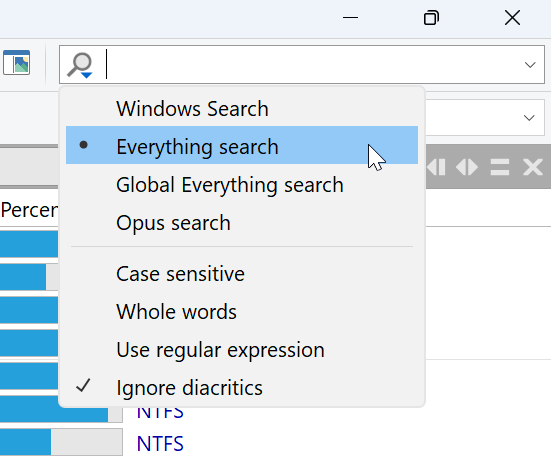
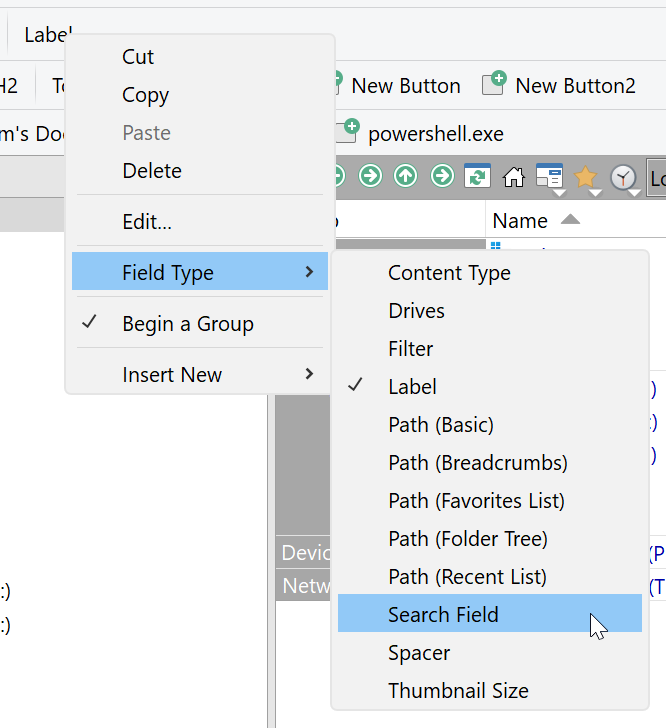
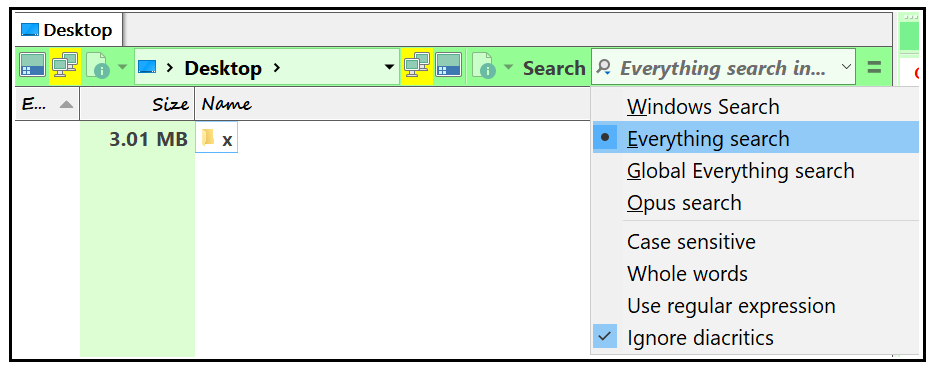
Thanks @lxp - but that 'button' isn't on my customized toolbars,
and going into Customize I haven't found it or figured out how to activate-enable it.
And while you're here - Thank You very much for - back around October last year,
suggesting I limit the # of volume-partitions on each ssd in my setup - -
that INSTANTLY changed the problems I was having at that time.
But, I'm looking forward to sorting this out to experience that phenomenal external hard drive
folder size speed I also experienced back then - and where I just decided to wait on v.13 of dOpus, since Leo hinted it was going to be a built-in functionality.
--------------- EDIT ----------------
I do have Windows Search disabled in Services !
This was just a quick test if Everything is installed properly. Try it out with a few test searches, then feel free to remove it. The field doesn't enable the core functionality.
Thanks for the helps here - I finally just installed Everything 1.5.0.1356a.x64,
and after transferring bookmarks, configuration details, etc,
the speed of showing folder sizes seems 'almost' as fast as @lxp's script from a year+ ago.
OK. I already had Everything installed so I updated it to the latest main release 1.4.1.1024.
I also configured the settings as per the 2nd guidance link in your reply.
Unfortunately, DOpus still recalculates folder sizes when I navigate the folder structure.
When you get a chance please try out ( WizTree - The Fastest Disk Space Analyzer (diskanalyzer.com)) if you haven't already. After the initial scan which takes mere seconds even on a 6TB HDD with 100,000's of files, navigation through the folder structure is instant. No rescans are performed while navigating.
Furthermore, if any files/folders are deleted, this is reflected in the tree straightaway, again without any rescans.
I would love DOpus, the best file manager in the world, to have this kind of speed/convenience.
Do you think I have something missing with my Everything integration? Or is the behaviour I'm currently seeing the best I can expect for now?
it should do that, but almost instantly if Everything is indexing the folders. If it's taking more than a second or two, something is wrong. Try clearing Everything's index, which sometimes fixes that issue.
It may also be worth checking the configuration under Preferences / Folders / Folder Sizes.