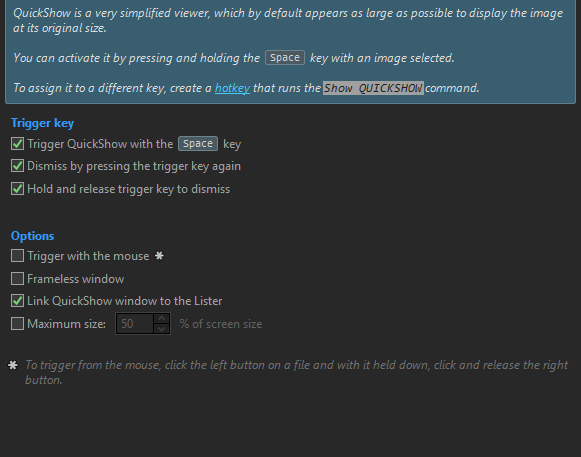
If the QuickShow is used on an image in a Thumbnail view, pressing the up or down arrow goes to the previous or next image, instead of the previous or next row.
If I use the normal Image viewer and link it to the same Thumbnail view, the up and down arrows go to the previous and next row as expected.
Isn’t focus on the QuickView window, not the file display?
Up/down on the QuickView window moves to the prev/next image. What those keys do in the file display is only relevant when the file display has focus (i.e. is the active window/panel).