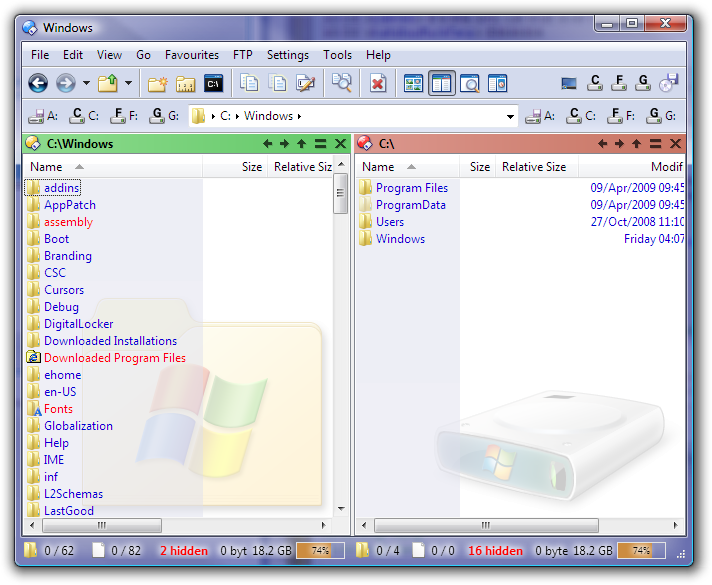
Can someone please tell me the command to have focus on a specific lister?
For example;
I have a toolbar above lister 1 and a toolbar above lister 2.
If I use the toolbar on lister 1 I want it to perform a function on lister 1 and not necessarily the lister which is currently 'active'.
i'll expand on my question just in case it's not understood....
Just like in Total Commander, you have a drive bar for each lister.
The drive bar belongs to that lister so If I click 'C' it shows the contents of this drive directly beneath the lister.
Are you talking about toolbar buttons in separate top-level windows, or do you mean you have toolbars that are part of a dual-file-display window and you want some buttons to act on the left/top display and some to act on the right/bottom file display?
If it's the latter, you can add the OPENINLEFT and OPENINRIGHT arguments to any buttons which use the Go command (including Go DRIVEBUTTONS). You can also have single buttons which open things on the left or right depending on which mouse button you click them with.
If Leo's suggestion is close to what you want, you might want to consider using the multifunc argument instead of OPENINLEFT and OPENINRIGHT. Multifunc let's you have just one set of drive icons but you can open in either the left pane or right by left clicking or right clicking.
[quote="leo"]do you mean you have toolbars that are part of a dual-file-display window and you want some buttons to act on the left/top display and some to act on the right/bottom file display?
If it's the latter, you can add the OPENINLEFT and OPENINRIGHT arguments to any buttons which use the Go command (including Go DRIVEBUTTONS).[/quote]
Hi Leo & forum,
just found this interesting topic. Is the above by you, Leo still the way to go?
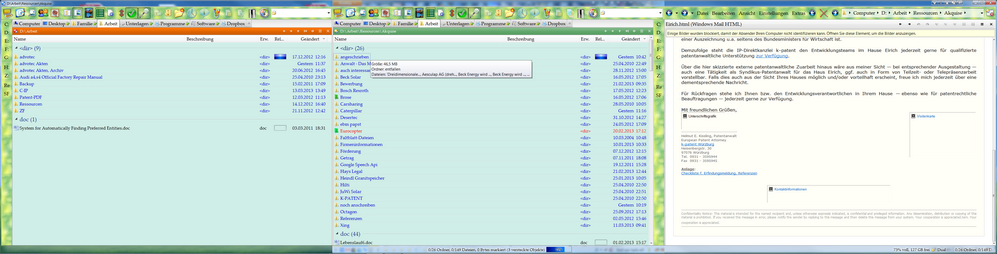
I have a dual-file-display window (two listers side-by-side), and have the same set of buttons placed above each lister for convenience. However it always happens to me that I forget to switch focus to the correct lister, then for example click on a button above the left lister, which then acts on the right lister because that lister still has focus.