When other applications try to open file explorer, or Firefox I click the file I downloaded, I get the following error dialog:
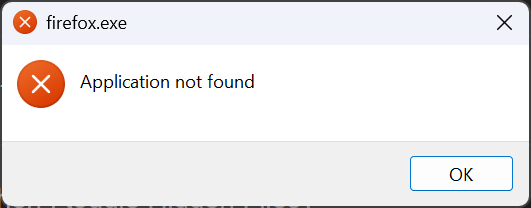
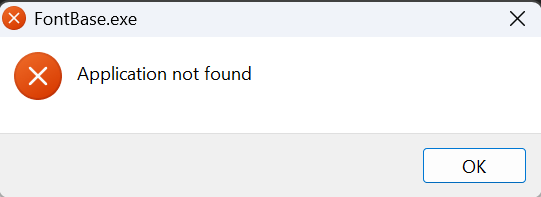
In Windows 11 settings under Default Apps, I clicked "Reset Default Apps" but it didn't help.
Please try the .reg file here to fix it;
Running the Reg File from the FAQ fixed all my issues so far. Pretty sure I uninstalled Opus via the Windows Settings Applications screen, and not a Opus-specific uninstall.