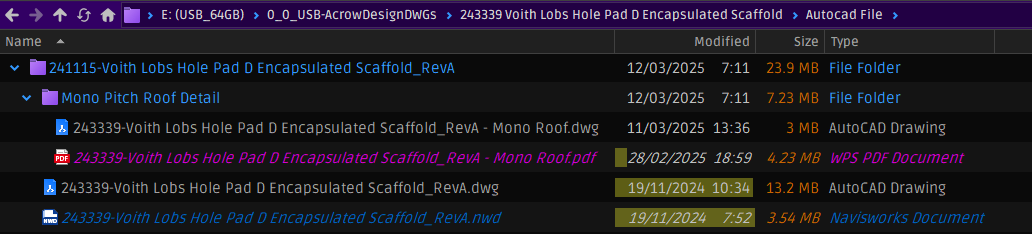
Situation to resolve, not critical but helpful. My main app is BricsCAD, its DWG icons are blue. I generate PDFs with BricsCAD and they are in the same folder as the DWG’s. My PDF app is Bluebeam Revu and its PDF icons are also blue, so real hard to distinguish between DWG and PDF in same folder.
I notice in DO it’s somehow assigned WPS Office as the native PDF app and its icons are red which make it easier to ID.
Wanna know can DO associate PDFs to BlueBeam but use the WPS red icons?
FWIW, bluebeam ‘used to have’ a preference to select Red icons, but ironically, after they went subscription to make us pay more, they removed this preference.
This is not what you're requesting, but could be an alternative maybe even more visually satisfying.
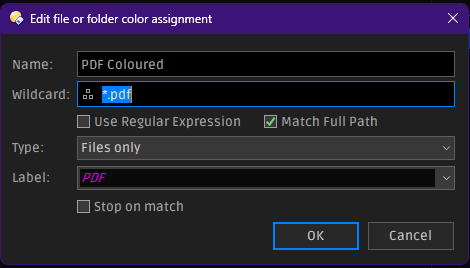
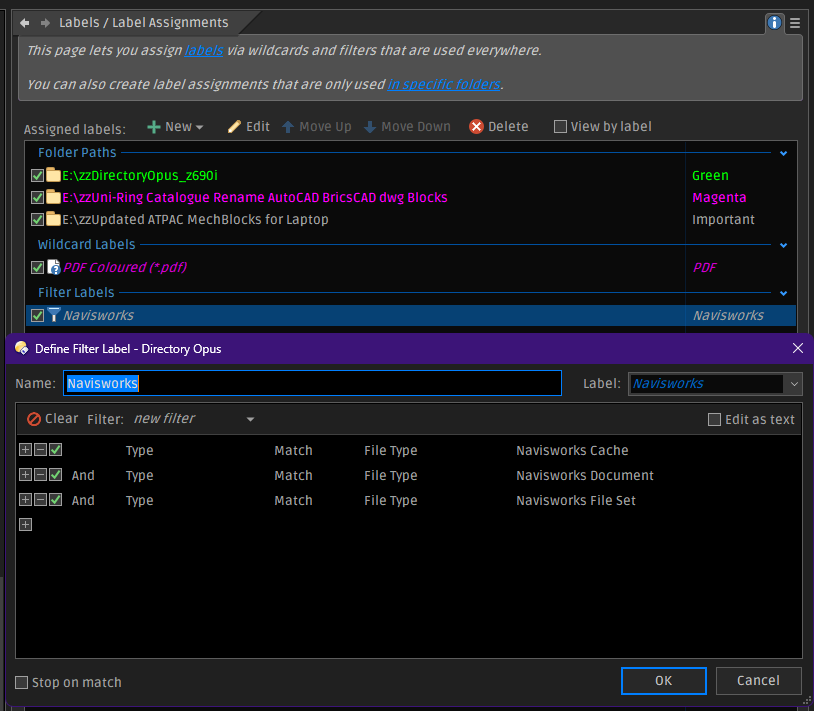
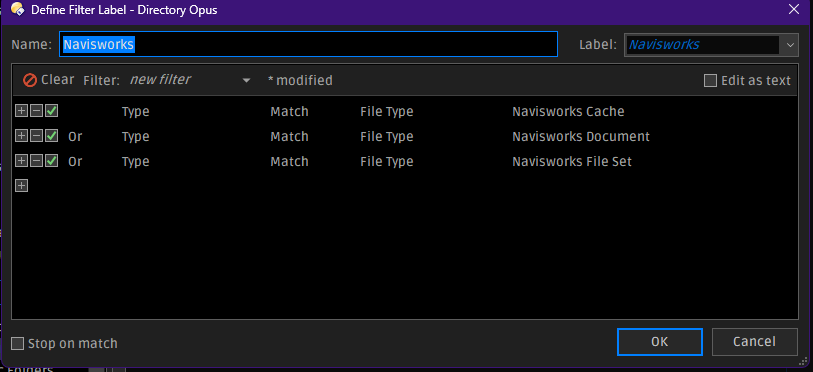
You could use labels to customize the colour of the file information displayed (name, size, ... whatever column) by using labels based on filters on file extension.
I use that so my .docx files are written in blue, .xlsx in green, .pptx in orange, .pdf in red, ...
No need to look at the icon, looking at the file name is already advertising the type by its colour.
Labels can also be used to replace or re-color icons, so you could make all the PDF icons another color using labels without worrying about something changing the filetype/icon in the registry.
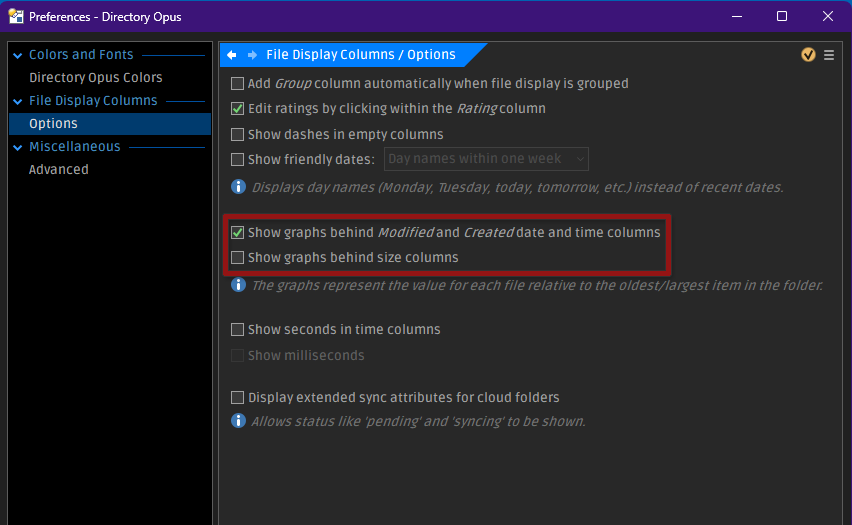
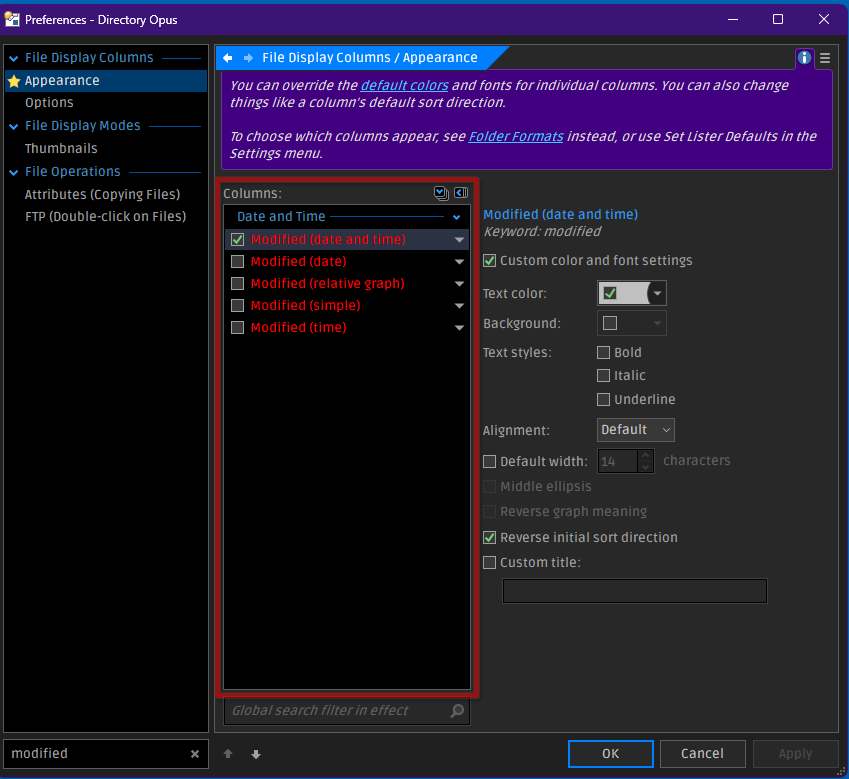
So now I come to another issue with the colour clashing with the 'graph' behind the modified date.
Red text on black or dark (10,10,10 or 20,20,20 RGB) is difficult to see, its either got a glow halo making it blurry or when the read is 150,0,0 too dull to see, so I opted for a redish pink but cant read the text overlayed on the yellow graph date.
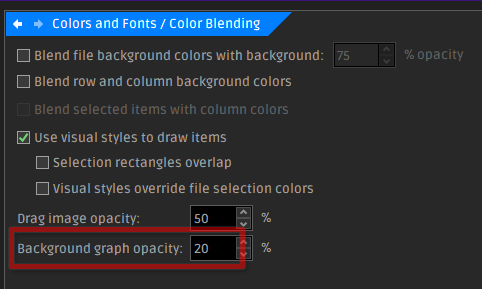
Can't see where to change the yellow graph colour, or I suppose to could try colour the text of date modified to white.