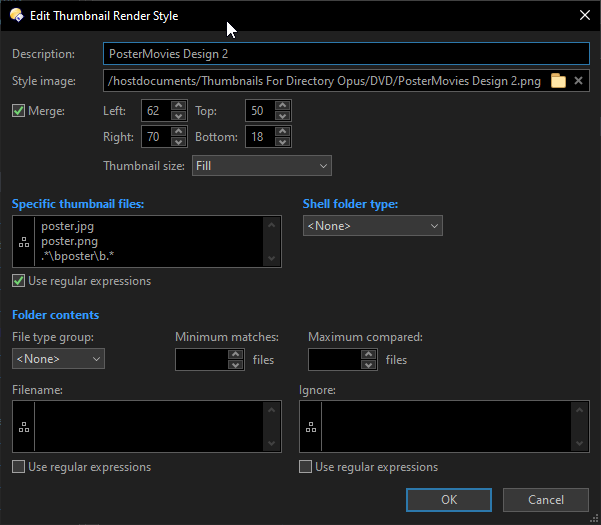
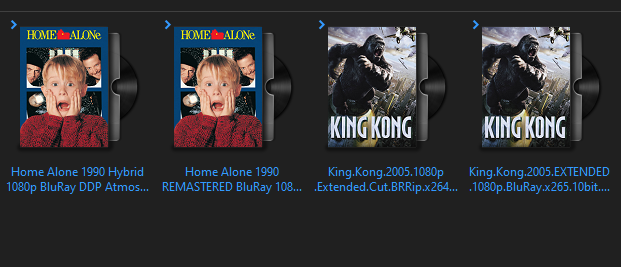
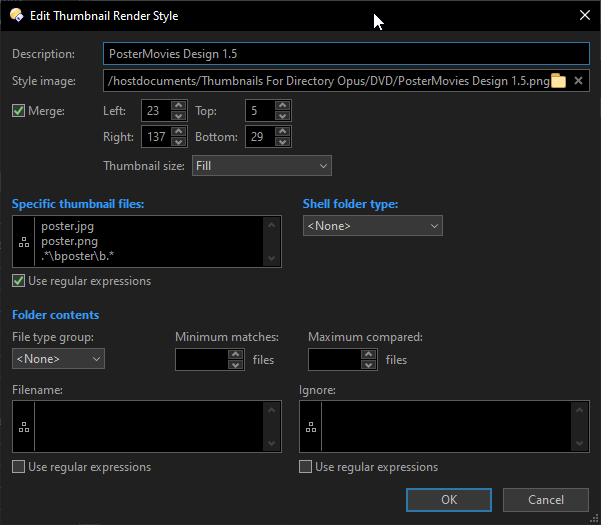
Leo, I’ve spent quite a bit of time finding and adjusting these photos for movie covers. Maybe you could include them by default in the Directory Opus thumbnail style. Here are the files and settings for a beautiful movie cover thumbnail style for DVD and Blu-ray.
I am new to this and I have been trying to do the same thing with my music so the first folder level is the artists and is a thumbnail/image of the artists then the next level the albums is of course images of the albums.
Let me know if you are having any issues. It took me a while to figure it out myself. First, know that there is a difference between an internal drive and a network drive. You can't do certain things with a network drive such as replacing the folder icon. I do think you can change the style which you are doing now.