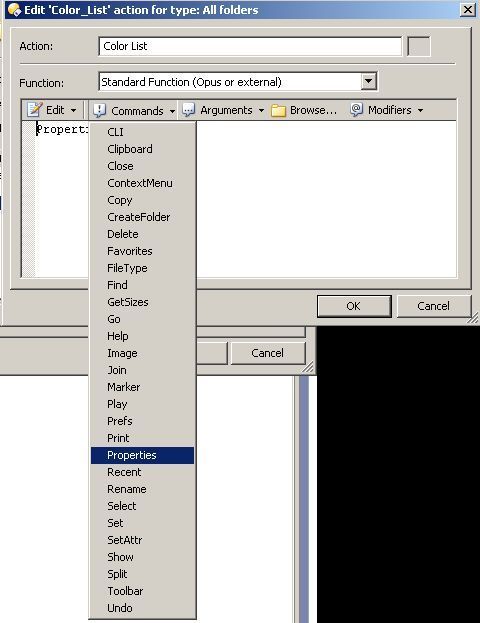
In Opus9, I tried the steps suggested in "Set Folder Colors via Context Menu' post. I get as far as "Go to the Context Menu tab, click New and set the Type drop-down to Sub-menu. After that I am able to 'Click New again and this time set the Type drop-down to Run an Opus funtion." However, there is no "Properties SETCOLOR" in the dropdown options under 'functions'. And I don't end up with the windows look that's shown in the post. Can you please tell me how to proceed. Thanks.