HI "Single Display" and hereafter "Dual Display" the right pane opens in a wrong directory named "c:\users... and a wrong folder name, henve i get an error.
Can i set this to the correct foldername in c:\users... ?
I cant create a button to a single pane view any duggstion here ?
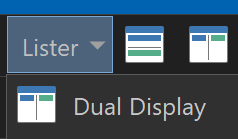
Toggling the "Dual Display" icon dont toggle single and dual pane view, is that intentional ?
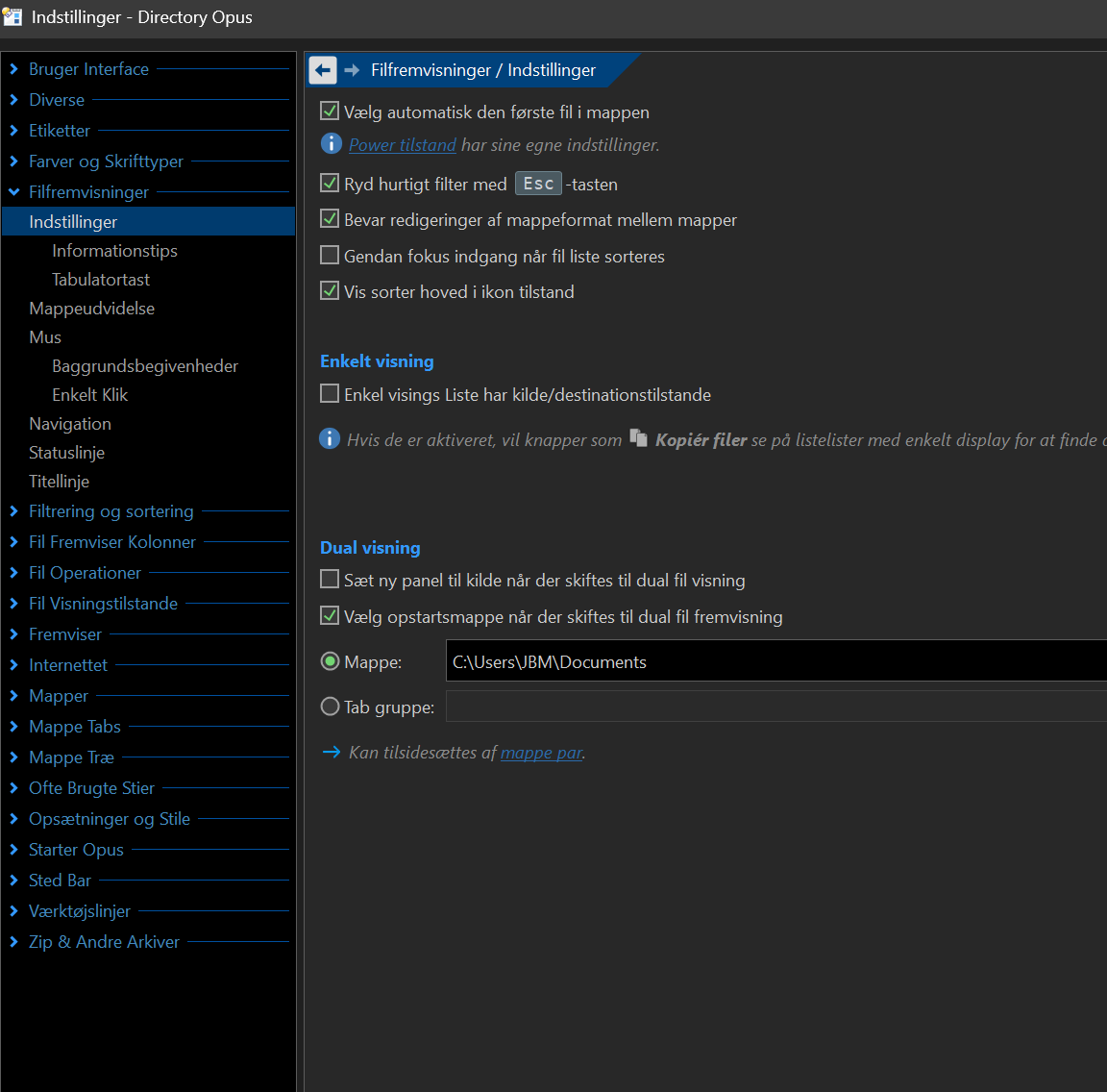
You can set the default dual-display folder under Preferences / File Displays / Options. It's probably already set to something if it's going to a path from an old machine/account, and just needs updating (or turning off, which makes it open a second display for the same folder you're currently in when opening it).
The button on the default toolbars toggles between the two modes. Have you modified your button?
i want to be able to toggle the dual display button in the toolbar between dual display and single display, or make a button for single display on the toolbar.
any thoughts or suggestions to solve this, its quite weird and annoying ? Its not that big a deal but nevertheless would be great to have the expected behaviour.
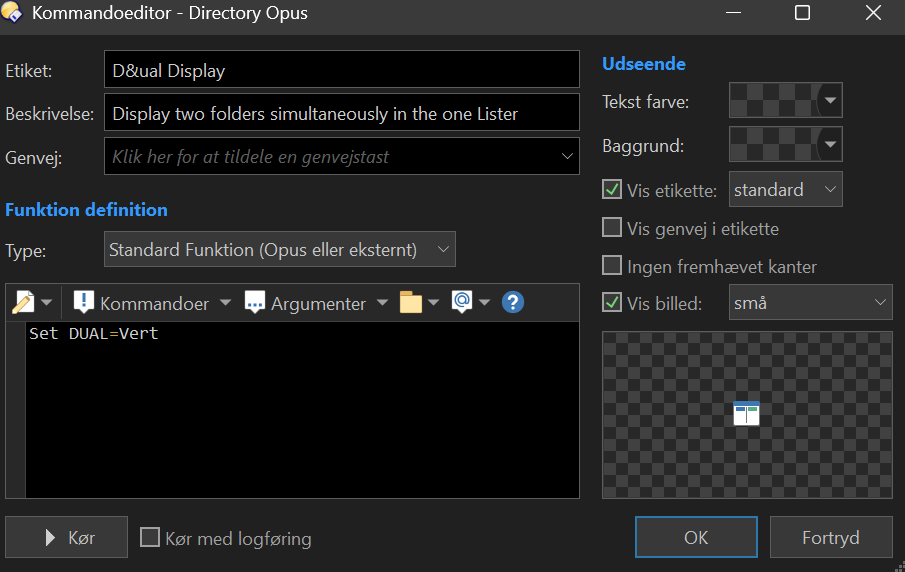
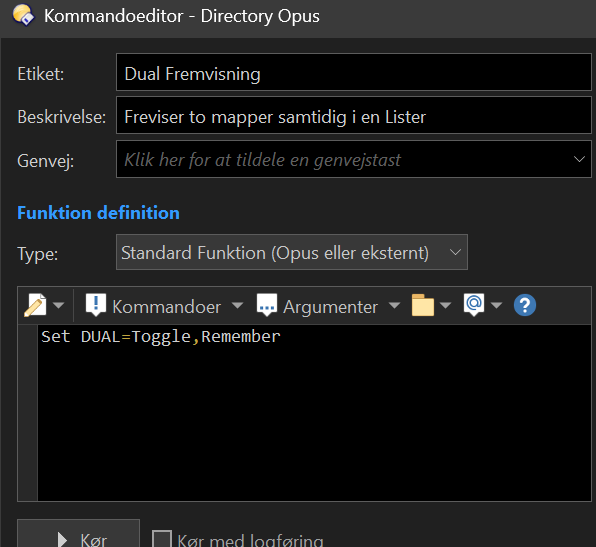
To your question if i have changed the button, i have this (which i have not changed):
that solved it, strange both the vertical and horizontal had the content shown above ant not Set DUAL=Toggle,Remember.
Havent changed it though, could be a setting from a older Opus bavkup maybe.
What happens when i toggle the button then window toggle between single and dual as supposed,
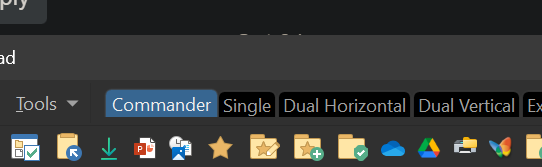
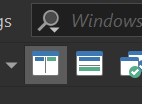
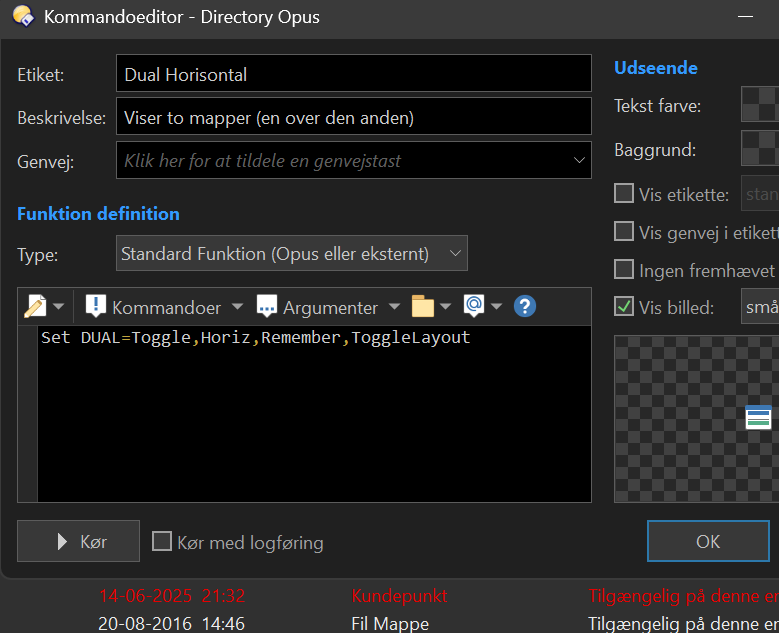
I now dragged both standard horizontal and vertical buttons back to toolbar:
However if i toggle horizontal and thereafter toggle vertical button and again press horizontal toggle it does not take me back to dual or single horizontal, it just keeps toggling vertical