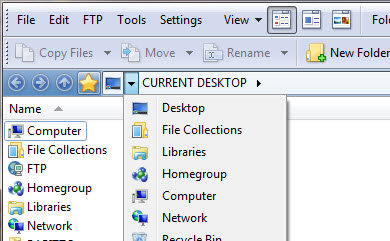
I'm trying to change some folders from the main drop down menu in DO 12. In particular trying to add "Recent Places" folder (C:\Users\USER\AppData\Roaming\Microsoft\Windows\Recent).
That drop-down cannot be edited, except for the options in Breadcrumbs Configuration, which I don't think will do what you want.
The favorites (star icon) menu directly to the left of there can be edited, however. You can add the folder to your favorites list, or add it into the menu as a specific item by dragging the folder into the menu while in Customize mode.
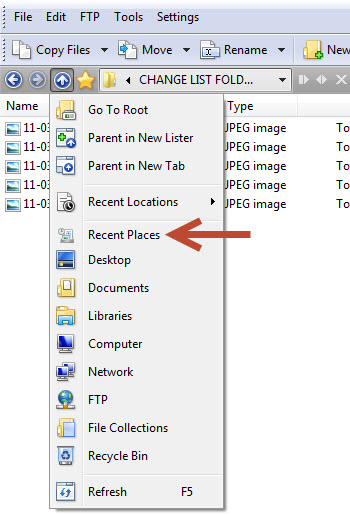
There's also another menu for frequently used folders within the parent button (up-arrow) just left of there, which you can open via a right-click or a long left-click. That can be edited in any way you wish as well, by dragging the folder in while in Customize mode.
Of course, you can also create menus and toolbar buttons anywhere you want them on the toolbars themselves. It's just the breadcrumbs path field which is special really.
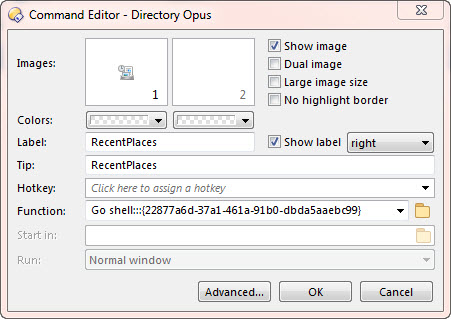
As an aside, creating a button which runs Go /recent, or a favorite which points to the /recent alias, may be best in this case, so you abstract your config from the details of the path (e.g. username, or it might change in later versions of Windows). But you don't have to worry about that; it's just something that might make things easier one day.
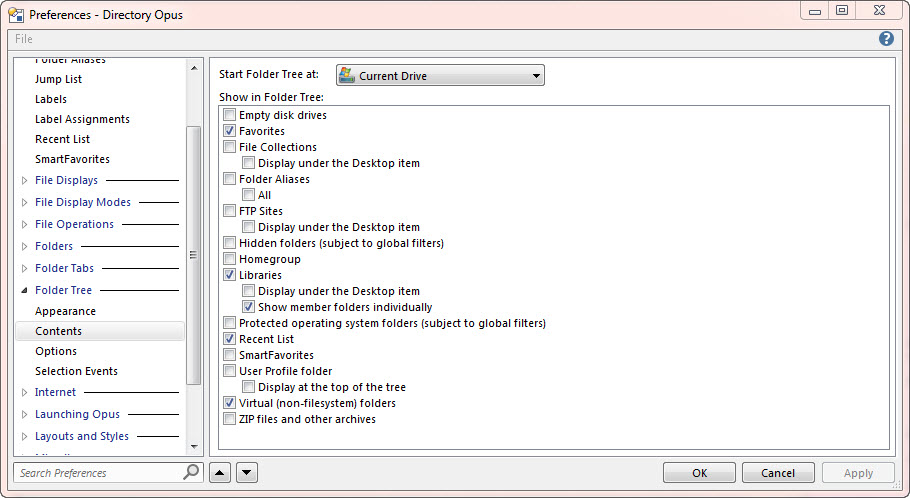
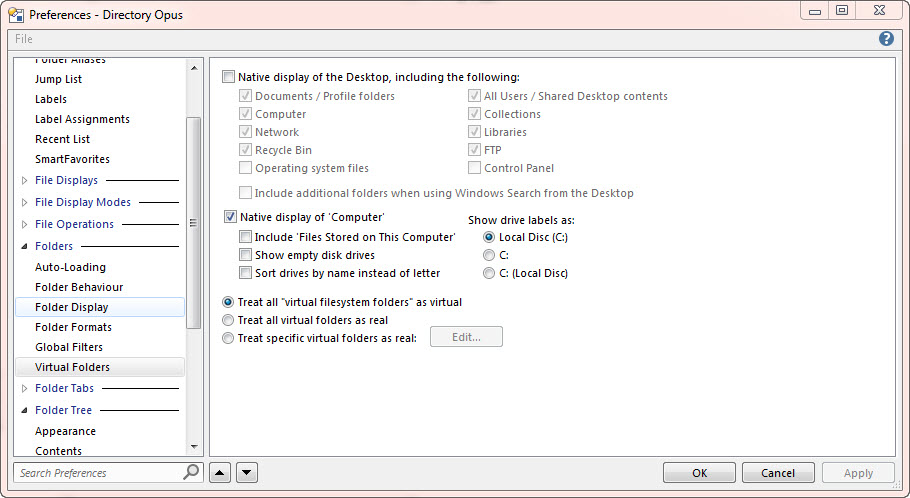
Try turning on Preferences / Folders / Virtual Folders / Treat all "virtual filesystem folders" as virtual. I think then /recent will do what you want (although it doesn't really matter if you're happy with what you have now!)

 In my case I am usually more interested in recently used items grouped by date.