<command> 	Overrides the default executable to launch when opening a PowerShell prompt. For example, you may wish to create a button which runs PowerShell 7 instead of Windows PowerShell.
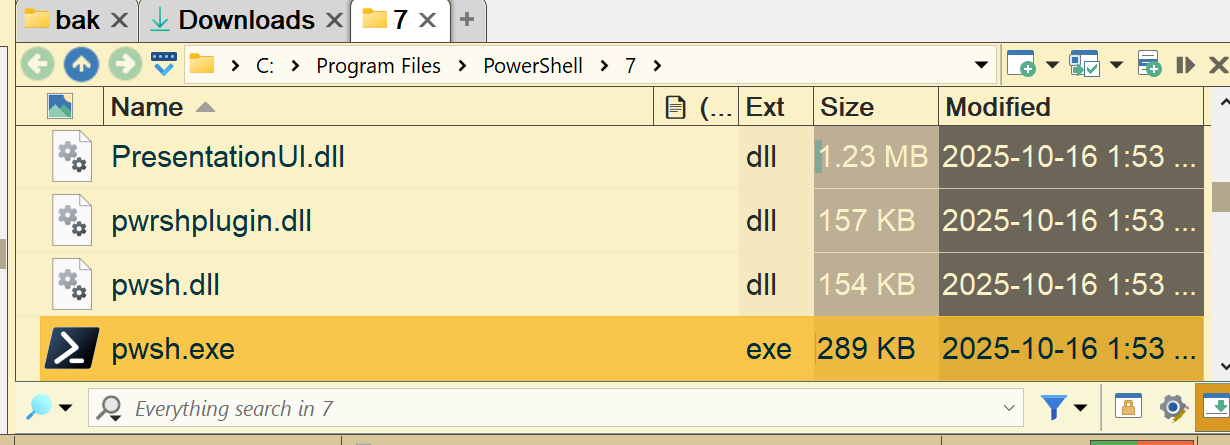
Example: CLI DOSPROMPT=powershell EXEC="C:\Program Files\PowerShell\7\pwsh.exe"
I have a button that is just CLI DOSPROMPT=powershell EXEC="C:\Program Files\PowerShell\7\pwsh.exe"
However it seems that it'll only open at PS C:\Program Files\PowerShell>; I haven't tried feeding it a variable of the current directory, largely bc I don't know how!
It's possible the alternative PowerShell broke how its command line arguments work, but documentation says they still work the same as before as far as I can tell.
You can use Task Manager's Details tab, and the Command Line column, to see the command line Opus is generating and try running it directly or modifying it.