I created a script for CTRL+V which allows pasting between different expandable folders in the lister view. It has the advantage over USESEL that one can paste at the selected location of a file within an expanded subfolder.
It works fine except for one scenario, which appears to be a bug with the Clipboard PASTE command.
The scenario which fails is when attempting to CUT and then paste from the lister's main directory into an expandable subfolder. The problem is that when passing the path via Clipboard PASTE COPYCOMMANDARGS="TO="{$pasteDir}", the TO= argument is ignored or truncated and instead the PASTE occurs to the current lister directory.
It's only a problem when using CUT and PASTE from the outermost lister folder into a subfolder. Cut and paste between expanded subfolders works fine. The TO= path is being ignored for cut/paste when it is set to a subfolder of the current lister directory where the file currently is—perhaps because of a string comparison where the source directory matches the destination in part, and thus the TO= path is assumed to be the same directory as the directory that the CUT/PASTE file is already in.
COPY and PASTE works as expected, and the TO= argument works just fine with that in all these scenarios. The problem is only with Cut.
In addition (not sure whether a separate post is needed for this or not):
As you can see from the code, I originally wrote it to only paste to the subfolder if a single directory or a single file was selected, but for some reason that logic did not act in the way I expected it to. It turns out that the current behaviour of seldirs/selfiles seems to be as flags, i.e. they are they true/false flags, always 1 or 0, when I was expecting them to be the total number of selected items.
I found that they are also mutually exclusive, i.e. if seldirs is 1 then selfiles is 0.
This results in the current behaviour of the script where the file is pasted at the location of whatever is the uppermost selected thing in the lister, no matter how many files are selected. I have no problem with the behaviour, but it was not what I expected from reading the documentation.
I'm not sure if this is the intended behaviour of seldirs and selfiles or not, but it does not match what the documentation currently says. It would be great if the documentation could be updated or the situation clarified regarding these. (similarly for selitems which is also always 1 or 0).
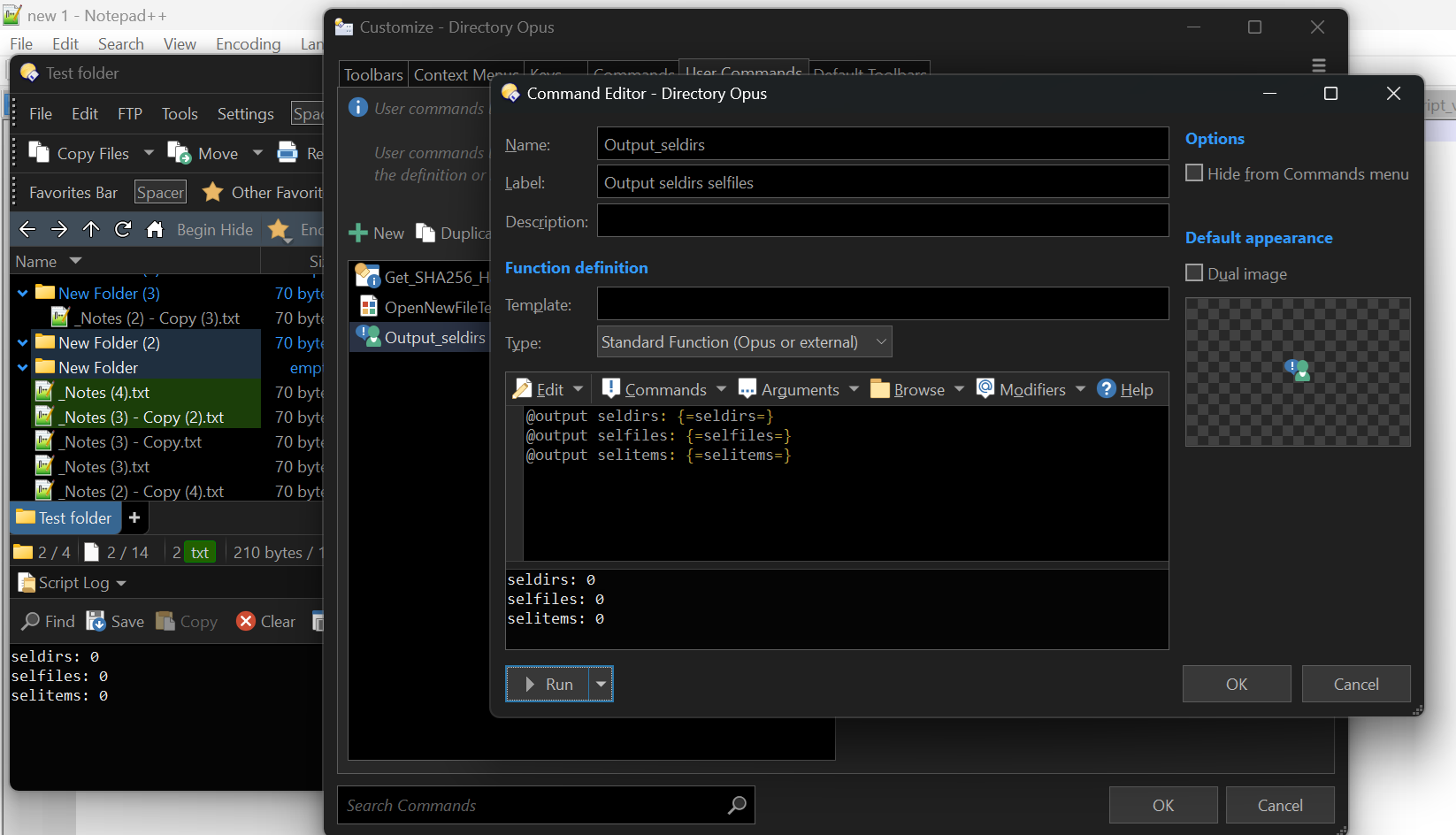
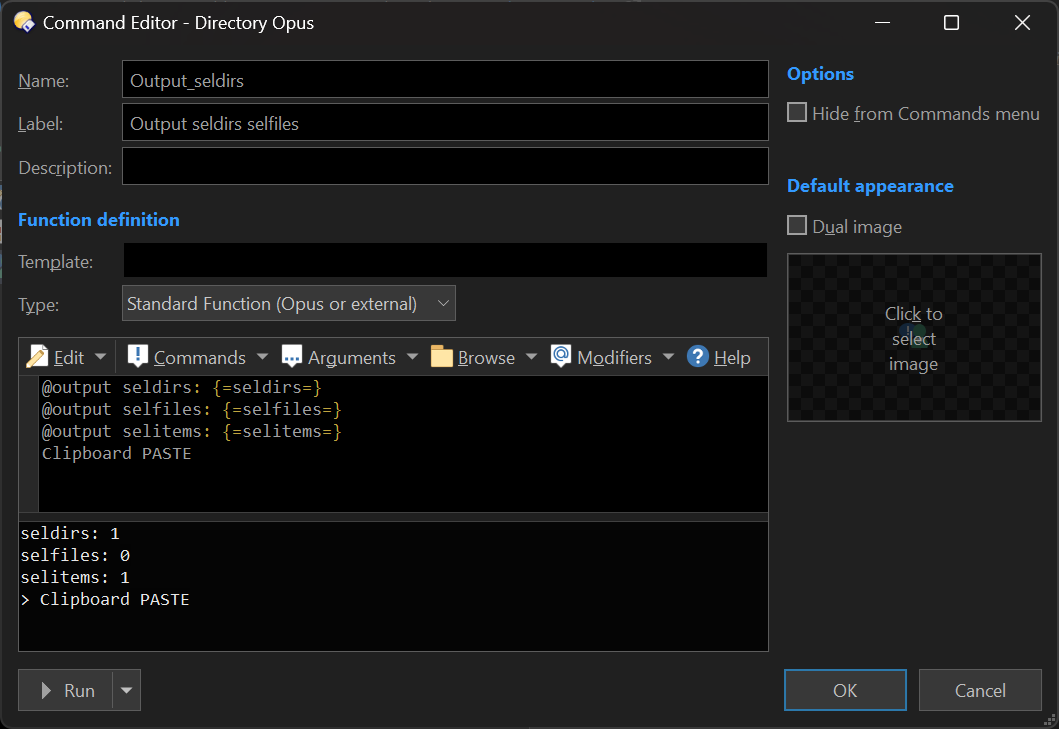
Interesting! I always get 0 and 1 when calling that code from my CTRL+V script.
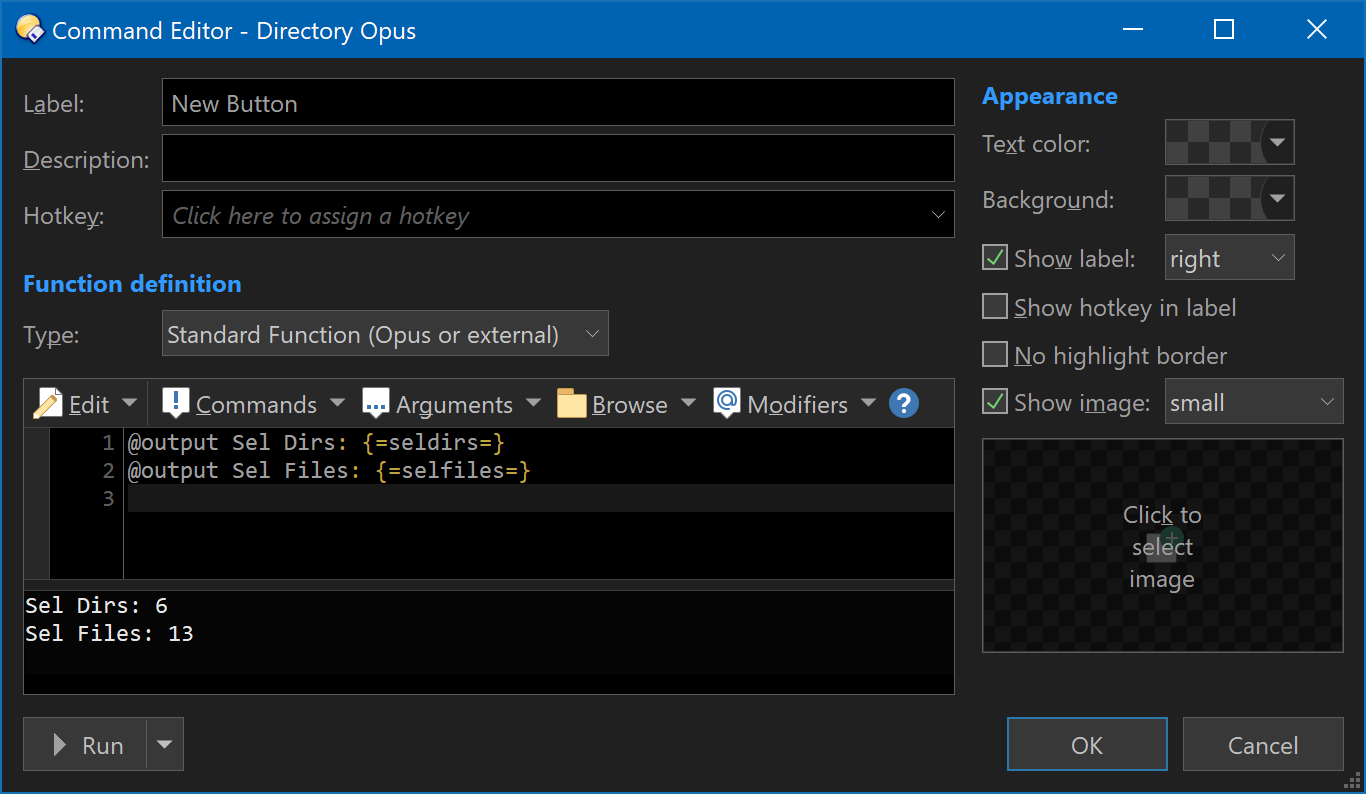
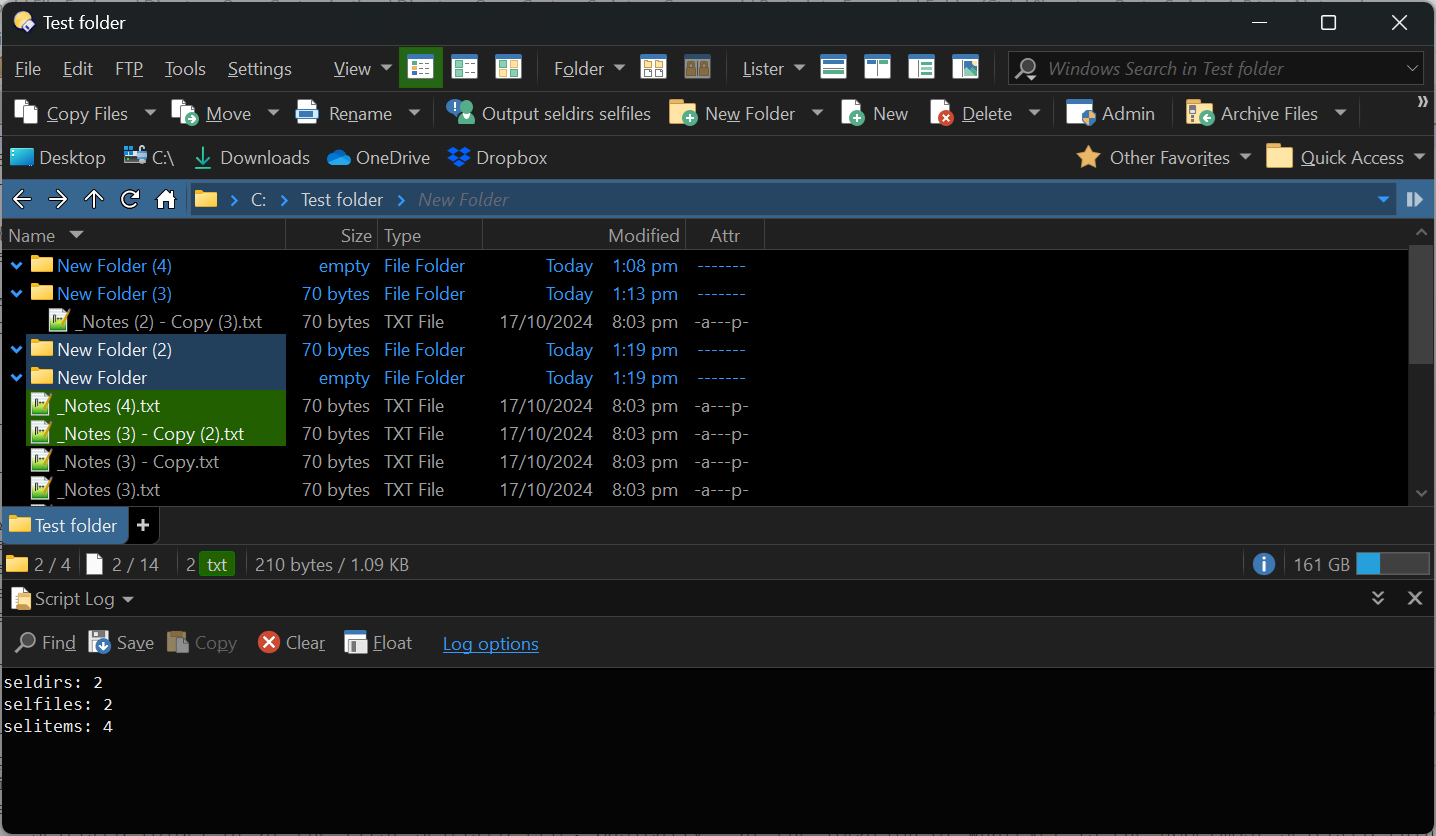
Side note, how were you able to get that output from Command Editor? Is there some setting I need to change, because when I try what you have in the screenshot I get all zeroes, even when I've selected files in the lister.
[Update: I updated to the latest Beta and it appears that that fixes the side note that I wrote above — I can now see the correct output when clicking Run directly from the Command Editor. ]
However, the seldirs and selfiles being always 1 or 0 still happens when there is a Clipboard PASTE command. It appears the existence of the Clipboard PASTE command modifies the context or something and changes seldirs and selfiles to 1 or 0 based on the top selected file or folder.
To be honest I'm not asking for that to be fixed if there's good reason for it, I was just not expecting it from the documentation.
Ah, yes, you are totally right. I didn't expect that either.
Looking into it, it's because the command itself (Clipboard PASTE) doesn't need to know the information the evaluator code is using, so the info isn't being (fully) calculated. (There's a bit more to it, about how different things process the arguments and selections, but that's the quick explanation.)
When there isn't a standalone command, or (probably the most common case) when the command uses the same information as the evaluator code, it's not a problem.
We saw a similar situation recently and have been thinking about ways to let the evaluator code specify what it needs.