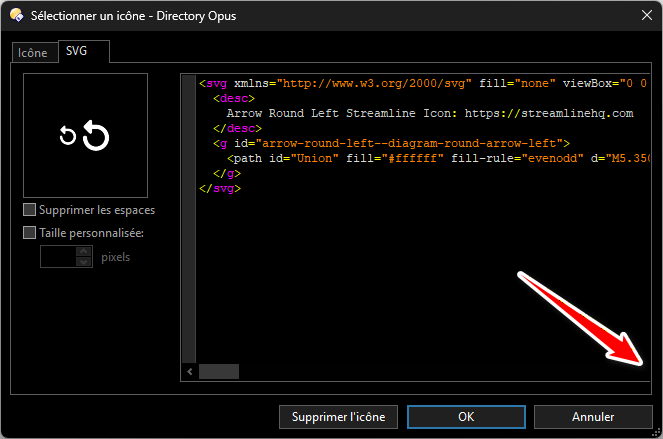
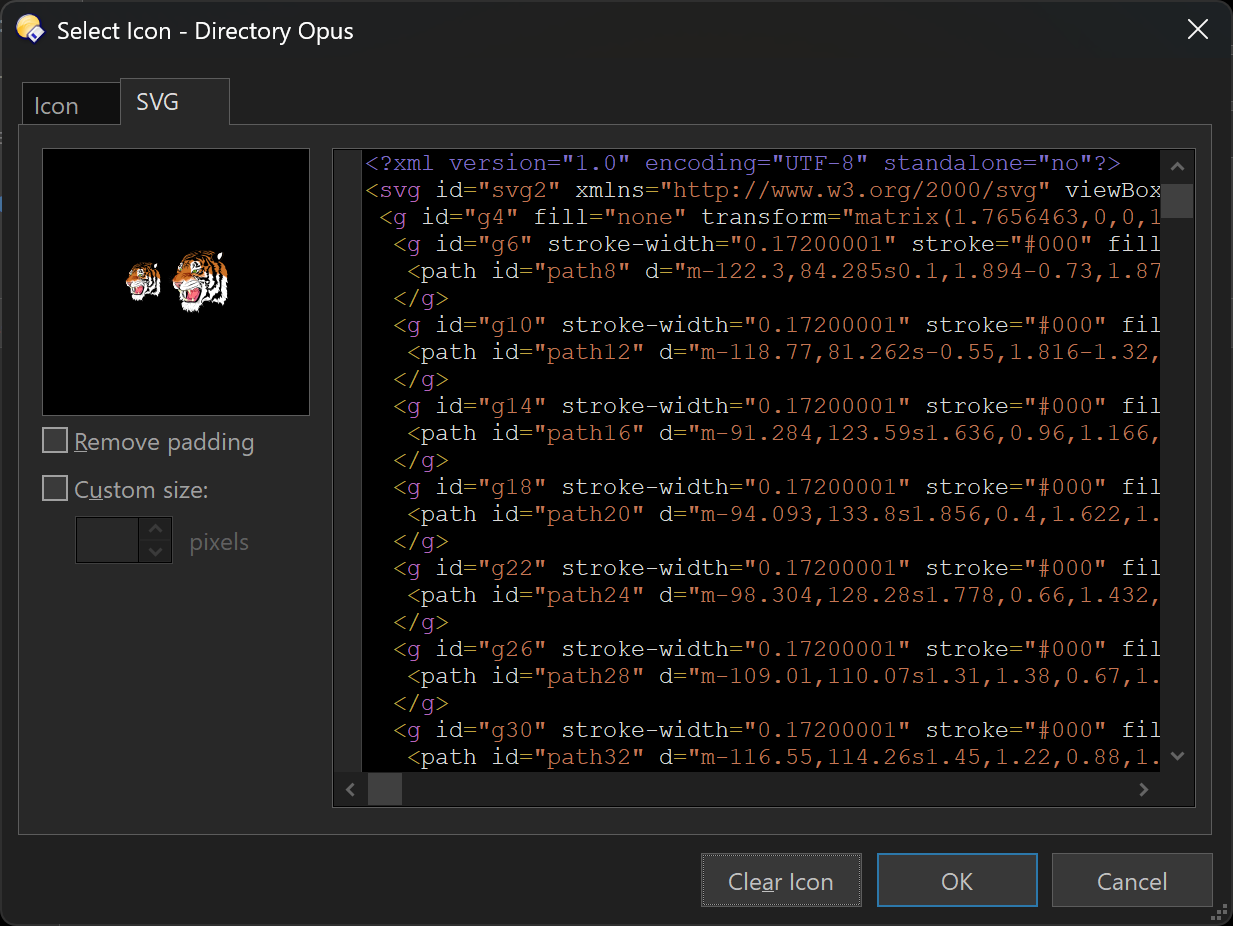
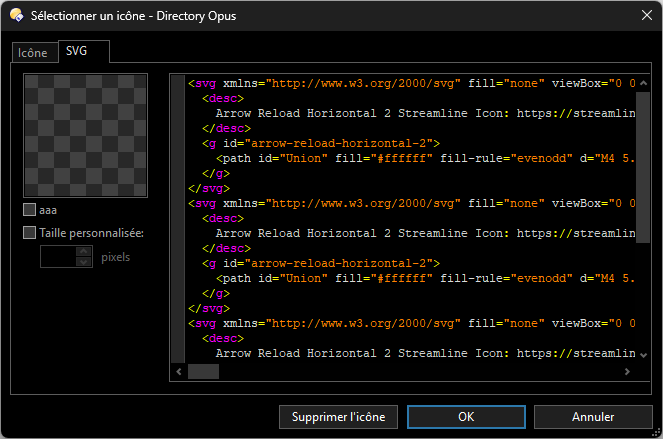
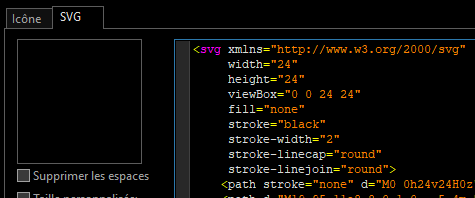
Two comments regarding the SVG window :
- Miss arrow in horizontal scroolbar.
- It is not possible to add indentation with the Tab key; pressing Tab jumps to the button instead.
The vertical scrollbar is also missing.
The editor font also doesn't seem to follow the settings.
My tab and shift tab not working either.
additionally, there seems to be intermittent (not reproducible) bug with saving edits - twice it has happened, i have edited svg, clicked OK (when the bug happens i double checked that i had actually clicked OK and not cancel) and the changes have not been applied, re-opening the svg editor reveals the edits have not been saved 
A DO close and restart fixes.
Close = Cancel in almost all dialogs with OK / Cancel buttons.
I don't see a vertical scrollbar on this button.
<?xml version="1.0"?>
<button backcol="none" display="icon" hotkey_label="yes" label_pos="right" svg1="192" textcol="none">
<label>Test</label>
<icon1><![CDATA[<?xml version="1.0" encoding="UTF-8" standalone="no"?>
<svg
version="1.1"
id="ui_icon_copy"
width="28"
height="28"
viewBox="0 0 32 32"
xmlns="http://www.w3.org/2000/svg"
shape-rendering="geometricPrecision">
<style>
.sheet-common {
stroke-width: 2;
stroke-linecap: round;
stroke-linejoin: round;
}
</style>
<style id="dark">
#copy_sheet_back {
stroke: #ffffff;
fill: none;
}
#copy_sheet_front {
stroke: #ffffff;
fill: #0077FF;
}
</style>
<style id="light">
#copy_sheet_back {
stroke: #000000;
fill: none;
}
#copy_sheet_front {
stroke: #000000;
fill: #0077FF;
}
</style>
<rect
id="copy_sheet_back"
class="sheet-common"
x="2"
y="2"
width="16"
height="18"
rx="2"
ry="2" />
<rect
id="copy_sheet_front"
class="sheet-common"
x="9"
y="9"
width="16"
height="18"
rx="2"
ry="2" />
</svg>]]></icon1>
<function type="normal">
<instruction>Find IN {allfilepath$} FILTERDEF =Match(name,"grp:Musik","f")</instruction>
</function>
</button>
My bad. meant OK
(will change above post)
I think it's because of the length of this string, which is pushing the script field to the right.
Let's be patient, the Opus team is on it.

Great stuff - scalable vector toolbar icons - now all we need is 16K monitors to do them justice