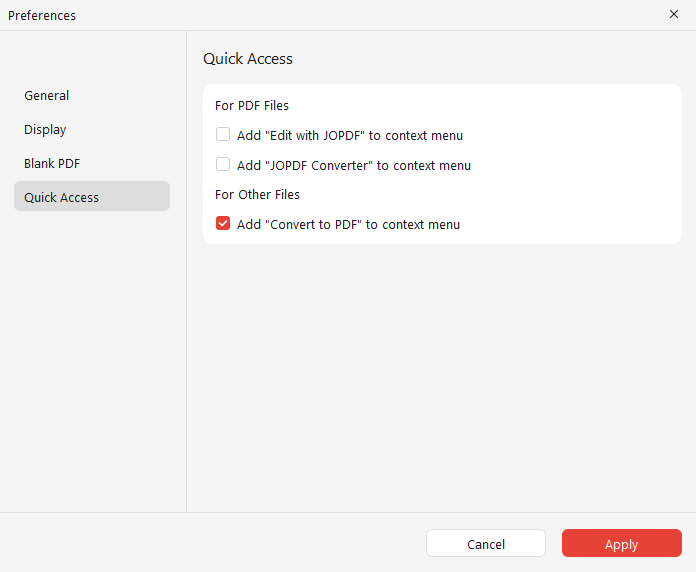
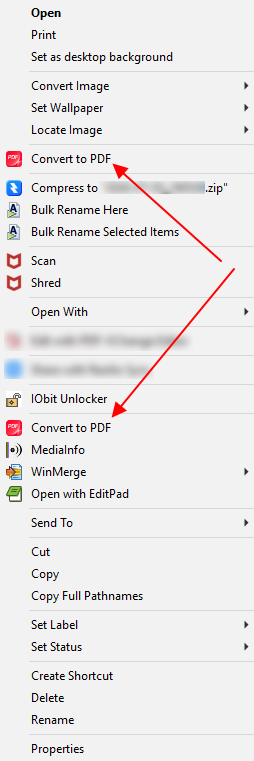
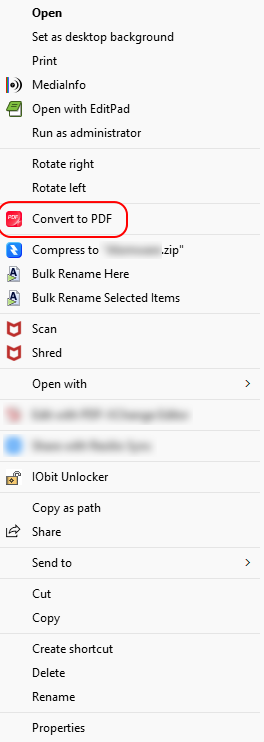
Hi All. I use JOPDF as my PDF Reader, and also for converting and compressing PDF files. Under JOPDF's Preferences, you can add the context menu option "Convert to PDF".
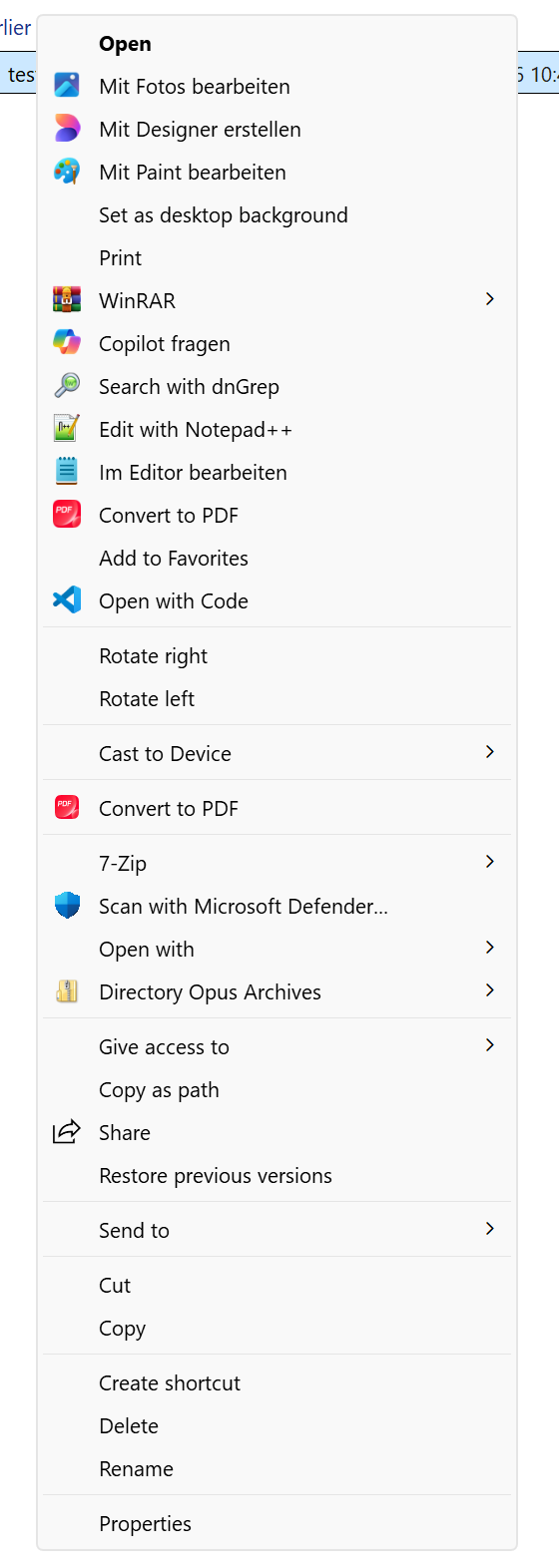
Check under Preferences / Miscellaneous / Shell Extensions and see if it has multiple items under Context Menus and/or Context Menus (UWP).
If there's more than one, try blocking all but one of them. (Preferably the UWP one, if there is one.)
Duplicate menu items like that have been a problem (in both Opus and File Explorer, but not always both or on every machine) with some other extensions, due to Microsoft's new type of context menu in File Explorer. If it's the same issue, they try to add items to both types of menu while detecting if the other item has already been added, but the detection doesn't always work for some reason. Same issue affected Notepad++ for a while, if I remember rightly.