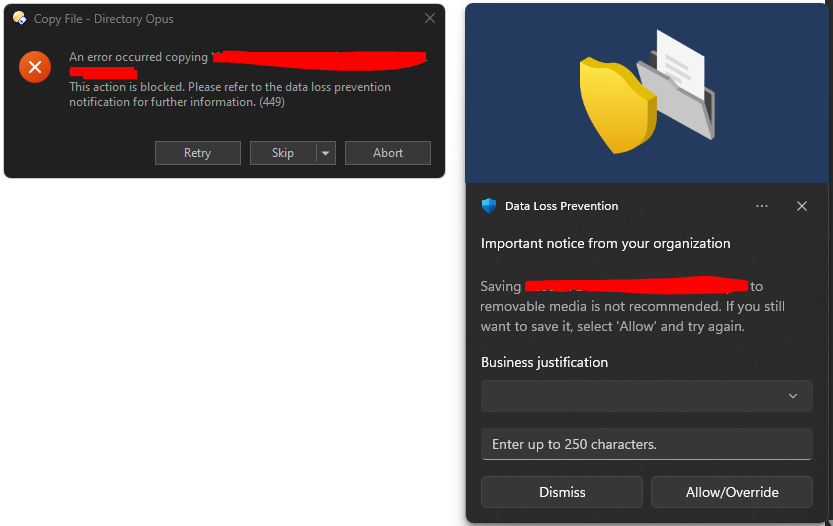
I have Directory Opus running on a thumb drive and when used at certain company machines, when copying files to USB (via Directory Opus) it is triggering DLP messages and notifications. See attached screenshot.
Some information regarding DLP and policies...
https://www.microsoft.com/en-us/security/business/security-101/what-is-data-loss-prevention-dlp
I am informed that I am on the exceptions list and can transfer files to thumb drive. This is correct, when using File Explorer, I do not receive any DLP notifications - only whilst using DO.
I have tried to resolve this through support and assume that DO needs to be white-listed in their DLP policy to allow transfer of files to USB and there is a reluctance to do this.
Since File Explorer has no problem, would it be possible to have an option in DO that when enabled passes file transfers over to the File Explorer to complete?