https://www.gpsoft.com.au/help/opus12/index.html#!Documents/Opus12/File_displays1.htm
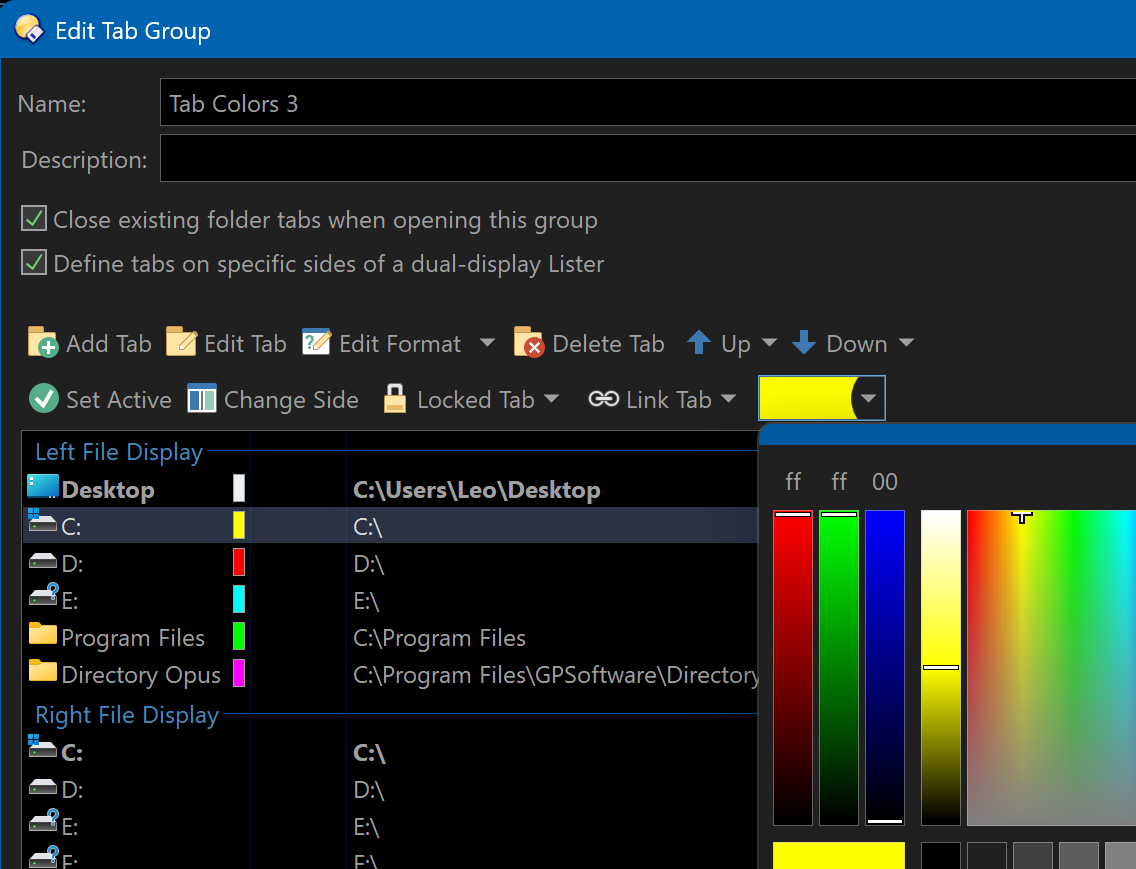
How do I get to the third image on that page?
Thank you.
https://www.gpsoft.com.au/help/opus12/index.html#!Documents/Opus12/File_displays1.htm
How do I get to the third image on that page?
Thank you.
Preferences / Folder Tabs / Groups, then double-click a group.
Note that you're looking at the Opus 12 manual, not the latest version.
I knew it was Opus 12, but Google took me to that page and I couldn't find how to get a similar page for Opus 13.
I am trying to assign colors to tabs as in the Opus 12 page. When I do Preferences / Folder Tabs / Groups in Opus 13 and then double-click on a group, I don't see anything related to colors.
I got it, thank you.