Deleting image files with viewer

Directory Opus 13.4 x64 Build 8838 on Windows 11 23H2.

When I'm using the viewer to view images, the Delete key doesn't work to delete files. Nothing seems to happen.

The Edit menu shows that the Delete key is mapped to the Delete function, but it does not work.

Selecting Edit > Delete does work.

Please advise.
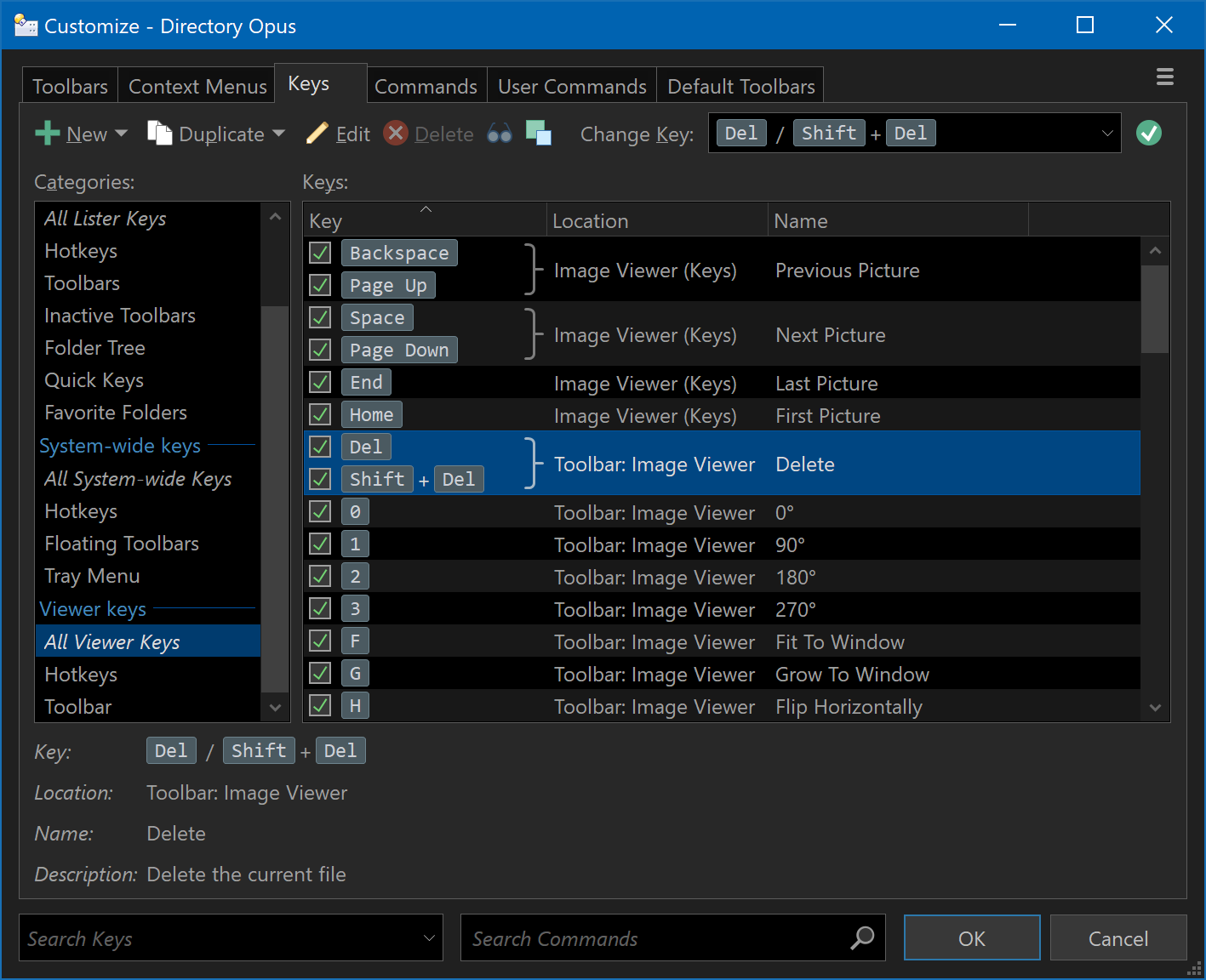
Is it shown under Customize / Keys / All Viewer Keys?

No, it wasn't configured in there at all for some reason. I've just mapped the "Delete to Recycle Bin" and "Delete" toolbar buttons to Del and Shift+Del and it works. I guess this was what I had to do? Anyway, it works. Thanks!