These are unofficial versions, generated through a fully automated process by me in my spare time.
The files are versioned with the date and time (in UTC) when the data was fetched, making it easy to tell if the manual is outdated.
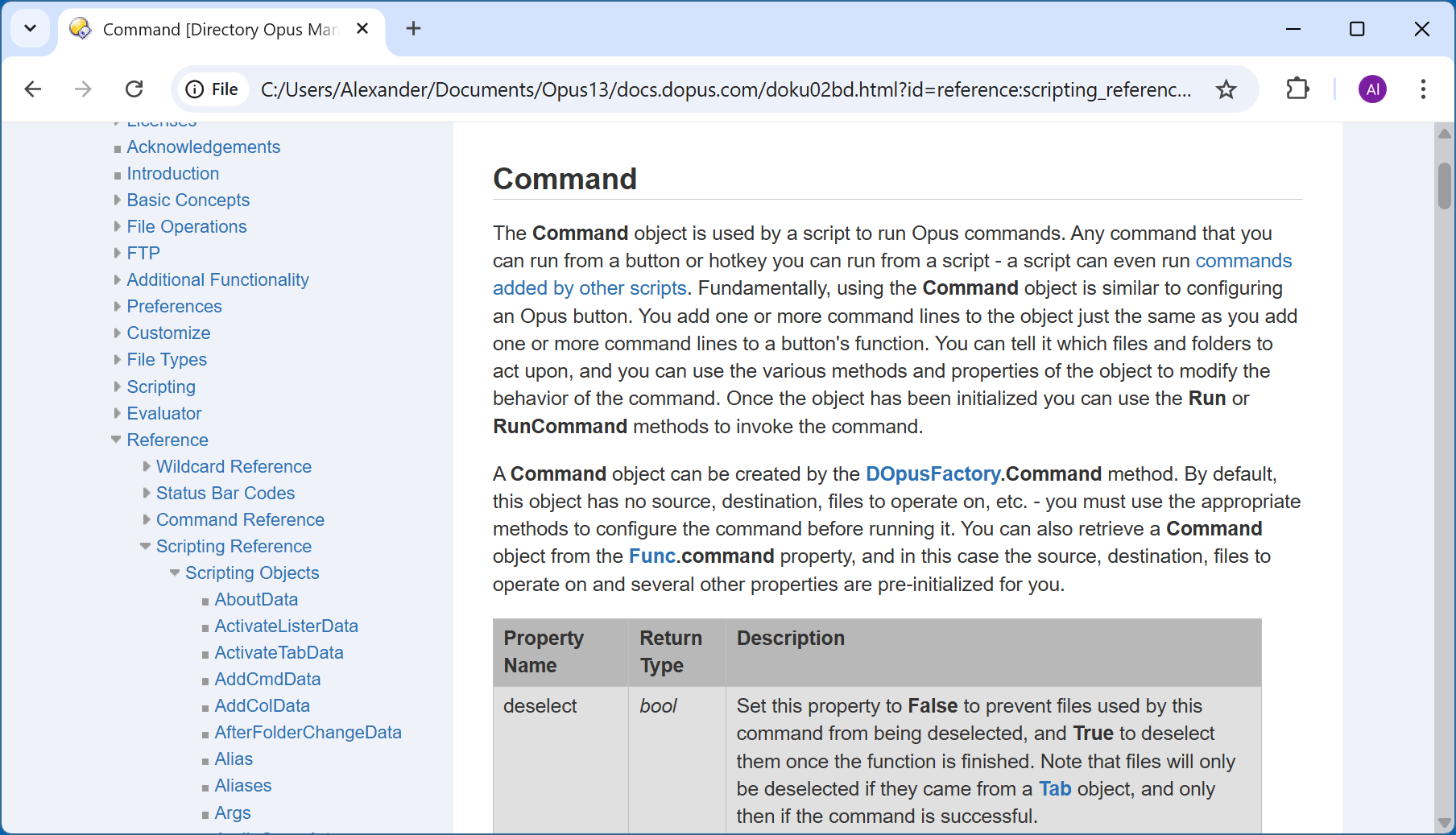
The content was obtained from the official online manual and is presented exactly as it appears on the original site, with no modifications or alterations.
This is a work in progress. Since I’m pretty new to Python, the manual might have errors or inconsistencies compared to the official version. If you spot any, please let me know in the replies below.
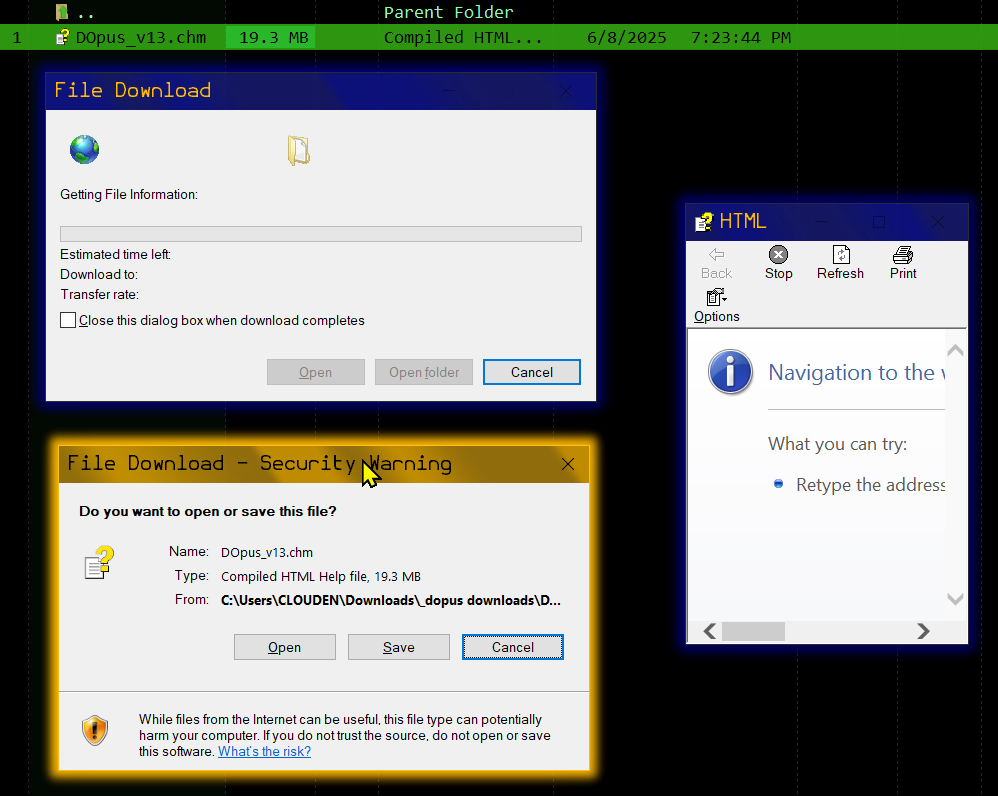
The appearance differs from the HTML version, because the styling used can’t always be directly applied to other formats (especially CHM, which is now considered obsolete).
All rights to the content of this manual belong to their respective owners. This compilation is intended for personal reference only.
For suggestions, feedback, if you find any issues, or if you’d like the latest version of this manual, stay tuned here.
this is brilliant thank you!!! i tried to copy the page once using HTTrack Website Copier - Free Software Offline Browser (GNU GPL), which is ancient and did a so-so job. it readable but not updateable with coping the entire from scratch. so i gave up on that.
Since I’m pretty new to Python,
i don't know anything about python. a thought if you know how...
is it possible to create a settings file alont side the .chm for a couple personalization options?
such as..
dark mode or way of inverting the window?
a custom font? i love "nerd\code" fonts that accents 0 from O, Consolas is microsofts stock font.
AutoHotkey does this with their help file. it creates a chm_config.js alone side it. I'm a tiny bit good at AHK thou still don't how they've implemented this.
Autohotkey's CHM seems unique. I think what it does is basically generate its own interface using iframes, and hide the application's own interface. With that you can change the theme completely or even create toolbars, etc. But you also have to take care of what the sidebar allows you to do, such as navigation, TOC and search features.
I guess implementing all of this will take a considerable amount of time, taking into account my web programming skills (poorly) and the fact that everything needs to be compatible with IE7.
If anyone here has those skills and the time needed can create the skeleton of all that interface needed to implement dark theme, contact me or post it here directly, that would save a lot of time and effort.
So in short, no, afaik, there's no native dark mode implementation or that level of customization.
Yes AHK chm Interface is unique. So that makes sense.
I do have an AHK script from there forum that will invert any window based on title or class. It's a great gem some nights thou don't use it often. It's full of memory leaks that light up my GPU like a video game.
No doubt it can! But I wonder if it automatically fixes internal links so the mirror is fully navigable? If calibre can do the same with links and let you pick which parts of the page to convert or discard, you could upload the resulting EPUB. The more formats we have, the better.
Tasks like this become trivial with python, which is why I chose it for the job, plus scraping the site is just the beginning.
When converting to PDF, there aren't many changes beyond generating one giant HTML document, injecting page-break CSS, and making a few minor tweaks. weasyprint supports modern CSS style. CHM is a different story…
Although once automated, the file is generated in about 10 seconds, unlike the PDF, which takes about 10 minutes, since the manual is more than 1000 pages!
Thanks for this! Out of curiosity what package/library did you use with Python, BeautifulSoup or something else? Also for the chm file was the official htmlhelp.exe installation used or some other third-party version?