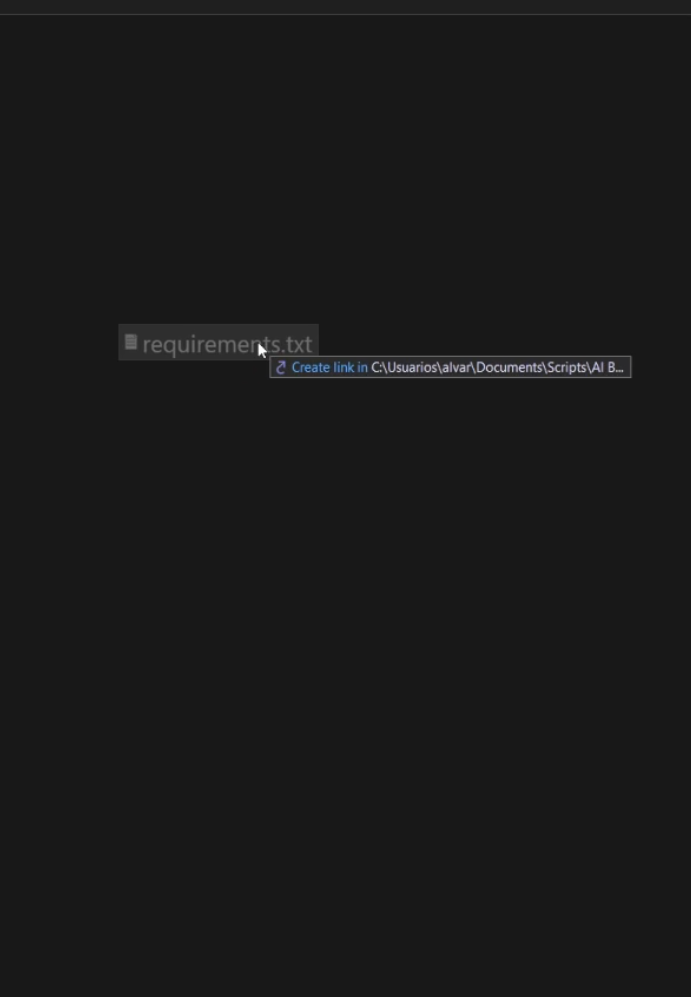
When dragging a file in Directory Opus, holding the Alt key triggers the "create link" behavior—a popup appears and the cursor changes to the shortcut symbol.
I would like to completely disable the Alt modifier during a drag operation so that it is ignored. This is so I can drag files between programs using the Alt + Tab shortcut.
I have checked Preferences > File Operations > Drag and Drop, but I couldn't find an option to disable keyboard modifiers or a setting like "Always show drop menu."
I am running Directory Opus 13.21 x64 on Windows 11.