hello. how to make a WHENEXISTS=skip when copying to coll: ?
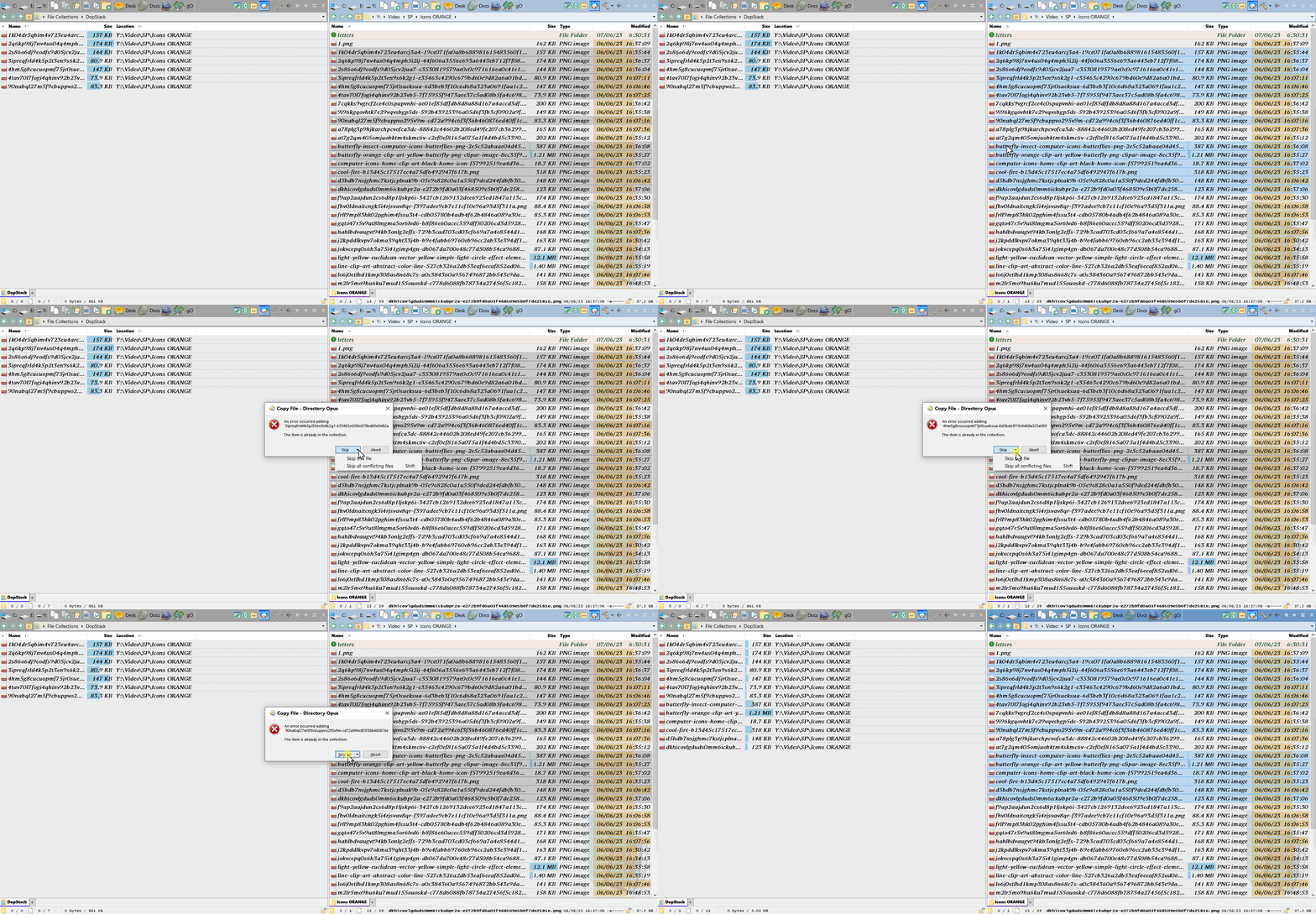
if files already exists in coll: i need to click a skip button so many times, as there are existing files. skip all doesn't work.
A little beyond the scope of DopStack really. There are many clipboard history utilities available for Windows, including Windows itself.
I understood, it must be very difficult, thank you once again for so much dedication!
I see that your saveStack function defaults to Default Stack.stack rather than the current stack label. This is a trivial nit since the user can dynamically replace with any other name.
Hi @Steve.
First, thanks for this great add-in !
In response to this thread (Save And Recall Selection?), I added two actions in the context menu for the main dialog:
- One that allows stacked items to be (re)selected.
- One to replace selection with stacked items
Made it version 1.5.3b: I'll let you review this and consider if you want this feature to be included in the "main" branch.
DopStack.osp (139.2 KB)
1 Like
Is ist possible to start both, DopStack and Stack Viewer at once, or that the viewer would automatically be added in its set position when an item is added? Or an option to launch DS in viewer mode?
This is one of my favorite addons for DOpus. I was curious if there was a function in this that allows you to delete the files in the stack - not just remove them from the stack but also delete them permanently or just send them to the recycle bin? I'm organizing a bunch of crud and would just find it easier to accomplish some of my tasks if this were built in.
This may sound odd, but if you return to the folder(s) where the items in the stack are from, is there a way to re-highlight them if you have left and come back and wish to see what you've put into the stack?
Just having thoughts. Thank you so much for this creation!
Try this:
- Run the DopStack command "Save Stack" which saves the current stack as a plain text file. The resulting file will be "Default Stack.stack". It is a text file with full paths to all the files in DopStack.
- Download the script and button from
DeleteFromFiles (Delete files from text files) - Install the script and button.
- Select "Default Stack.stack".
- Click the button.
- Answer the Delete confirmation.
Can there be an option to make each one diffrent in color when many DopStack instances are running? Allowing use multiple stacks to not be similar and easy to manage?
Thank you for the impressive tool, I was really in need of this.
Edit: Can it also have a total size next to the number of files?