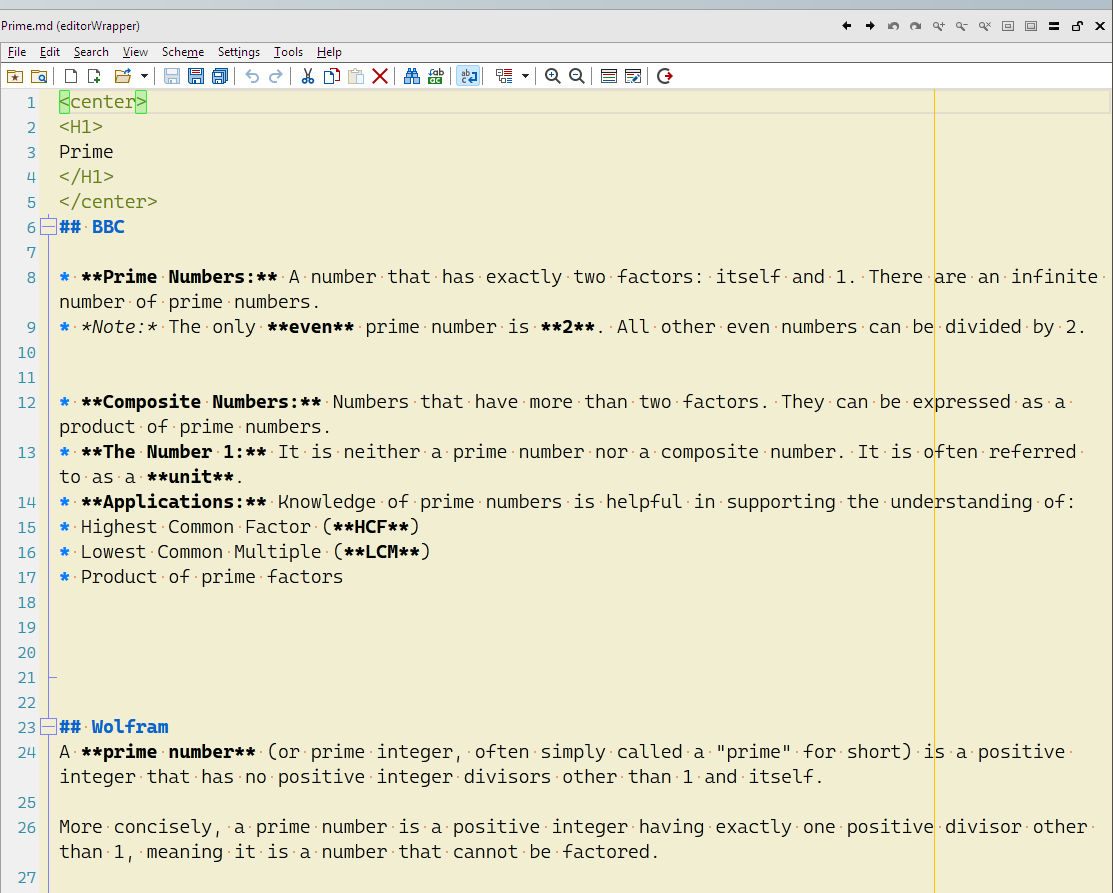
Notepad4 / Notepad3 / Notepad++ / Everedit is compact yet powerful text editor.
you can download from :
https://github.com/zufuliu/notepad4/releases
https://github.com/rizonesoft/Notepad3/releases
https://www.emeditor.com/
https://www.everedit.net/
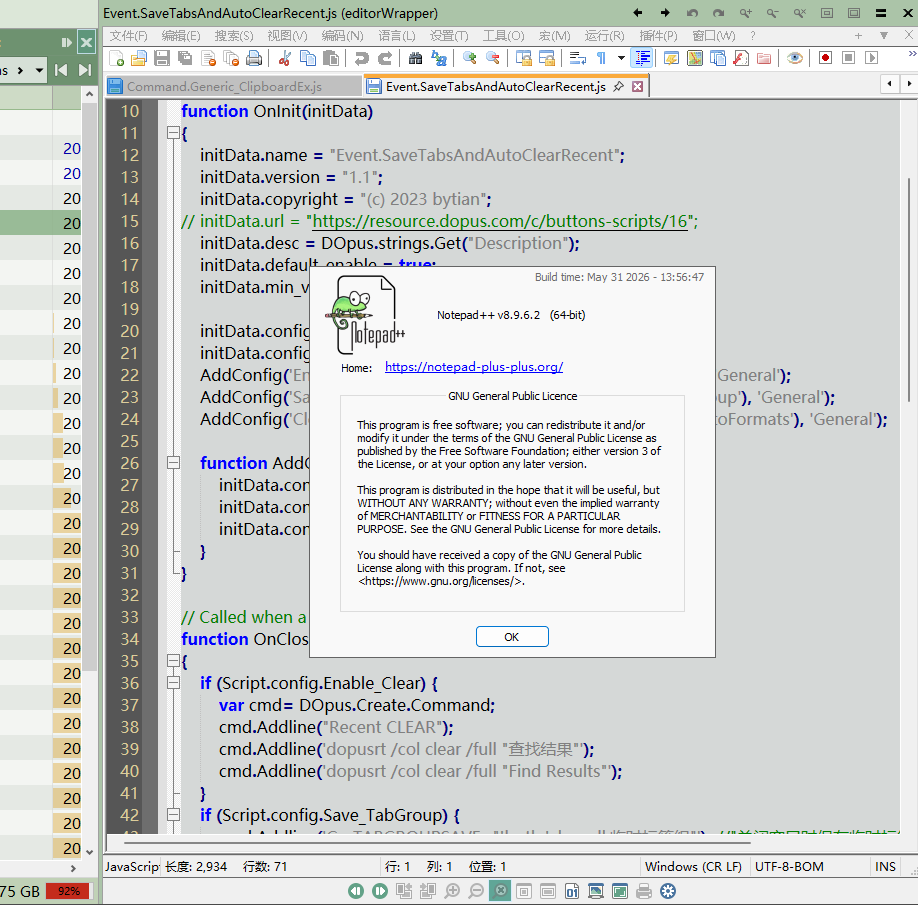
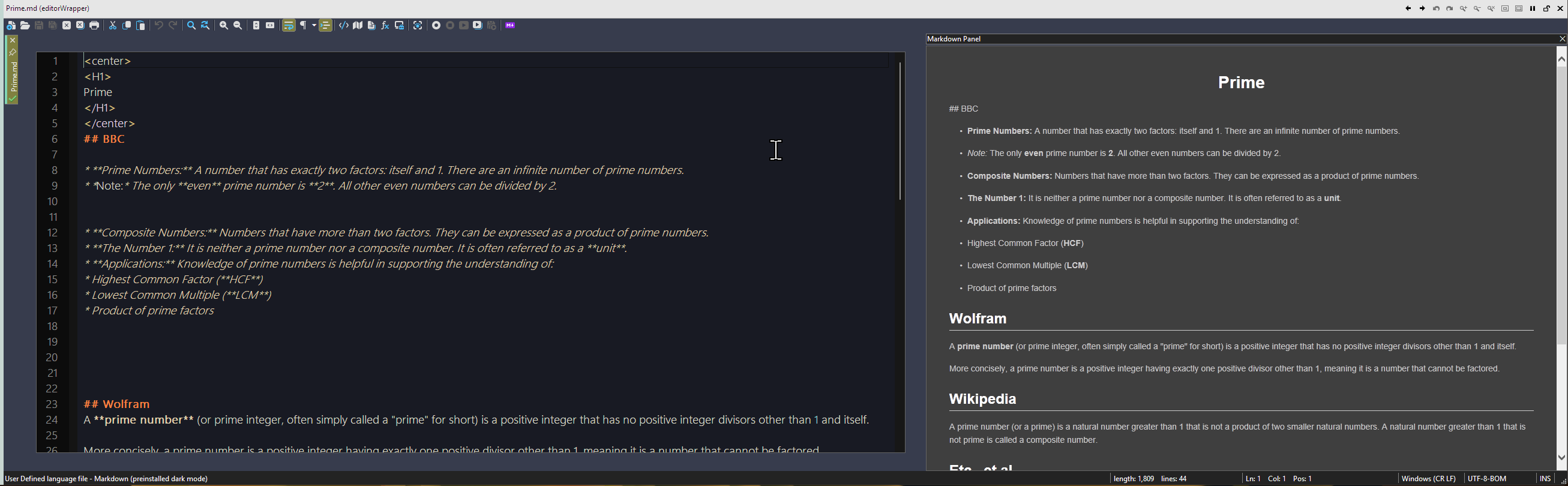
When previewing a file, this plugin launches Notepad4 (or N3) to open the current file, and its window will be embedded within the view pane frame.
you can directly edit the file and save it in the view pane.
Notepad4 / Notepad3 / Notepad++ / EmEditor/ EverEdit are all supported.
NOTE: the version of Notepad4 must be newer than v24.09r5472, because its parameters have changed since this version.
Download & Setting
Download the appropriate version based on your language.
Place the dll into "/home\viewers" and restart DOpus.
2026.8.1 :editorWrapper_en.zip (52.4 KB)
2026.8.1 :editorWrapper_cn.zip (52.1 KB)
--2026.7.1 : editorWrapper_en.zip (47.8 KB)
--2026.7.1 : editorWrapper_cn.zip (47.6 KB)
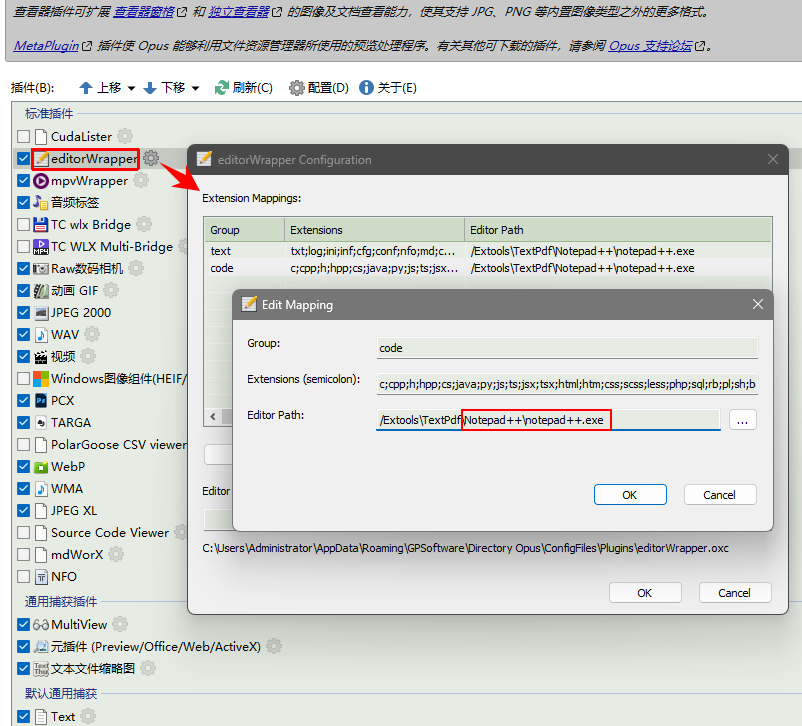
Preferences / Viewer / Plugins, show all plugins,
move editorWrapper up, Or move it to the top.
The setting GUI, you can add extensions and edit the path of .exe.
If the exe path is invalid, the preview action will be delegated to other plugins.
Environment variables, Dopus alias and absolute paths are all supported.
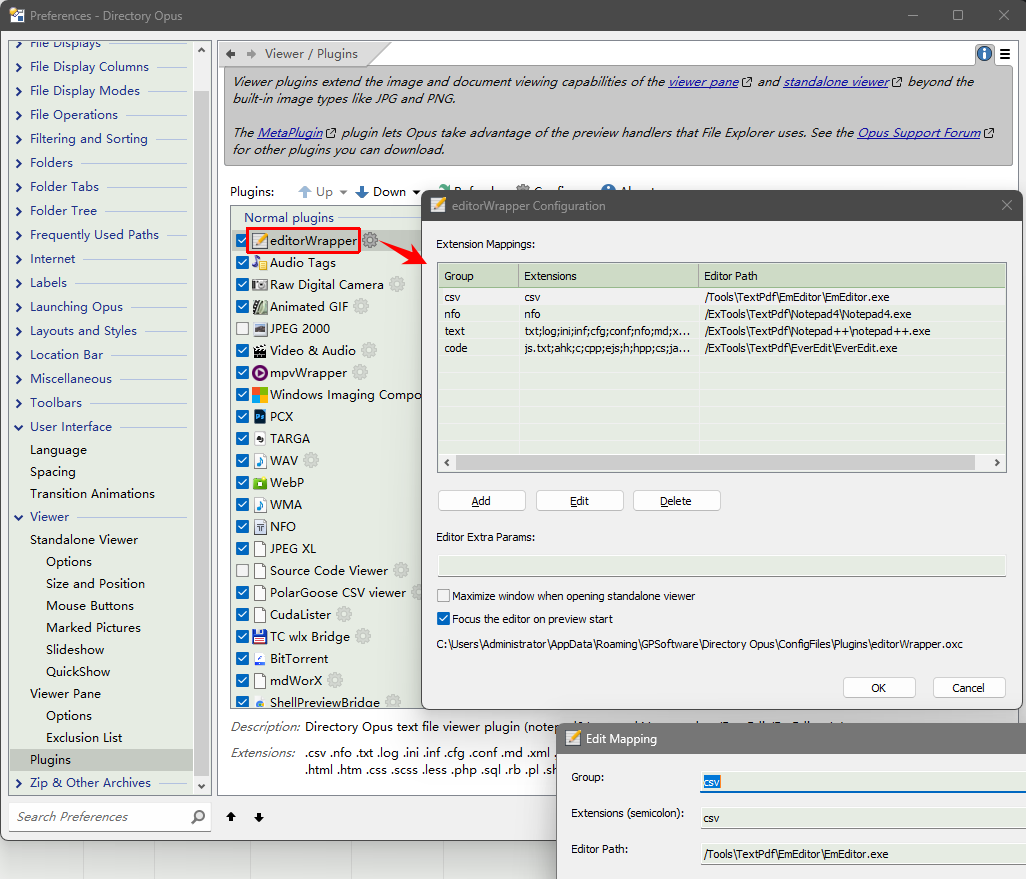
Screenshot
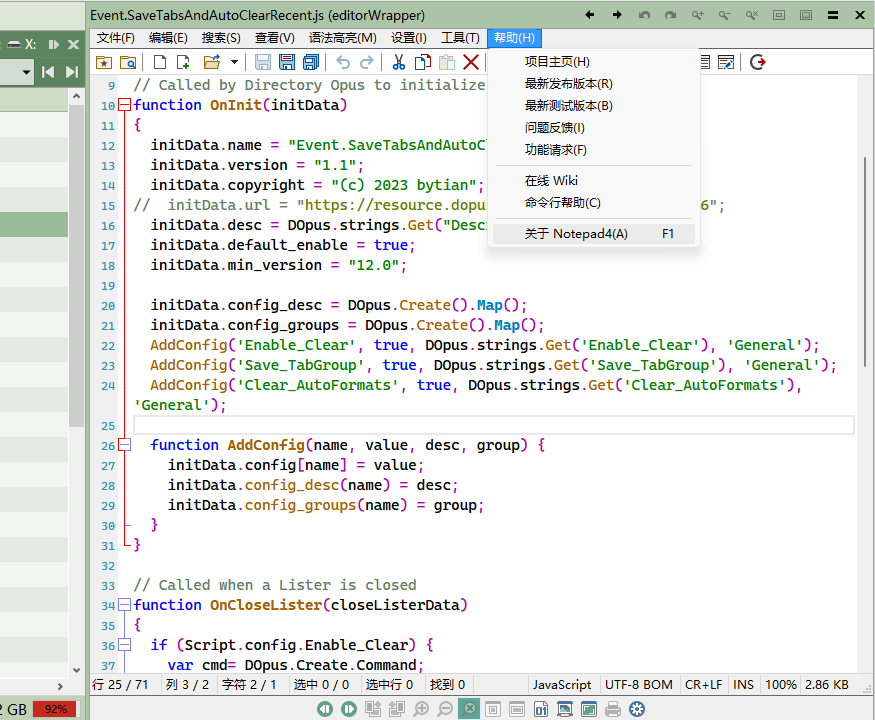
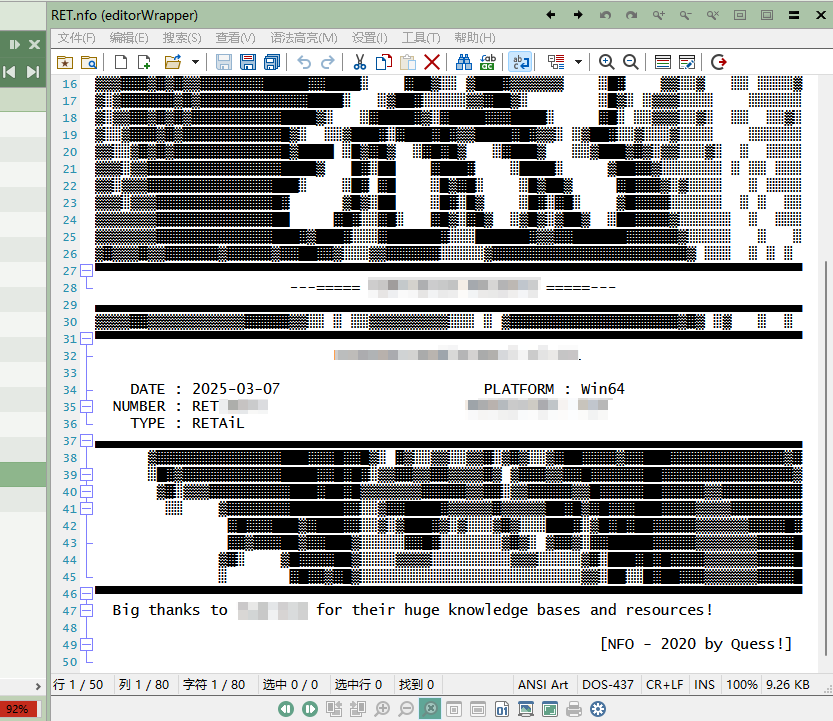
Change Log
v2026.7.1 Now supports Notepad++ v8.9.6.2
v2026.8.1 Now supports EmEditor & EverEdit
tested EmEditor v25.4.4, EverEdit v4.5.0.4500
(Perhaps other editors can also be supportted, but I has not tested)
Add two setting options:
"Maximize window when opening standalone viewer" (启动独立查看器时最大化窗口)
"Focus the editor on preview start" (启动预览时激活编辑器输入焦点 )
Fixed: Focus activation issue in standalone viewer window.
For EmEditor, I made a plugin to handle WM_COPYDATA messages, enabling smooth file switching (reusing old processes to avoid the additional overhead of starting new processes), as EmEditor does not have a publicly available method for handling WM_COPYDATA messages.
Download :
CopyDataReceiver for EmEditor.zip (11.1 KB)