editorWrapper : a viewer Using Notepad4 / Notepad++ to preview various text files and edit them

Notepad4 / Notepad3 / Notepad++ is compact yet powerful text editor.
you can download from :
https://github.com/zufuliu/notepad4/releases
https://github.com/rizonesoft/Notepad3/releases

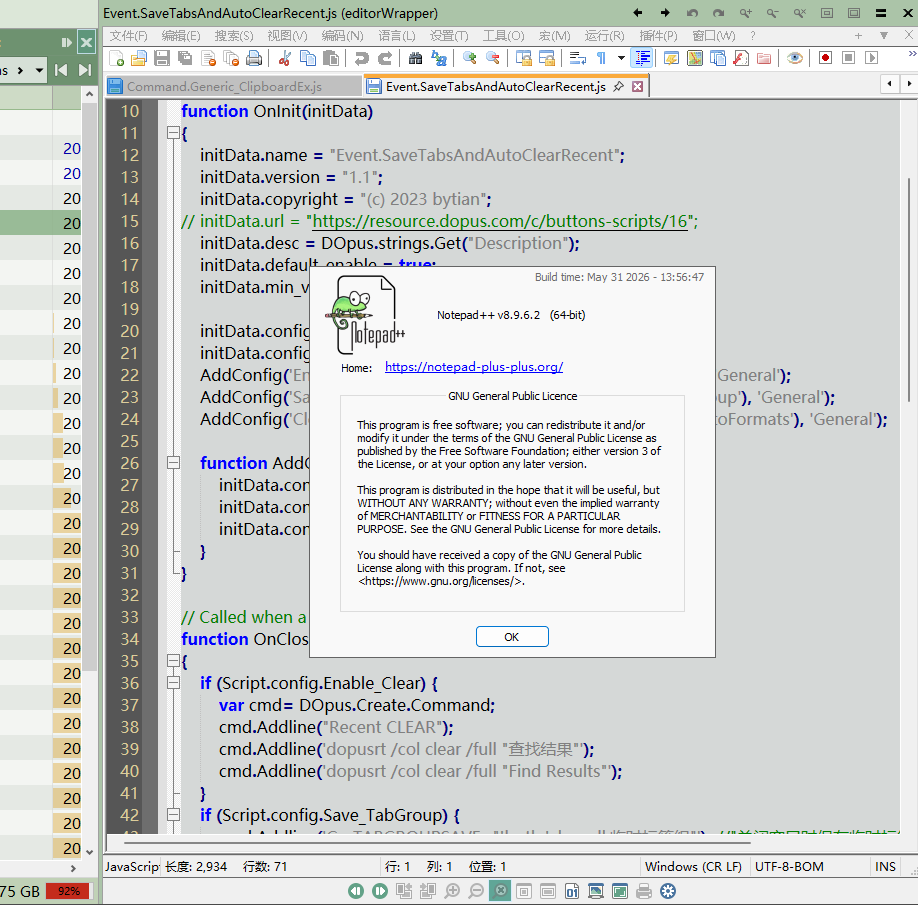
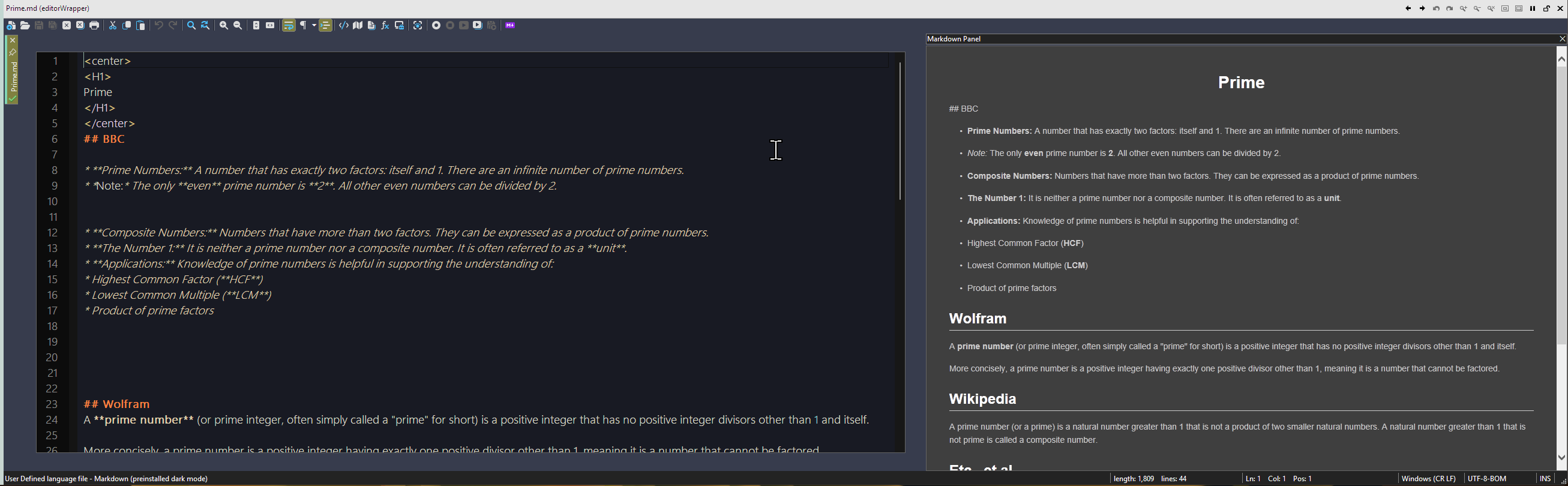
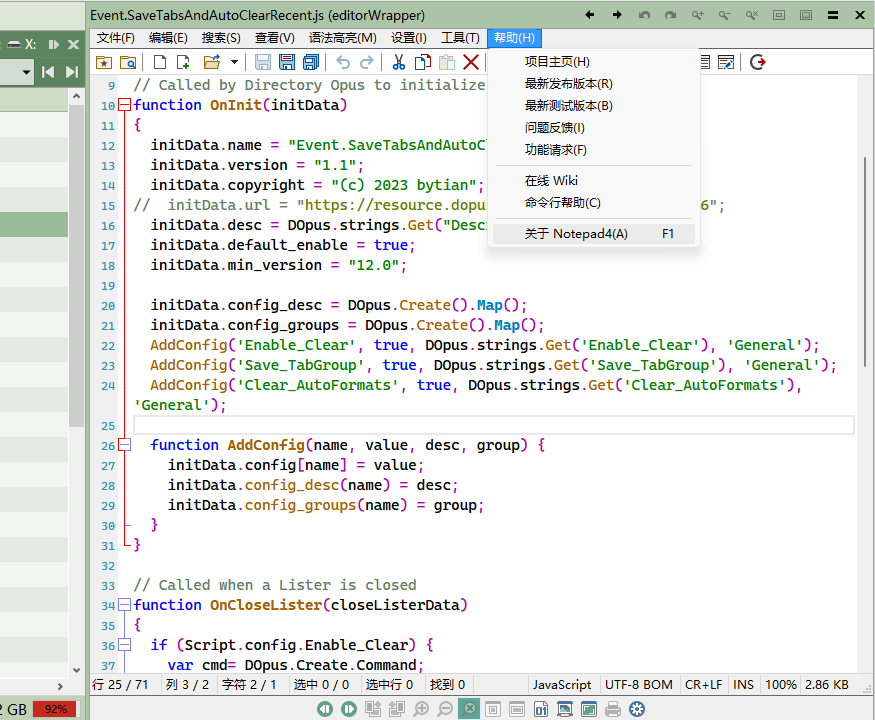
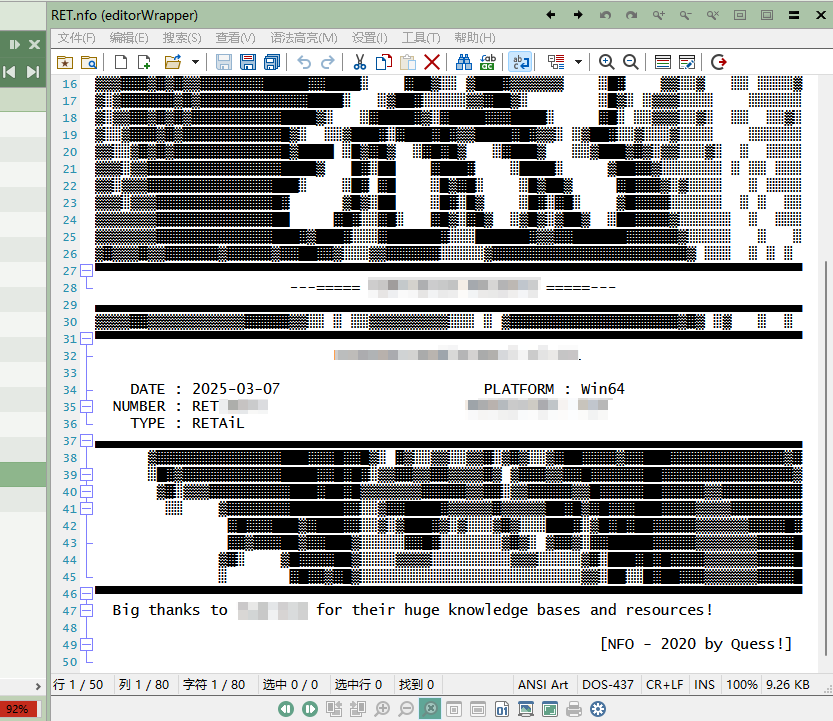
When previewing a file, this plugin launches Notepad4 (or N3) to open the current file, and its window will be embedded within the view pane frame.
you can directly edit the file and save it in the view pane.

Notepad4 / Notepad3 / Notepad++ are all supported.
NOTE: the version of Notepad4 must be newer than v24.09r5472, because its parameters have changed since this version.

Download & Setting

Download the appropriate version based on your language.
Place the dll into "/home\viewers" and restart DOpus.
2026.7.1 : editorWrapper_en.zip (47.8 KB)
2026.7.1 : editorWrapper_cn.zip (47.6 KB)

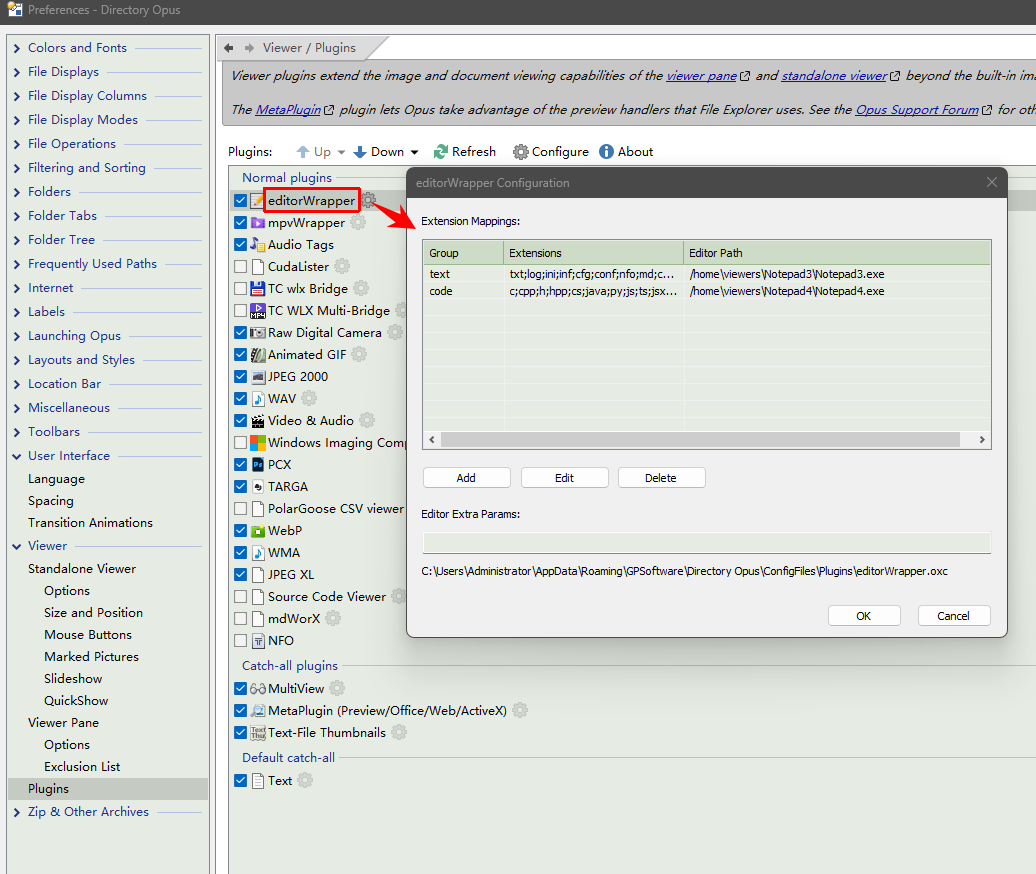
Preferences / Viewer / Plugins, show all plugins,
move editorWrapper up, Or move it to the top.

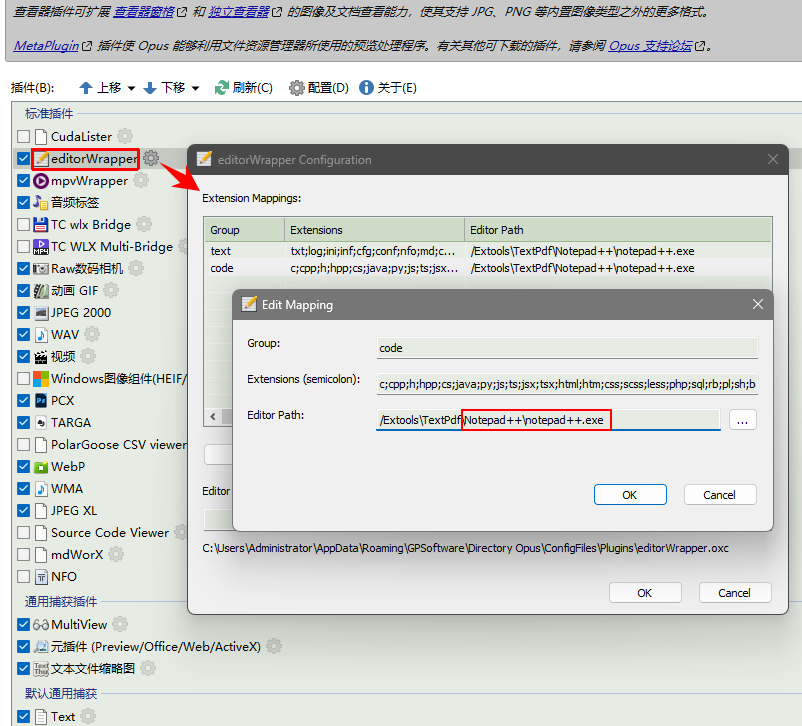
The setting GUI, you can add extensions and edit the path of .exe.
If the exe path is invalid, the preview action will be delegated to other plugins.
Environment variables, Dopus alias and absolute paths are all supported.
Screenshot
Change Log

v2026.7.1 Now supports Notepad++ v8.9.6.2

8 Likes

Nice tool and even with german translation! That's great for me.
Some suggestions:

  • For DOpus it should be able to automatically recognize the special extensions ".js.txt" and ".vbs.txt" as JavaScript / VBScript.
  • When viewing a file in viewer fullscreen mode (no title bar or toolbar of the viewer visible) it's not possible to toggle away from fullscreen. I currently have to click the "Close" button to get the context menu of the viewer available.
1 Like

Many thanks, nice to have options :slight_smile:
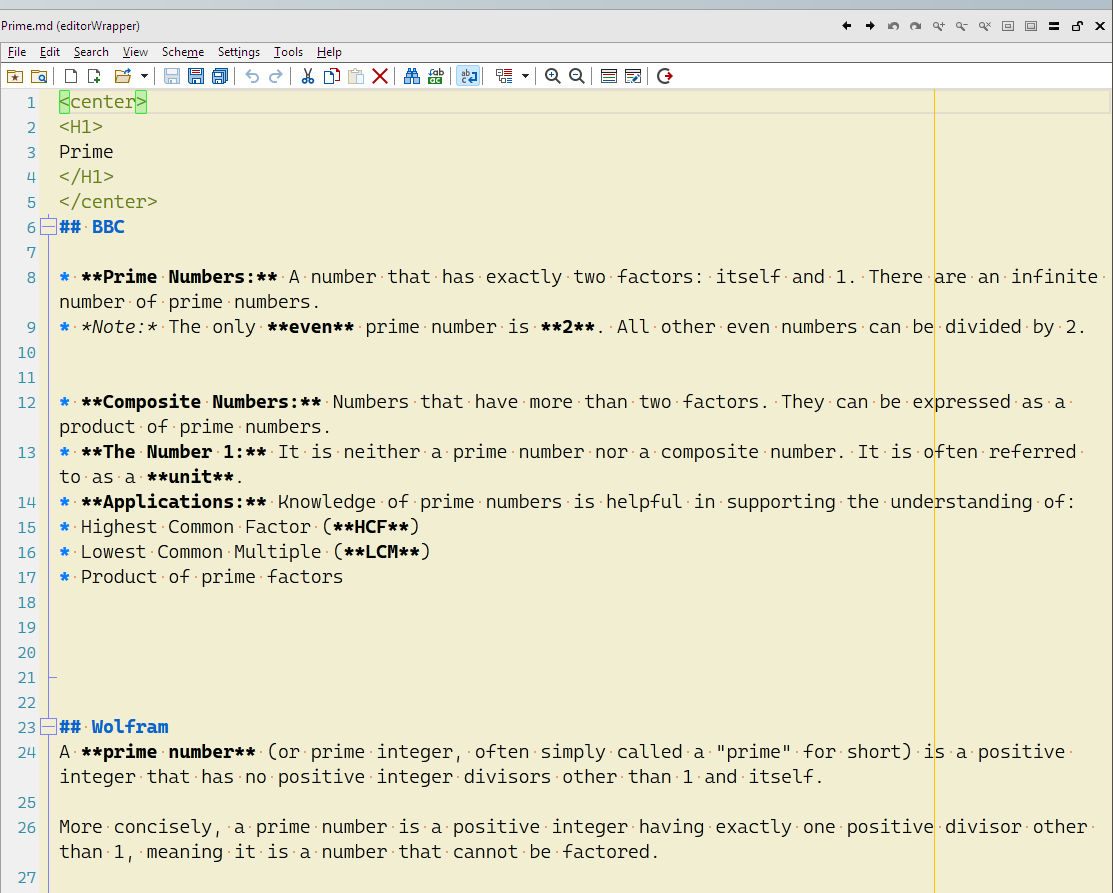
Any chance of doing a wrapper for Notepad++

v2026.7.1 Now supports Notepad++ v8.9.6.2 (earlier versions have not been tested)
3 Likes

Awesome, many thanks :slight_smile:

very nb!!!

I wasn't interested until I saw notepad++. :ok_hand:

I haven't tried it yet but does it support theming and macros? i.e can I run plugins from it and split panes? How does that work with file operations outside of the one you've opened?

What are you building this on? Just cross-process window embedding? Does it impact how I can use the standalone notepad at the same time?