Micky
December 30, 2023, 8:49am
1
After fiddling around with creating some evaluator columns, I would like to use them in some label filter definitions.
While script columns are still available, evaluator columns are missing from drop down box:
Maybe I did not look carefully, maybe this is by intention. OTH, I would like to see evaluator columns in filter label definitions, too.
lxp
December 30, 2023, 11:14am
2
I don't think you can use evaluator columns, but you can use the evaluator in textual filters.
You would need to rewrite your eval columns so they include the condition and return true or false.
Micky
December 30, 2023, 1:12pm
3
Thanks Alex for your reply!
Returning True or False isn't an issue here, I can modify the evaluators.
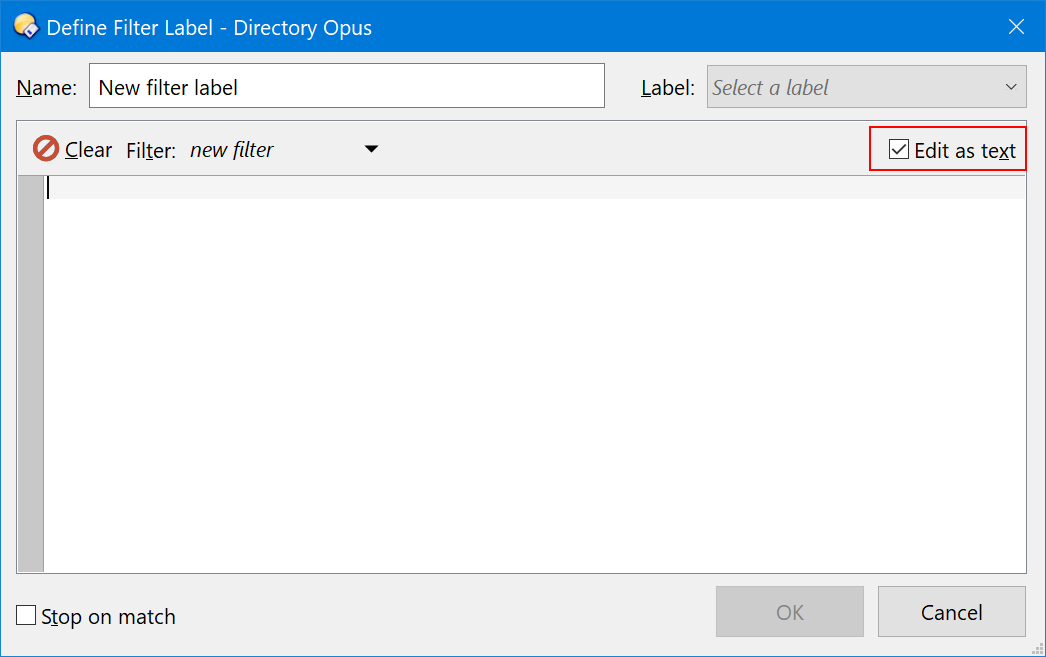
Nevertheless, I do no see any option on how to use textual filtering with folder labels, do you? The docs do not mention any possibility to use evaluators in that area, either.
Micky
December 30, 2023, 1:34pm
5
That's what I've experimented before, too. However, did not find any possibility to use evaluators or the result of evaluators here.
I've already checked
contains match {=WarrantExpiresOn=} partial utf8
and type match files
or
type match files
and contains match $WarrantExpiresOn partial utf8
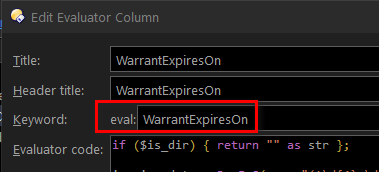
WarrantExpiresOn is my eval keyword from
I'm missing the correct syntax for using eval return values in this context.
Best option would be, IMO, if the definitions could make use of Evaluator Columns similar to Script Columns.
lxp
December 30, 2023, 1:49pm
6
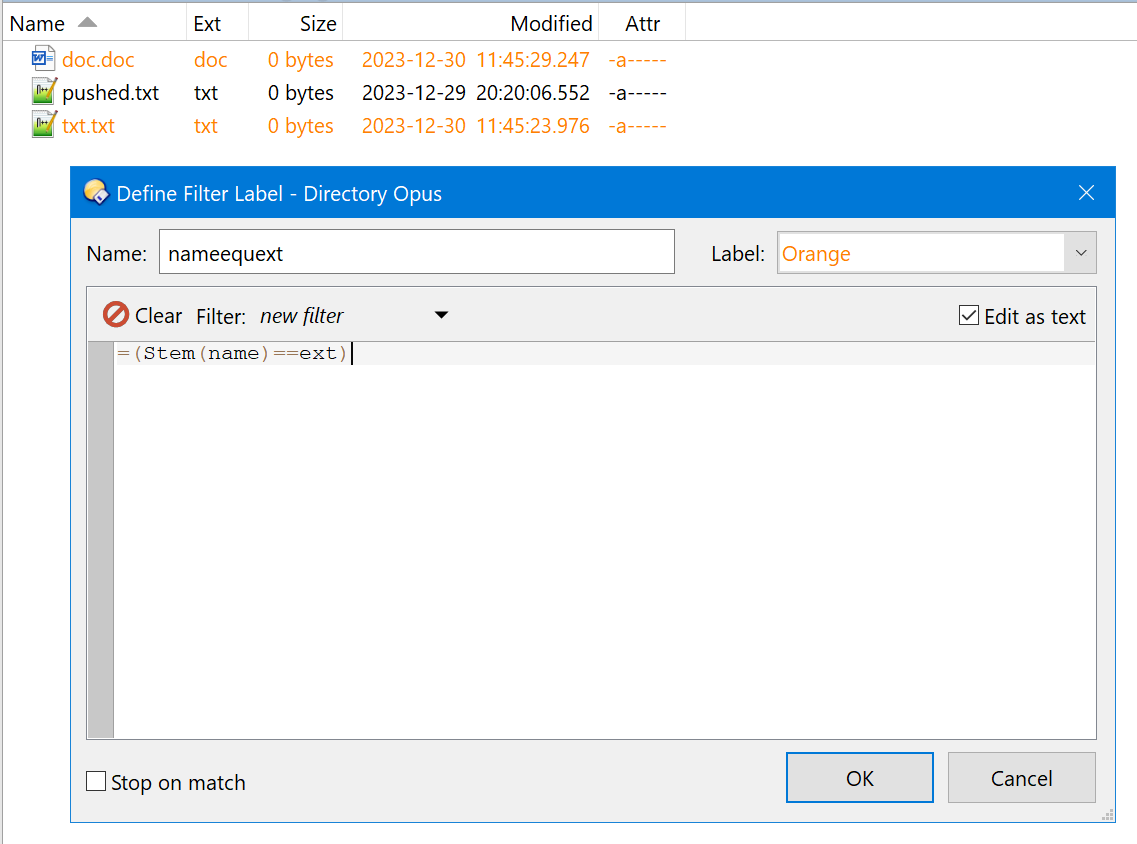
Not a bad idea, but currently you need to write pure eval code, e.g.:
Micky
December 30, 2023, 4:20pm
7
WTF
Anyway, this does not work either: Evaluator Columns are not available as it seems.
I've got this evaluator keyword and an example file results in "yes".
When trying to use this eval in a filter, as you mentioned above=(warrantyexpired==yes)
I get this error:
Same applies to=(warrantyexpired=="yes")
This error does not disappear when returning a bool value (true or false) instead of a string (str) in appropriate evaluator column.
Micky
December 30, 2023, 4:33pm
8
Ahh - got it!
The complete eval commands has to be put into the filter, like:
=(
	if (is_dir) { return false };

	invoice_date = RegExS(name,"(^\d{4}-\d{2}-\d{2}) (.*)", "\1");

	warranty_yrs = RegExS(name,"(.*)(\[)(\d+)(.*)", "\3");
	expires_date: date = DatePart(invoice_date,"YYYY-MM-dd");
	expires_date = expires_date + Format("%1y", warranty_yrs);

	diff = DateDiff("d", DatePart(Now(),"YYYY-MM-dd"), expires_date);

	if (diff < 1)
		{ return true }
	elseif ( diff >= 1 and diff < 90 )
		{  return true }
	else
		{ return false };
)
and return true or false
That's a solution of course but I cannot differentiate between different return values as it is possible in this eval instructions: yes, soon, space that I'm using in the eval column:
if (diff < 1)
	{ return "yes" as str }
elseif ( diff >= 1 and diff < 90 )
	{  return "soon" as str }
else
 	{ return "" as str } ;
And what's more, this means one has to use similar code in two places: Evaluator Columns and Filter Labels.
At the end, my feature request still exists: Please provide Evaluator Columns in Filter Labels and within similar areas throughout DO, @Leo , @Jon .
lxp
December 30, 2023, 4:33pm
9
Indeed, they are not. You can't use them. You need to rewrite their code as the textual filter.
lxp
December 30, 2023, 4:46pm
10
That's the harsh nature of filters: they only take true or false as an answer.
Gotta make up your mind
Micky
December 30, 2023, 5:03pm
11
That may be true, Alex
However, when I'm not forced to use textual filters like the one above, which is mandatory for evaluator columns, I still can compare e.g. script columns results with strings like I did before trying evaluator columns:
And that's the whole story: Replace an existing JScript with an evaluator column, but obviously they are not fully backward compatible at the moment
Leo
December 31, 2023, 1:30am
12
It's in the Opus 13 release notes. Find Files [Directory Opus Manual]
Micky
December 31, 2023, 7:44am
13
Thanks @Leo , found it now.
A bit little hidden though, because I came from another side to test some evaluators and start reading the documentation
Micky
December 31, 2023, 8:45am
14

 where did you find this kind of information? It's not available in any documentation I've searched so far.




