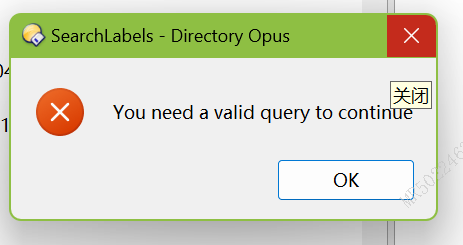
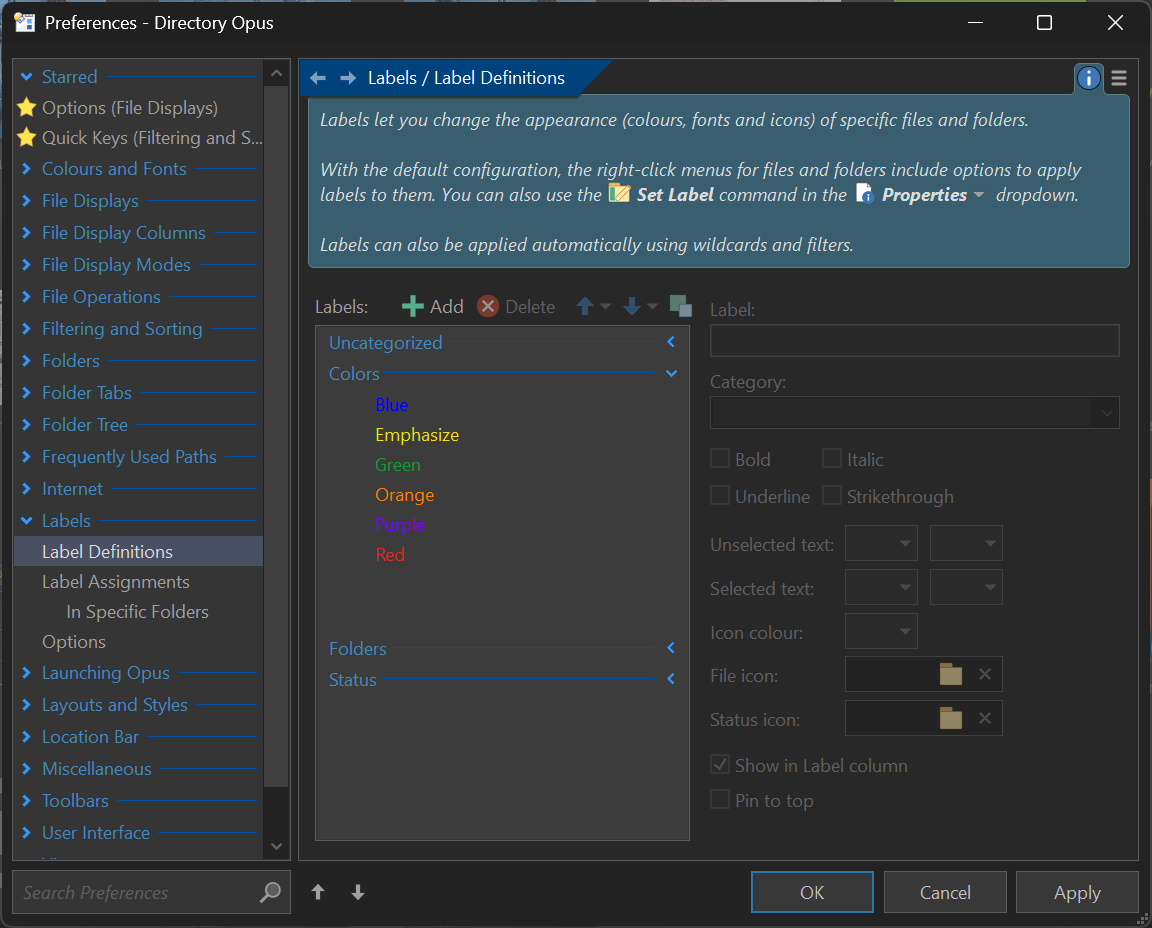
EVSearchLabels is a script add-in for Directory Opus that lets you search Opus labels using Everything, making it possible to get near-instant results.
Requirements:
- Everything (tested with v1.5.x — not sure if it works with v1.4).
Installation:
Then install the script as usual.
Usage
A simple example would be:
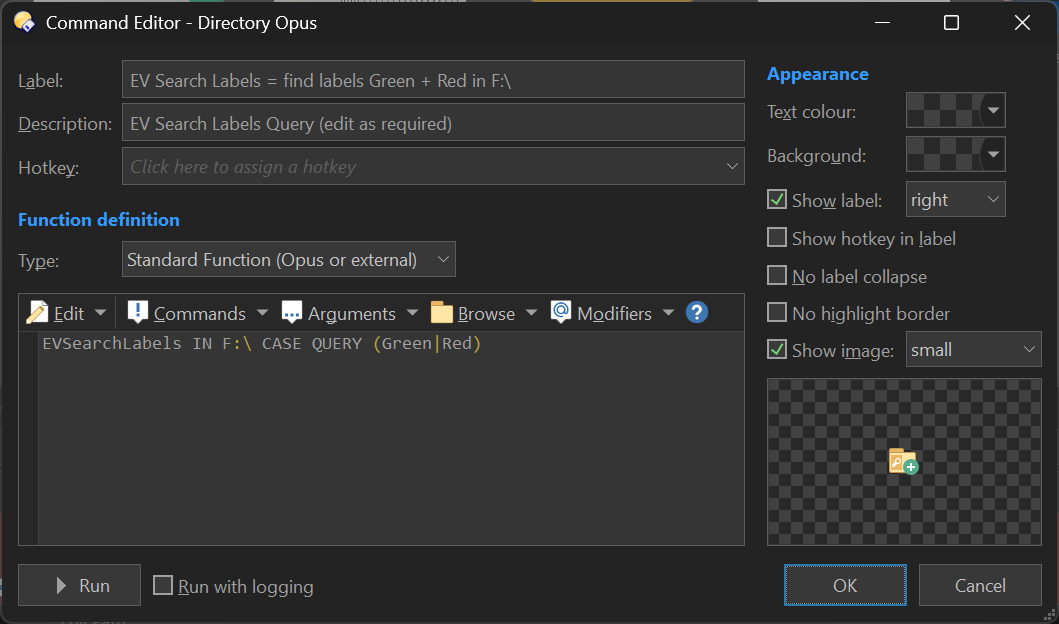
EVSearchLabels IN C:\ D:\ CASE QUERY (green|red)
This would search across C: and D: for files that have the labels "green" or "red", in lowercase.
If IN is not specified, the search will use the current source tab path.
No paths means a search in the entire system.
Please read the Command's Arguments section carefully for more details.
Command's Arguments
The command supports the following arguments:
| Argument | Type | Value | Desc |
|---|---|---|---|
| IN | /M | A list of paths where to search. | |
| REGEX | /S | Enable regular expressions in QUERY. |
|
| CASE | /S | Enable match case in QUERY. |
|
| PARTIAL | /S | Enable partial match in QUERY. |
|
| COLLNAME | /K | Name of the collection to use if you want a specific one (p.e. "my labels"). | |
| EXTRA | /K | Extra query to pass to Everything for additional filtering. Must be valid Everything search syntax. Use double quotes if it contains spaces, and escape double quotes if needed. | |
| QUERY | /R | A wildcard rule for labels to search for (depending on the flags used). Note that this is a RAW argument, so it must be used at the end. |
Notes
It most likely will not work with v1.4. So it is highly recommended to use Everything v1.5.x.
Also, for instant results, it is recommended to index the alternate-data-stream-hex property. To do so:
- In the main Everything window, go to Tools \ Options \ Indexes \ Properties and click "Add...", then select "Alternate Data Stream Hex".
- Configure the options below according to your needs (locations to include, exclude, folders only, files only, etc.).
- After clicking "Apply", Everything will begin indexing, which may take some time.
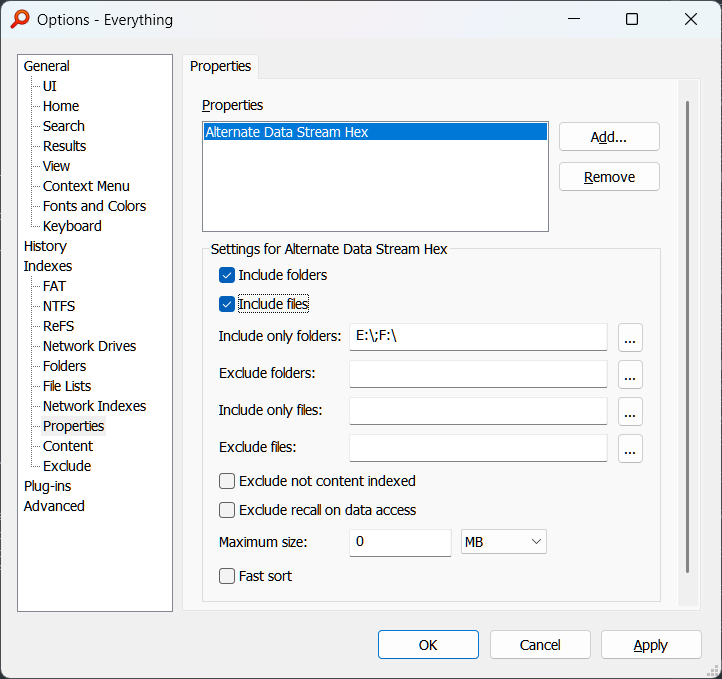
Once the paths are indexed, search results should be instant.
- Note that only regular filesystem path types are supported (no collections, libraries, etc.).
- The script ignore diacritics in labels by default.
Greetings
- To Opus team.
- @dpuser441 for the idea.