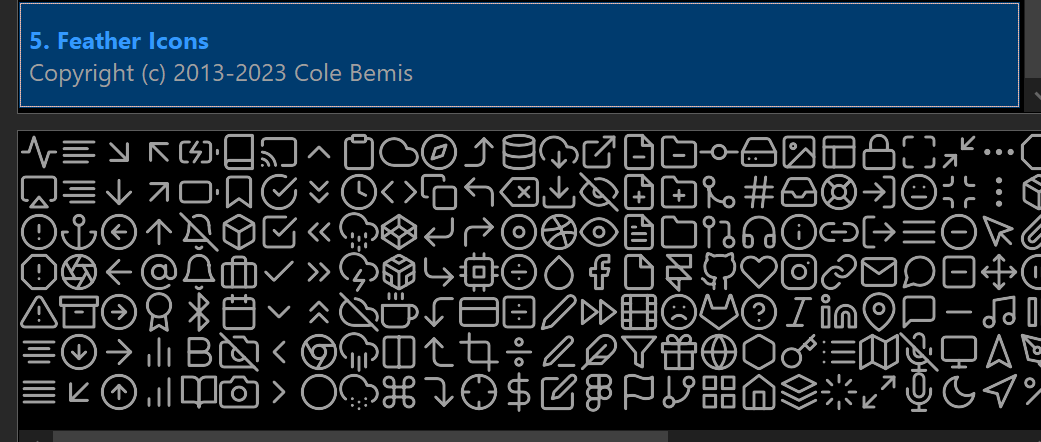
Directory Opus 13.23.5 now supports SVG icon sets. Here's an example as a demonstration.
(the SVG icons are all from GitHub - feathericons/feather: Simply beautiful open-source icons · GitHub which are available for free under an MIT license).
feather.dis (13.0 KB)
A brief summary of SVG-related XML:
- Set the
sizeattribute of the<set>element to"svg" - Optionally provide default sizes for
smallandlargevia those attributes. These will be used as the icon size unless overridden by the toolbar. - Optionally set the
remove_paddingattribute to"yes"to remove any external padding from images. - The SVG code should be added inside each
<icon>element (e.g.<icon name="copy"><svg>...</svg></icon>). - You can optionally provide styles via one or more
<style>...</style>elements, which should appear at the same level as the<icon>elements. - Styles can have an attribute
id="light"orid="dark"to provide different colors for light/dark mode. - Styles without an id will be provided to each SVG icon in both modes.

