I got the date field from the dropdown list:
ok understood. I didn't know there was this feature  I have never used the rename dialog.
Give me 1 day. I will fix the script so that it works properly.
2 Likes
I have released a new version v3.0.
You need to change : with __ in the exifToolTagNamesDatabase variable. Or copy paste the tag names from the TagNamesDatabase.txt again.
Could you check that it works for you?
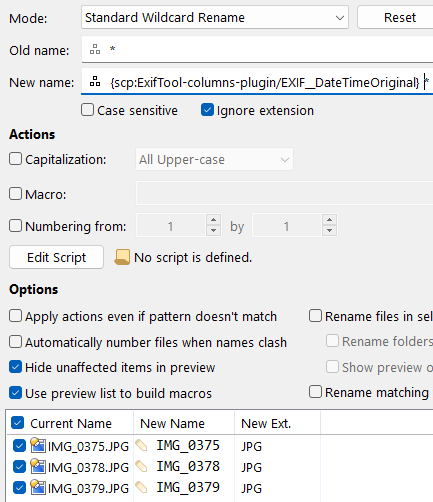
btw, you changed the : to a DOUBLE underscore.
Yes, it is on purpose. Because some of the Exif tag names contain a single _. Thus, I had to use double to avoid confusion.
Does not work.
I changed the script's name. Could you select the column in the rename dialog again?
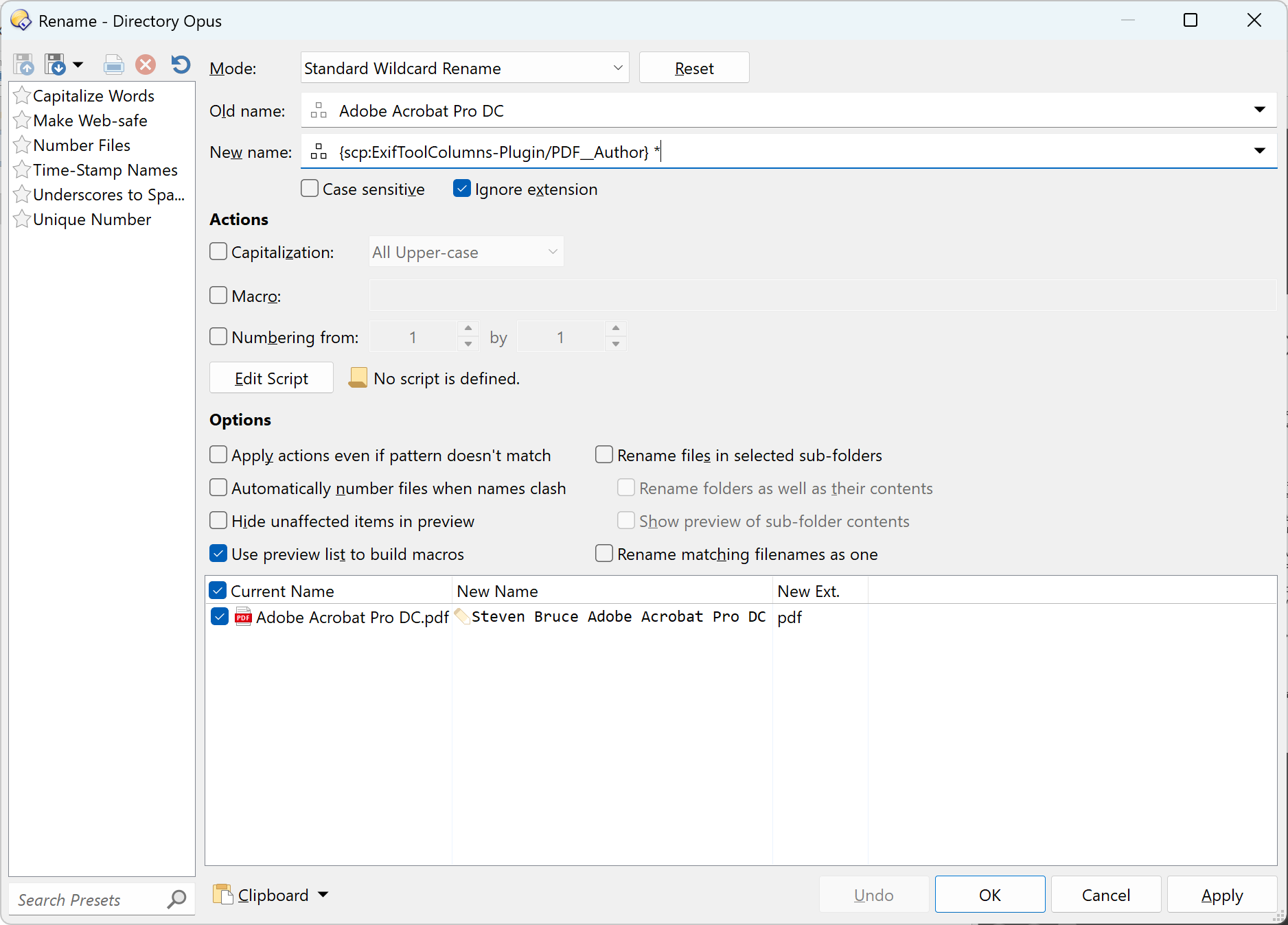
it’s working now. Thank you.
1 Like