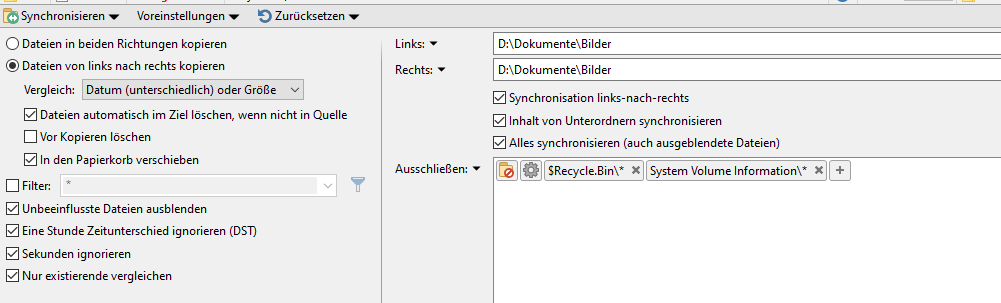
Subject: Incorrect synchronization and false completion messages
Dear Sir or Madam,
I am experiencing a serious problem with the synchronization from left to right in Directory Opus.
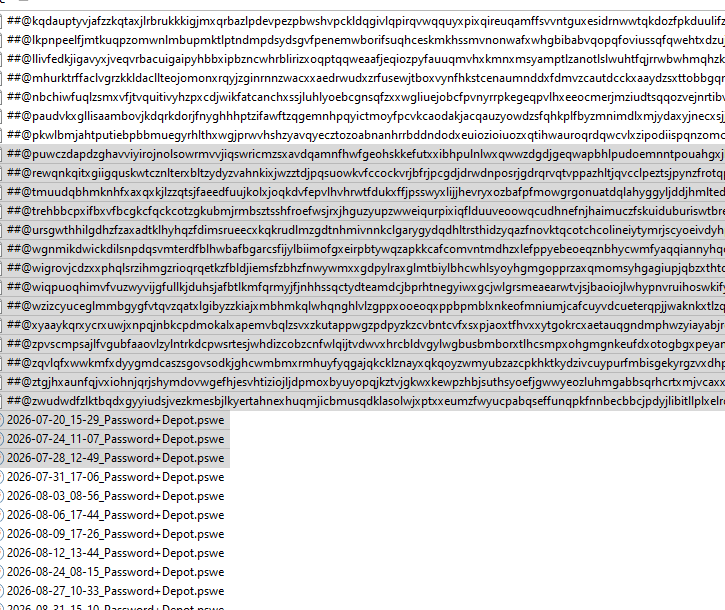
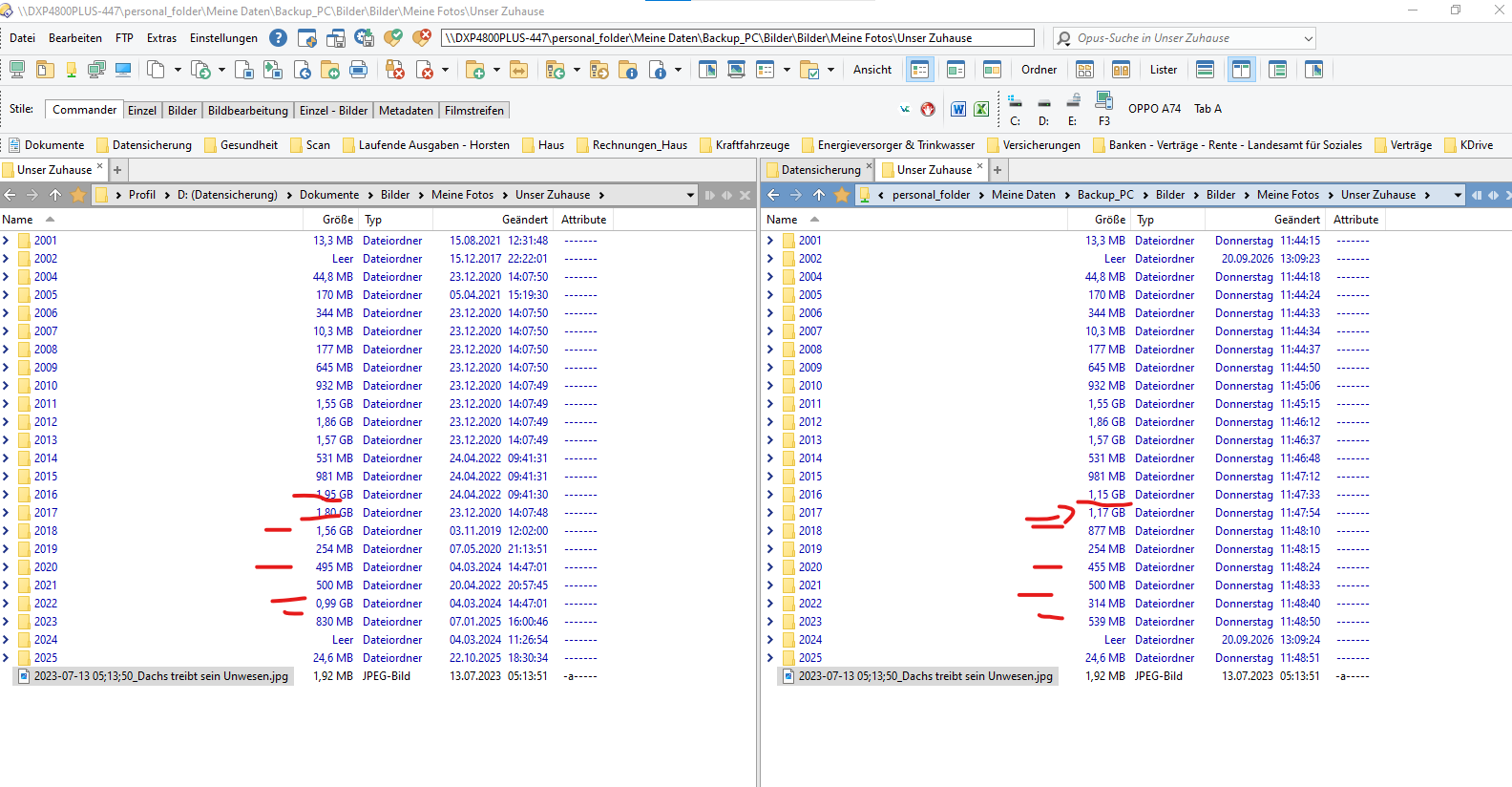
Files are not always copied completely, but Directory Opus reports that the synchronization has been completed successfully without displaying any error message. This gives the impression that all files have been transferred correctly, even though some files are incomplete or missing.
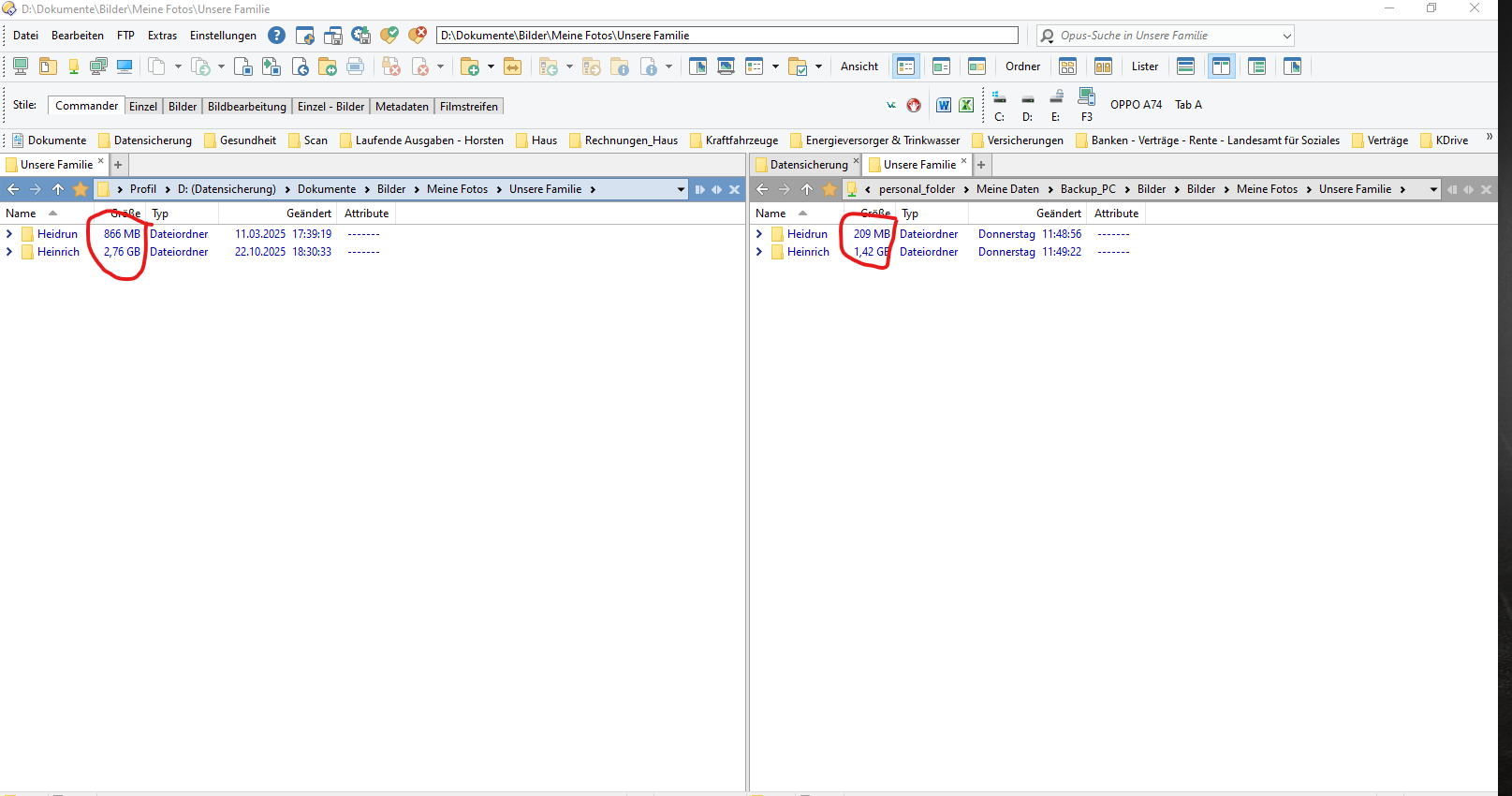
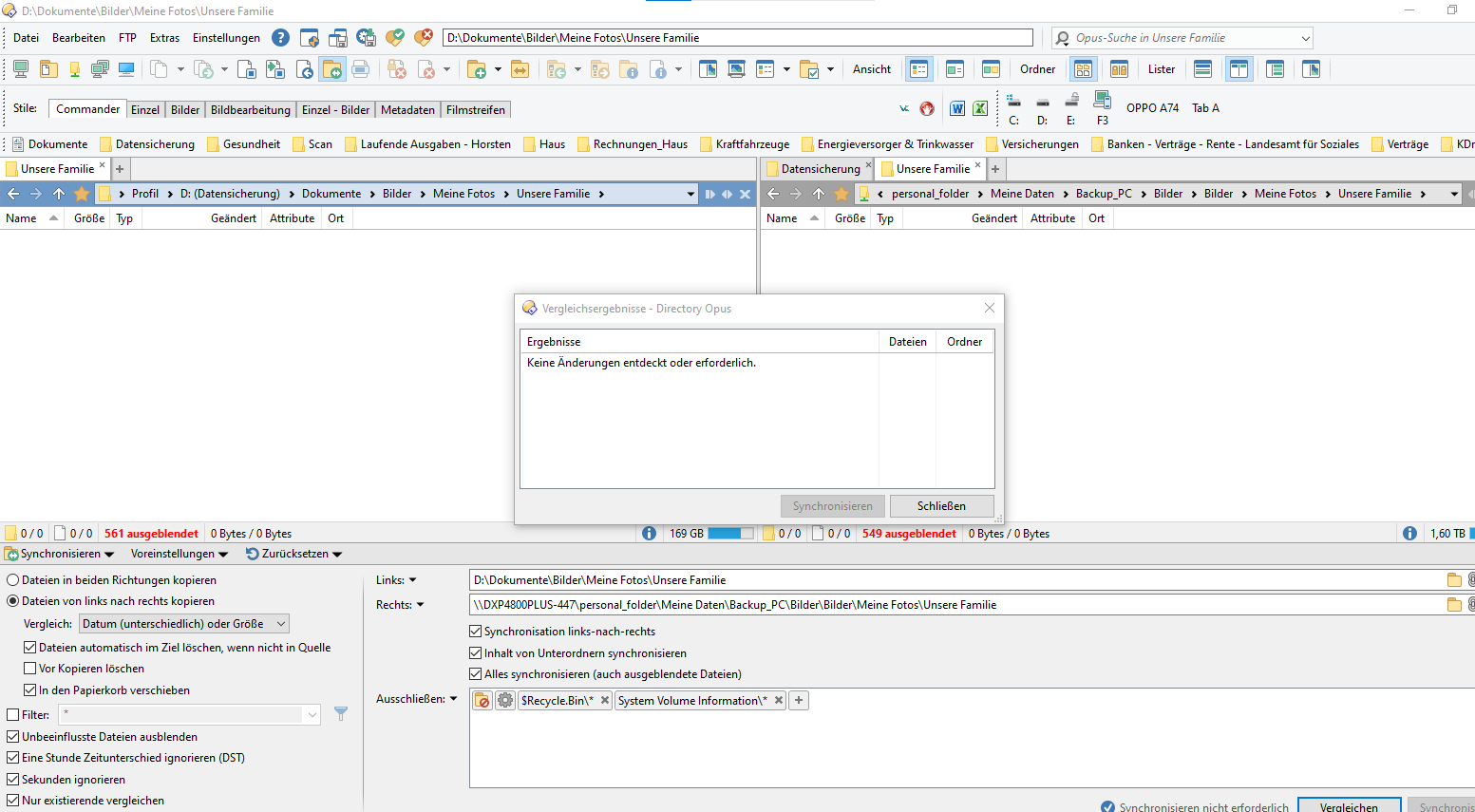
I also receive incorrect information when comparing folders. Although the folders contain different files or file contents, Directory Opus reports that the folders are identical. The comparison therefore does not reliably reflect the actual differences between the folders.
As a result of this problem, I have already lost a considerable amount of data before I noticed the issue. This is particularly serious because the program indicates that the synchronization was completed successfully, even though the data was not copied correctly.
Please investigate this issue urgently and let me know:
- Why files are not being copied completely.
- Why no error message is displayed.
- Why the folder comparison reports different folders as identical.
- Whether there is a known software or configuration problem.
- How I can verify the integrity of the affected files and prevent further data loss.
I can provide log files, screenshots, synchronization settings, and further technical details if required.
I would appreciate a prompt response, as I currently cannot rely on the synchronization function for secure data transfer.
Kind regards,
Heinrich Sievers
P.S: I do not speak English, so this message was translated with the help of artificial intelligence.