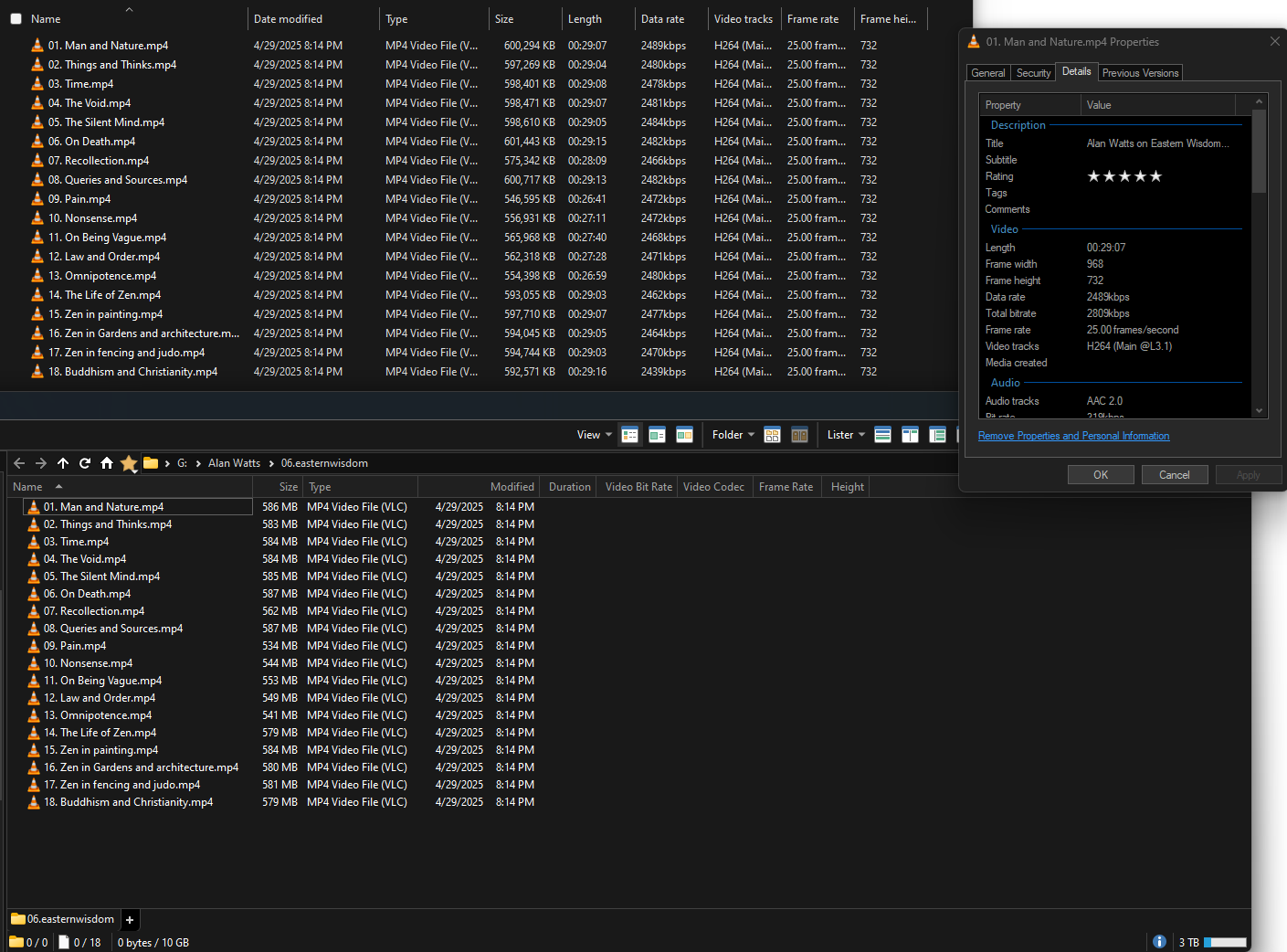
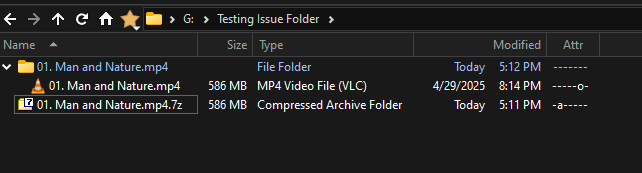
Top is windows file explorer, right is the file properties, and bottom is Directory Opus where the data isn't showing.
I've tried refreshing, waiting, navigating to different folders and back, fully closing Directory Opus, rebooting, opening in windows file explorer and showing the same columns, adding and removing columns, and changing the view to other views and back. Probably a few other things as well. 2 day old install, no plugins.
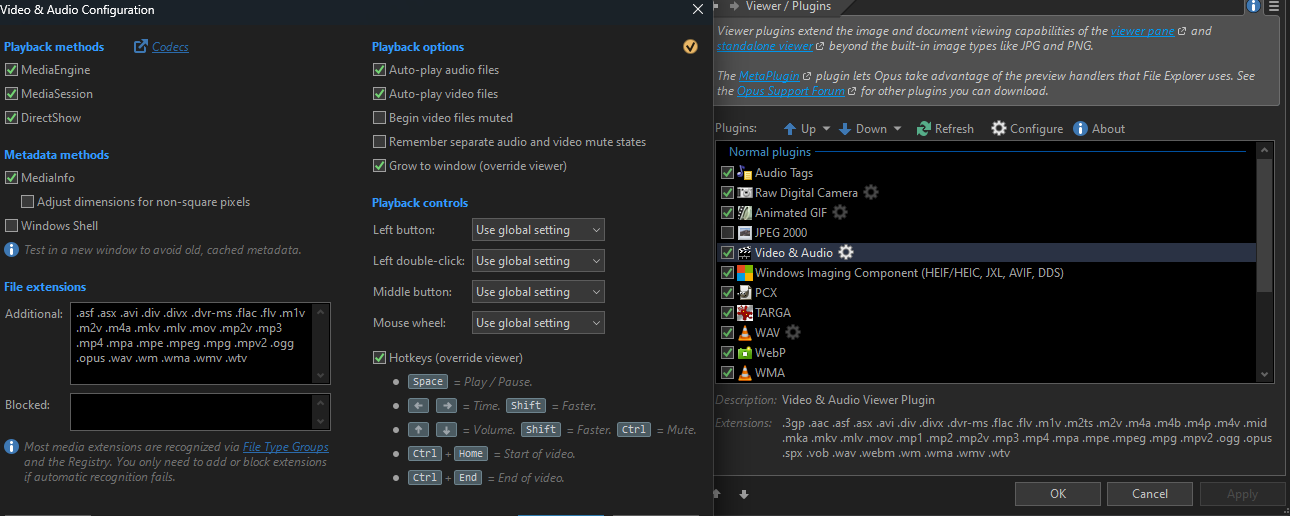
Current settings. I also just tried checking 'Windows Shell' under 'Metadata Methods' and fully restarting DO. No change. Reverting that option now.
Hmmm, I can't seem to find an "About" anywhere.
The installer is DOpusInstall-13.21.exe. Downloaded from https://www.gpsoft.com.au/download/release. Unsure if that is the current version (not sure if automatic updates are a thing with DO).
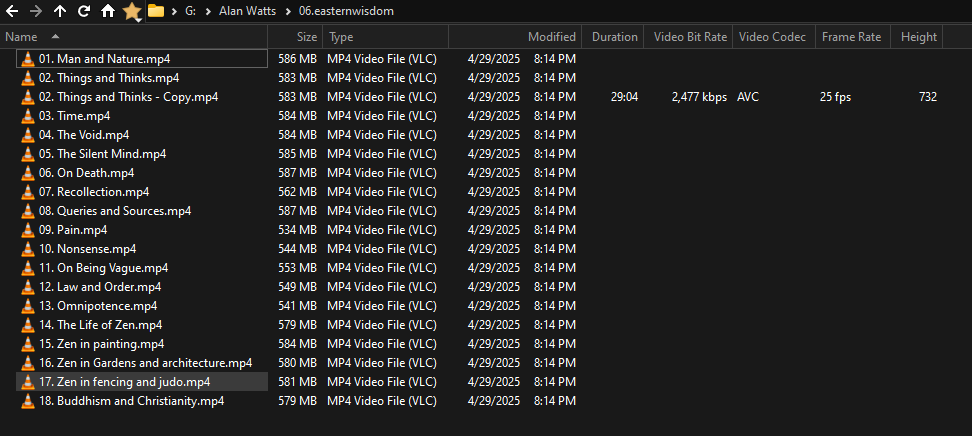
No. I included the drive/folder/file path at the top. All screenshots are on the same drive. So it is working in some folders, but not others. The screens of copying a file and it working in the same folder also should rule that out.
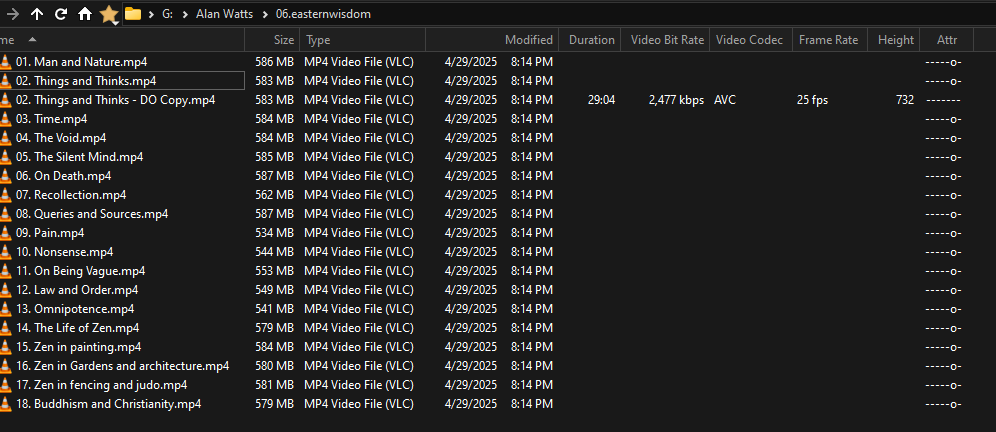
If you turn on the General > Attributes (or "Attr" for short) column, which letters does it show for the files? (Something may have flagged them as offline even though they aren't really. Easily fixed if so.)
When you copied the files to another folder, was that copy done using Opus or another tool? (If Opus is able to copy the files, that rules out a bunch of possible causes.)
I added one of the files to a 7zip archive with 7zip. Moved it to a different folder, and used the 7zip right-click context menu to "Extract to "archivefilename""
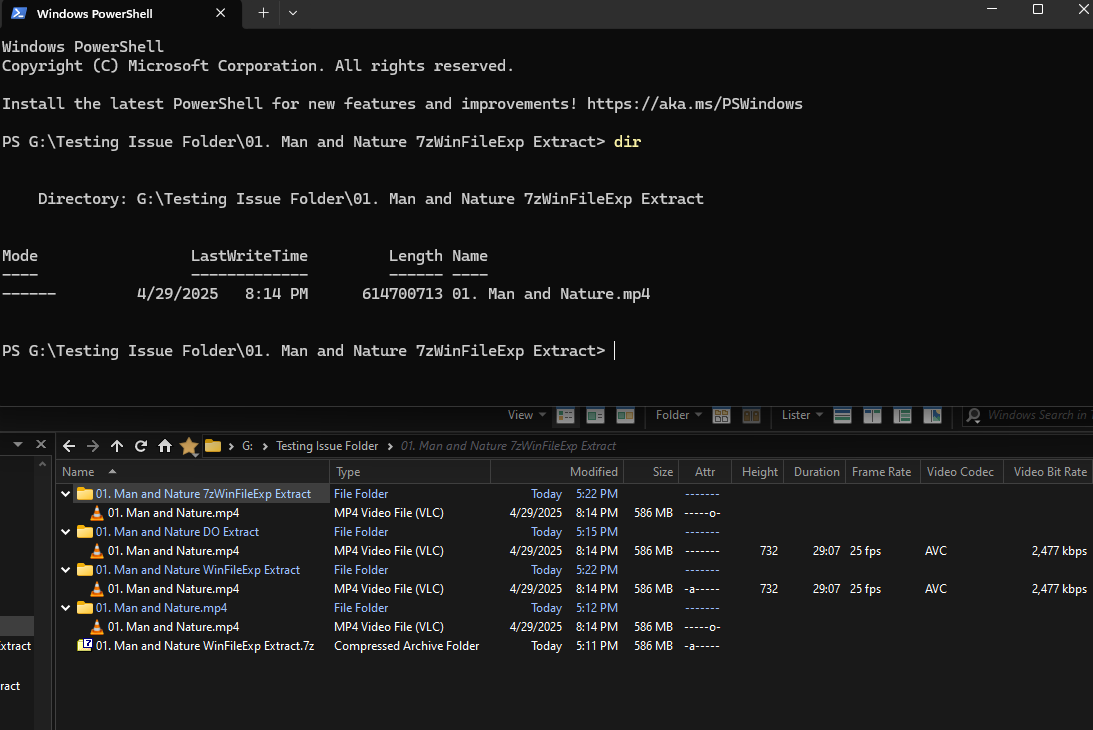
7zWinFileExp: I extracted using 7zip in Windows File Explorer.
WinFileExp: I extracted using windows native archive handling.
DO Extract: I extracted using DO native archive handling.
No additional label: I extracted using 7zip in DO.
So it does seem to be linked to at least 7zip, curious if it's other archive handling programs as well. It is interesting that Windows File Explorer doesn't have an issue with the details when extracted using 7zip.
It is also curious that the file extracted with Windows File Explorer's native handling retains the 'archive' attribute bit.
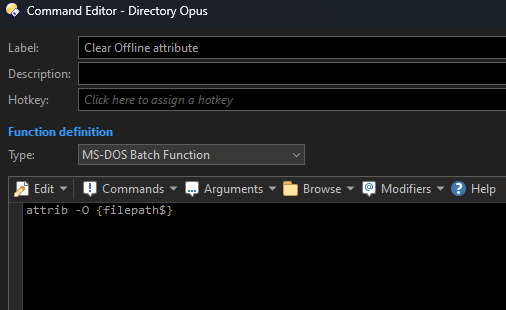
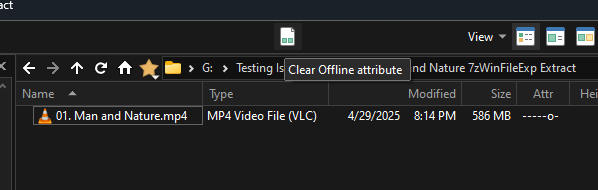
The files all have the offline attribute set on them. Opus avoids reading from files that are marked as offline to avoid triggering a download of the data from cloud storage.
The files all have the offline attribute set on them. Opus avoids reading from files that are marked as offline to avoid triggering a download of the data from cloud storage.
Then why is there no offline attribute when listing the file in the terminal?
The terminal listing may not include that attribute. There are lots of attributes which are usually not included (even in Opus).
The 7z format will preserve the attribute if told to. Tools creating or extracting files should really filter it out to avoid marking files as offline when they aren't, but it's easy to overlook. (We overlooked it ourselves at first as well.)
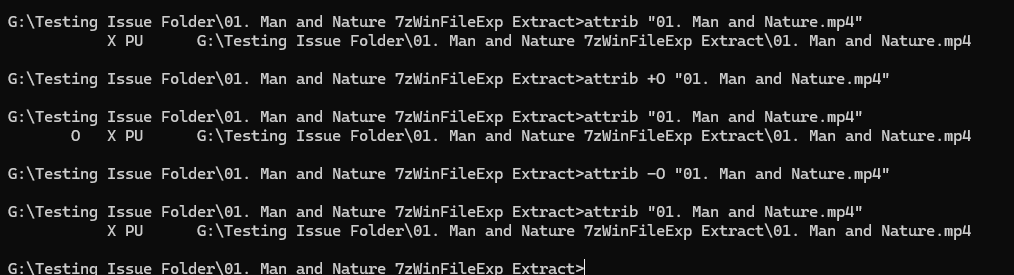
Checked in cmd, file didn't have Offline attribute. I can add it, and remove it. No change even after a refresh in DO.
This did get me thinking. I'm not familiar with X P U attributes. I looked into them:
X is
FILE_ATTRIBUTE_NO_SCRUB_DATA
131072 (0x00020000)
The user data stream not to be read by the background data integrity scanner (AKA scrubber). When set on a directory it only provides inheritance. This flag is only supported on Storage Spaces and ReFS volumes. It is not included in an ordinary directory listing.
P is
FILE_ATTRIBUTE_PINNED
524288 (0x00080000)
This attribute indicates user intent that the file or directory should be kept fully present locally even when not being actively accessed. This attribute is for use with hierarchical storage management software.
U is
FILE_ATTRIBUTE_UNPINNED
1048576 (0x00100000)
This attribute indicates that the file or directory should not be kept fully present locally except when being actively accessed. This attribute is for use with hierarchical storage management software.
I removed each, one by one, refreshing the folder each time. X and P were removed with no change. The instant I removed U, Opus populated all fields and stopped showing the Offline attribute.
Even if they're (incorrectly) set in some archives, the tools that extract those archives to a Windows filesystem should be filtering out those attributes. I would report this to the authors of whichever tool you extracted the archives with, as it will definitely cause other problems for people.
(We fixed the same thing in Opus some years ago.)
Of course, if it was Opus itself that extracted them, then please give us details of an example archive as we'd want to fix that. AFAIK it shouldn't happen with our code, but we may have missed a situation where it still can.