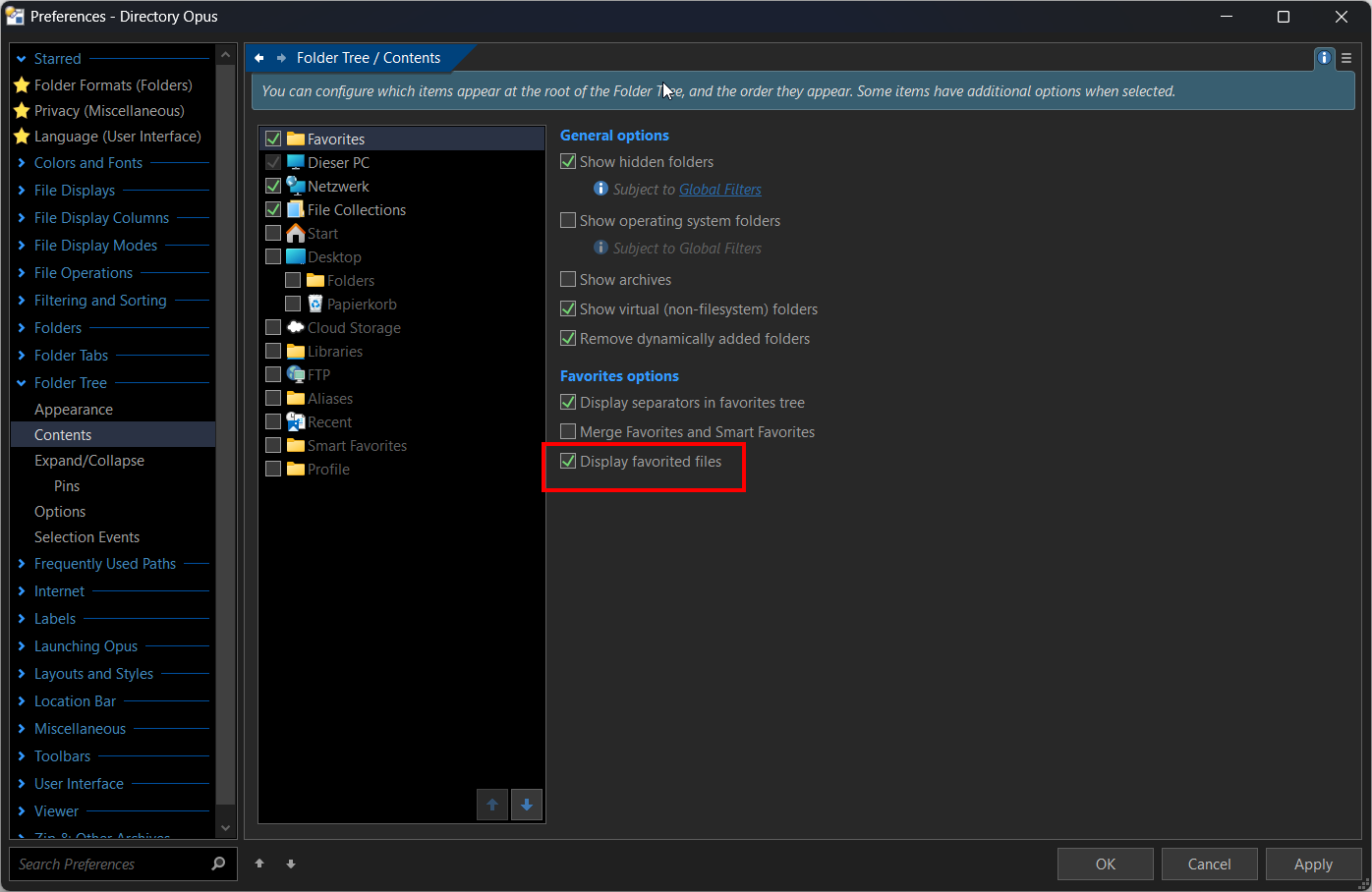
Having made a test, selecting a file (the new Opus offline manual) and applied Favorites ADD, i can't find it in my favorites list. Sounds very interesting, but i wish, we could get an example how to use that type of new commands.
Would they only show in the tree (can't find my example file here), or also in the general favorites list? Is there an extra part in the favorites list for files, or are they listed alphabetically? Is Favorites ADD the right command? A very brief example would be fine. 
Ok, i figured it out. It's rather the favorites bar than the other old style favorites, sorry. Great feature!