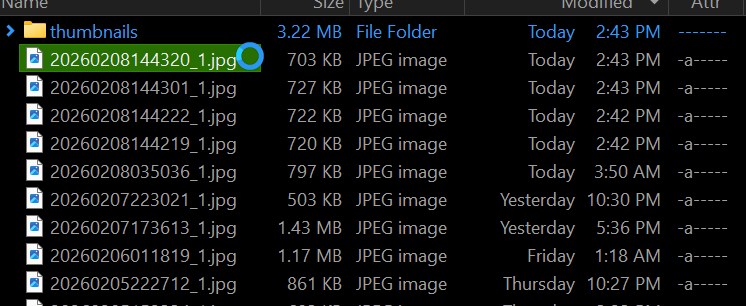
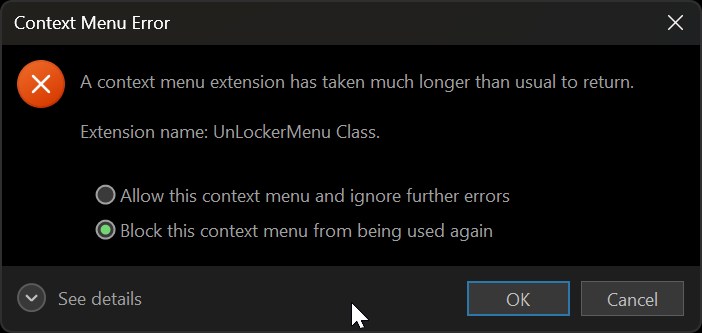
This never occured in the previous version, im using latest 13.21 stable.
One possibility i can think of is i have network drives in the quick access top bar, and a windows update broke the links, but it shouldnt be polling those when im just using the context menu (the network drives have no place there)
The best alternative is not to use an unlocker at all. If something is in use and you can't shut down the process that's locking the file, rebooting is best. (Delete-on-reboot tools can also be used if the process restarts and locks the file before you can delete the file.)
Tools that force handles closed in other processes aren't worth the risk if you can just reboot to solve the same problem.
Yes, it is true. But the tools that I recommended show you which process locks the file and offer to terminate it. I think LockHunter also has an option to close the handle. But indeed, you shouldn't use this feature.