It drives me crazy, I can´t get directory opus get access to SD card of my tablet. It is a Galaxy Tab A .
If I run a ftp server on the tablet that provides an address like 192.168.178.25:2121 or 2221 , I get access from opus but only to the internal memory, though directory in the app is set to SD card. But I need SD card, not internal memory. I have a file manager on the tablet that has integrated ftp as well and if I use my browser I have access to both, internal memory and SD card via the browser.(ASUS FIle manager) . But if I try to access the given address which is http://192.168.178.25:55432 I don´t get connection. Looks like Opus refuses port 55432 ... Any clue how to access my tablet´s SD card by opus ?
Opus won't care which port you tell it to use. Your firewall might.
Is this a question about Opus or about Android and the FTP server you're using? Have you tried any other clients on the Windows side? I would expect them to have the same results, unless a firewall is blocking one and not the other, or the site settings are different.
I'd try a different FTP server first. I've had best results with Primitive FTPd, which lets you specify the folder to be shared and the sharing method. Turn off the server after changing settings and refresh Opus before turning it back on to make sure Opus picks up the changes.
Just some pictures to clarify. You see, if I use the Asus filemanager, I get access to the card by browser, but that is with a http:// address. Opus tries and tries and gets no connection. The second shot shows if I use a different FTP app on the tablet, both, browser and opus get access, but only to internal memory, though app has set sd-card as a starting path. But this time browser has to use FTP:// adress, HTTP:// as above will show same behaviour as opus before - no connection. Hoped there is a switch for opus for different behaviour. I´m afraid Androis 7 says apps have r/w access to internal memory and SD card, but refuses to let apps really do so. I managed with another ftp to get to card by accident, but it said - and it was proved by opus I have no write access, but that´s what I need. Think I have to stick to the USB cable, that works at least..
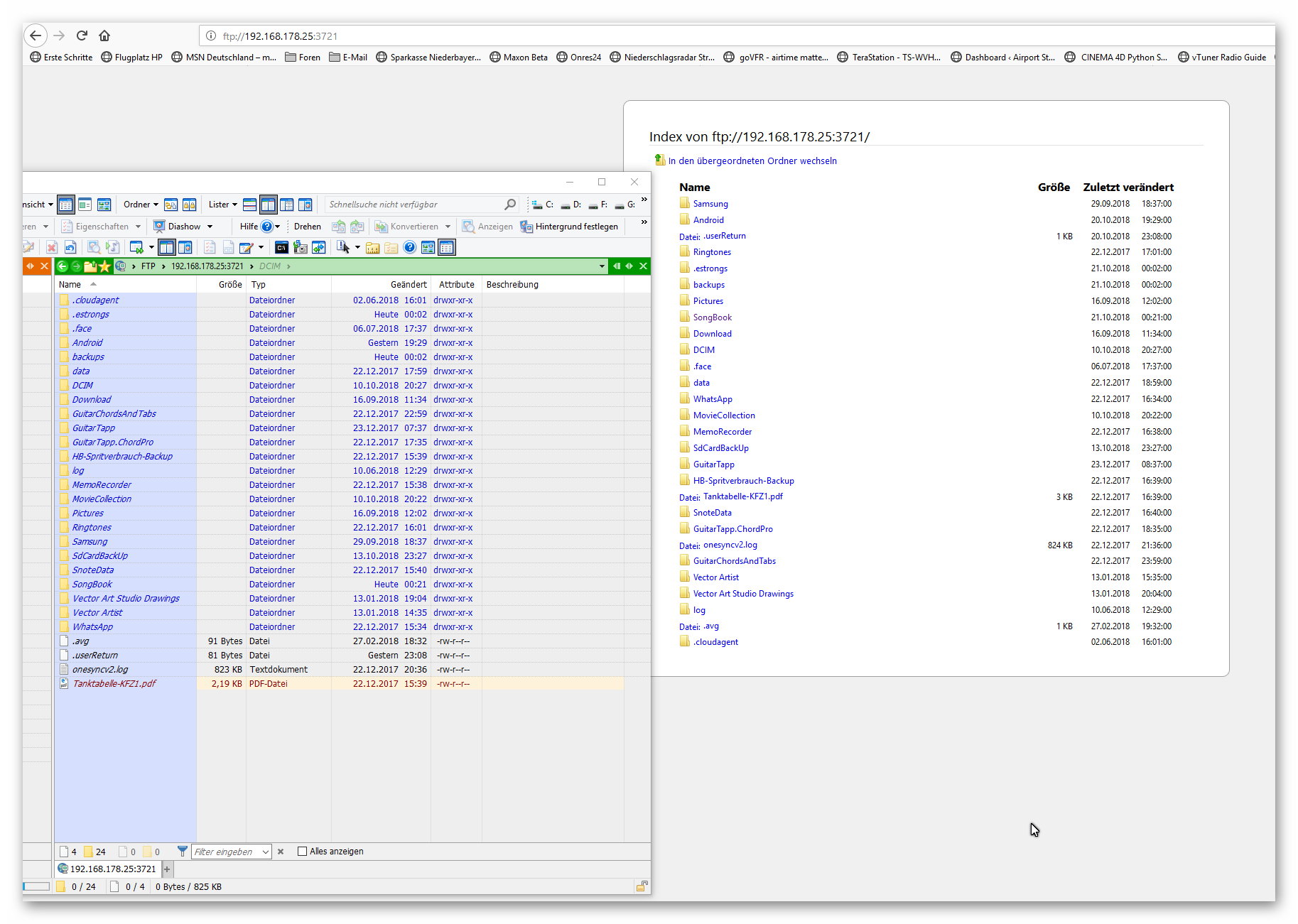
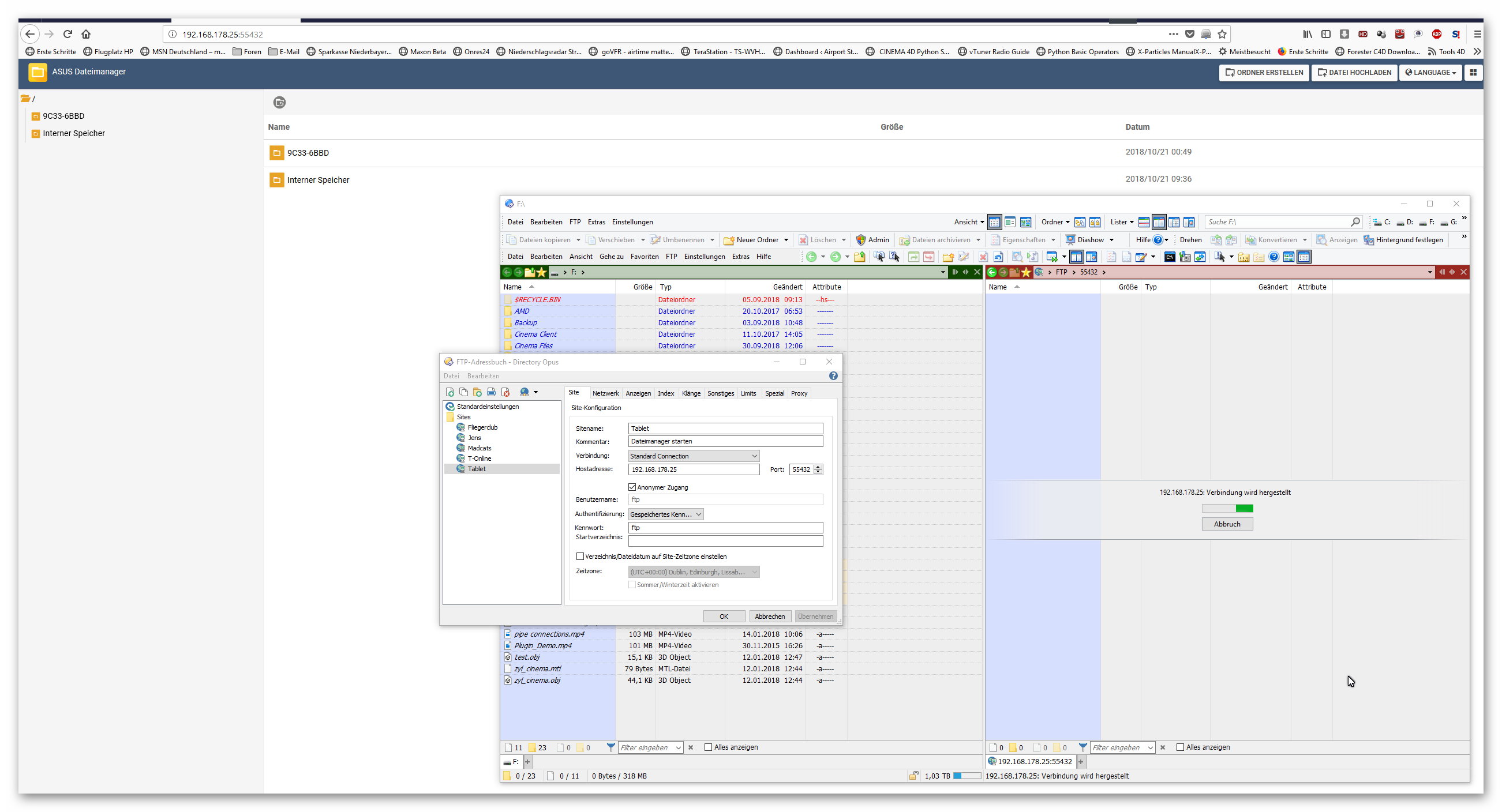
Try another FTP client on the Windows side.
FileZilla is a good one to test with, and free.
Does it have the same results as Opus?
tried filezilla, and yes, very same results as Opus.
But maybe it´s a matter of this tablet as well because any Android update fails with a message I should go to an official Samsung shop. Well, I´m living in the country and bet there is none in a radius of 100 KM 