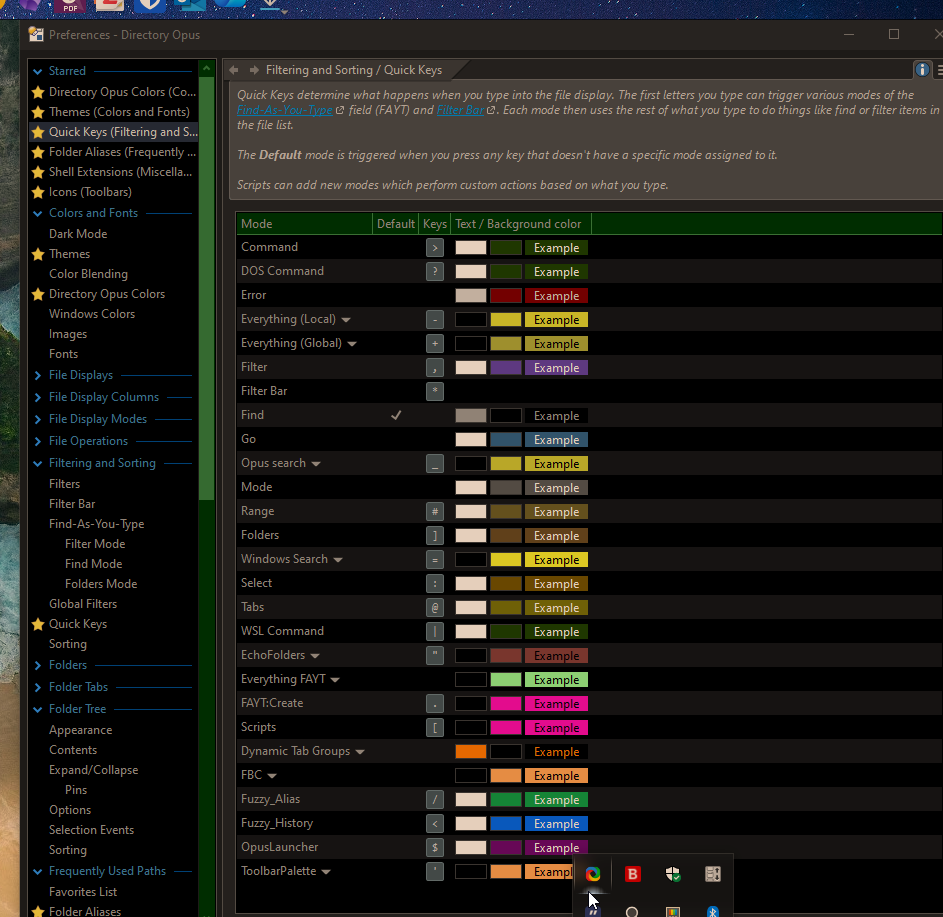
Big shout-out to @errante — Toolbar Palette was a template for this project, and I reused parts of its logic, including Echo-prefix + ZWSP labels to stabilise FAYT and dedupe.
Thanks for the credits.
I think you should use EchoFolders as your FAYT template; you could say it's my current final frontier (published) for handling FAYT suggestions (it's the evolution of ToolbarPalette in terms of technical data).
But, if I understand correctly, you shouldn't need all those artifacts in this case, since looking (very briefly, in my phone ) at the code, you're appending the alias name, which by definition should be unique. So no need to expect dupes.
Are you using any AI?
Because I can't understand how enumerating the aliases could fail so badly, that makes you decide to resort to reading them from a file as a fallback is better. IMO, is not only unnecessary, but you're more likely to find errors there (some chars not supported by the parser, p.e.), and it won't always be the latest updated version (some changes are stored in memory and not writed to disk right away).
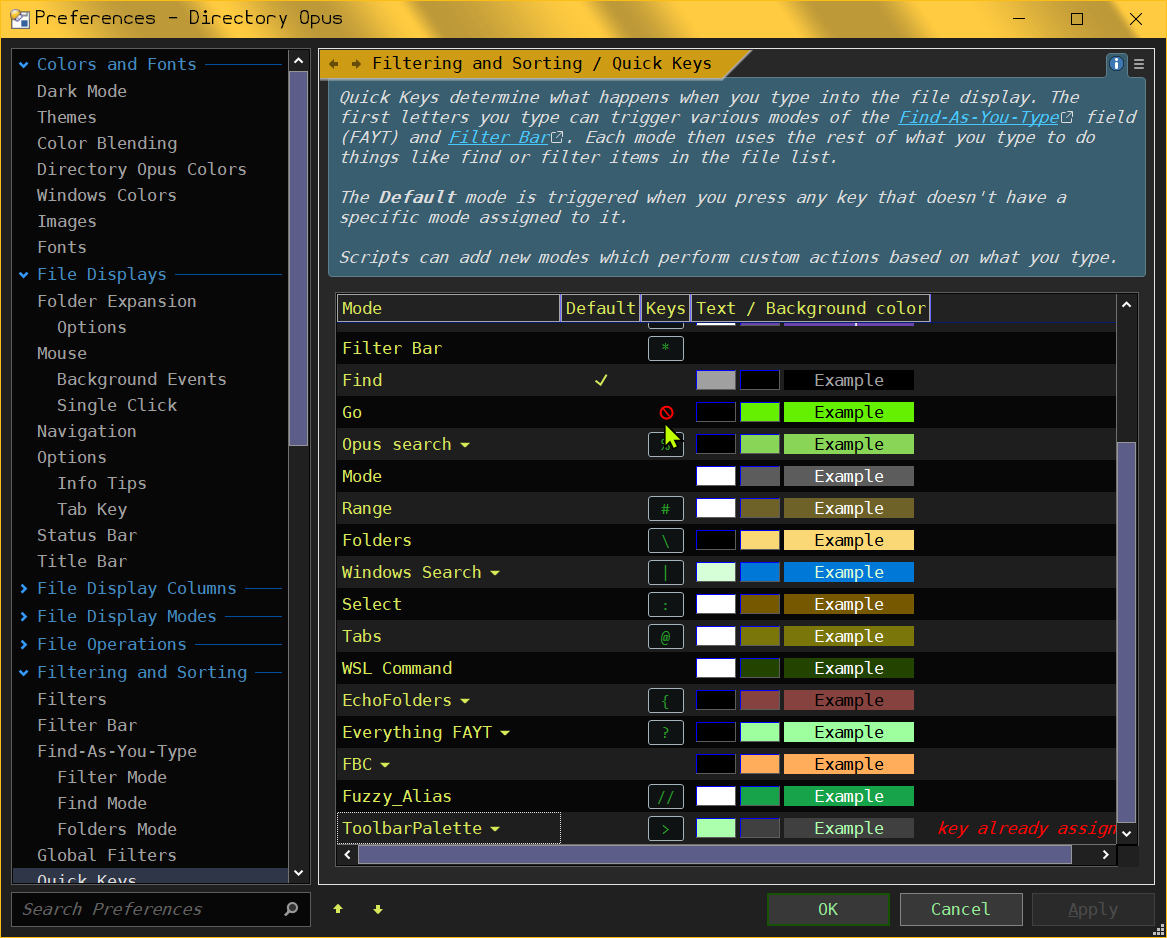
when i hover over the keys for go it turns into a blocked symbol. the edit field for it is diabled. when i turn of fuzzy_a from the scripts window it come back.
i use / for GO. i tried changing the key for fuzzy to // but go won't.... ...... oh wait! its still there. but it doesn't change\show that is in go mode till i start typing! before the color change was instant.
Yes, i think you would probably need to place it on a seperate key entirely to have the color change be instant again. Unless they have added an option for it in preferences. Not sure as i'm not on the latest beta yet.

 ) at the code, you're appending the alias name, which by definition should be unique. So no need to expect dupes.