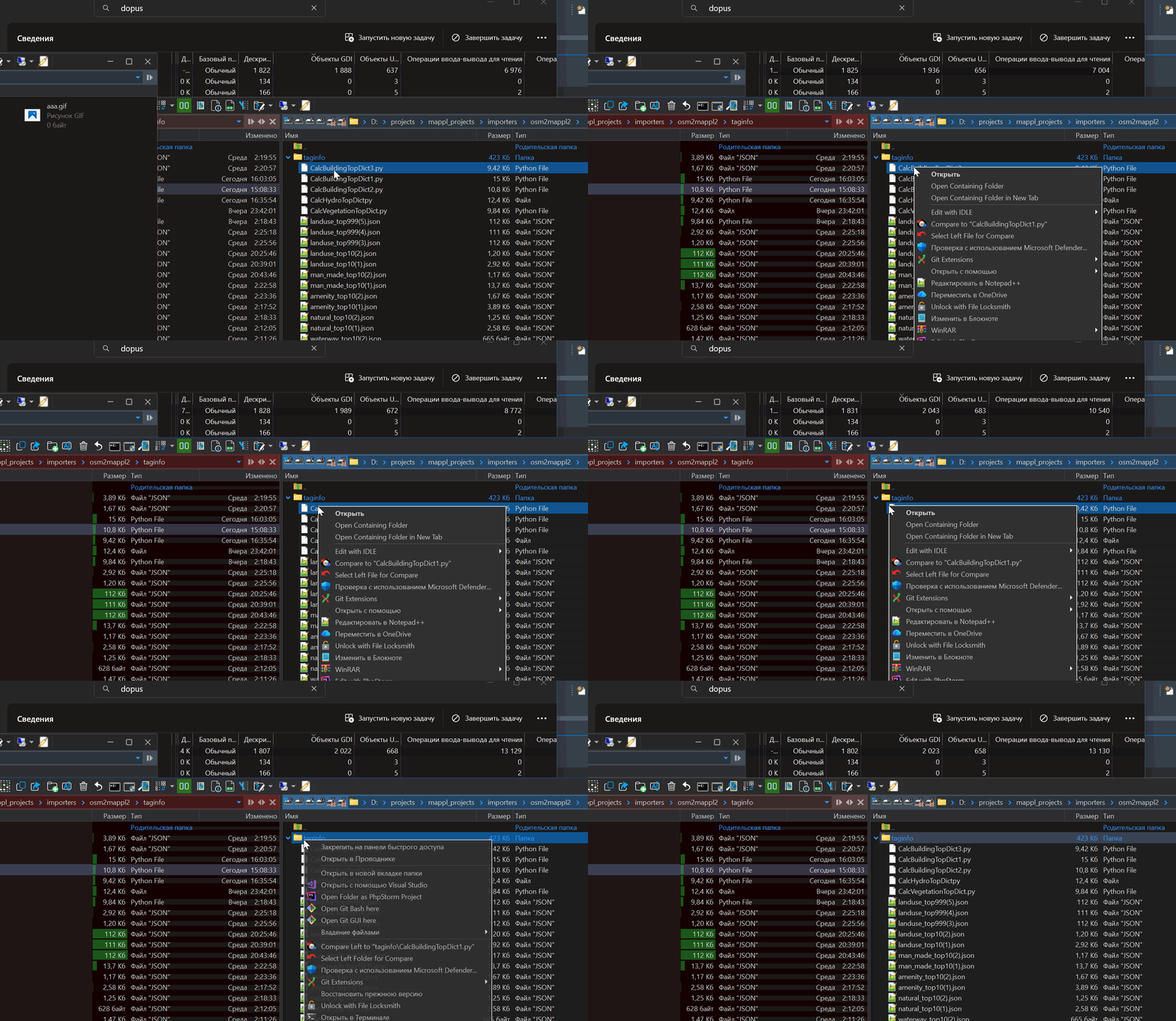
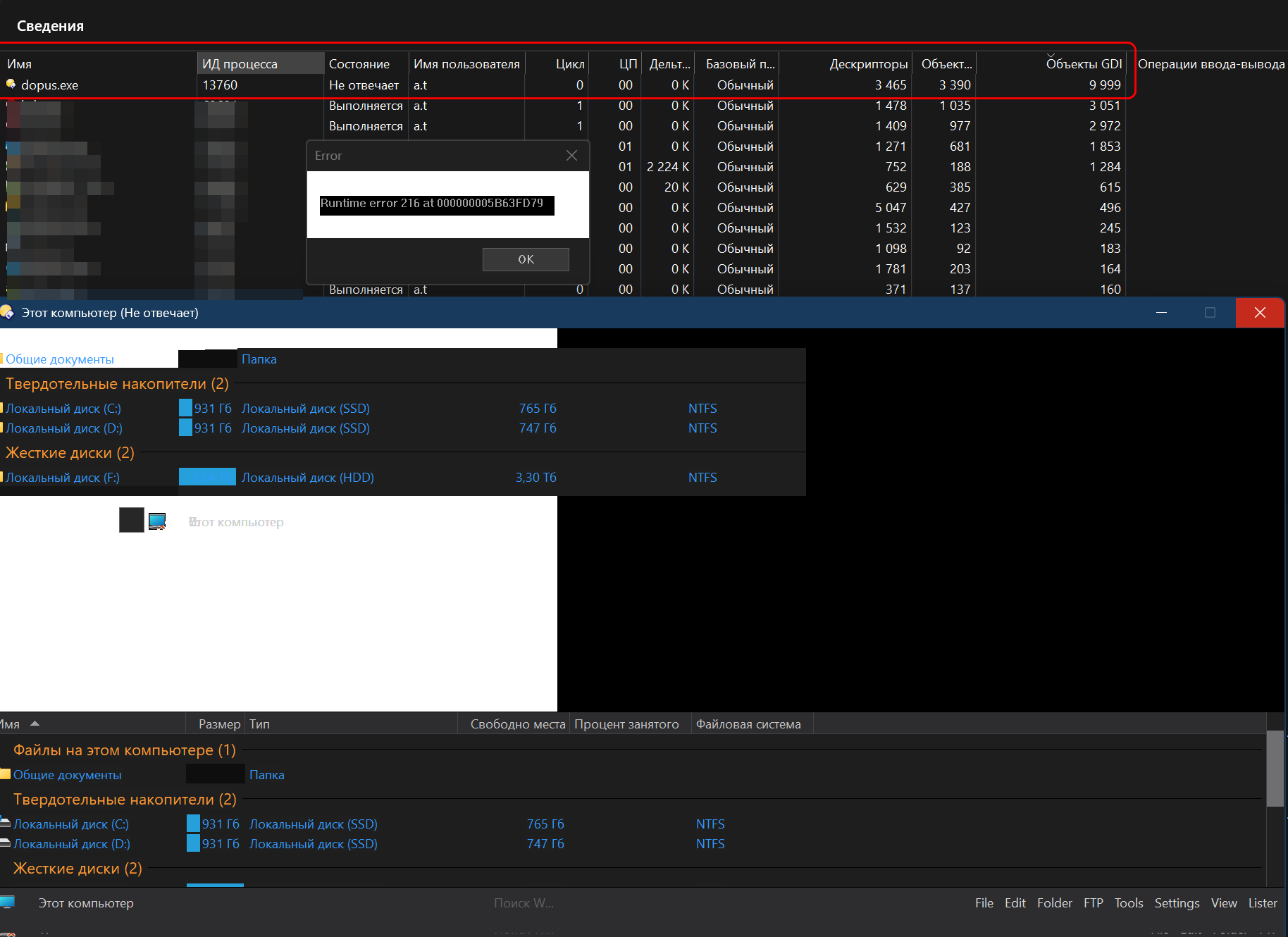
It seems that somewhere in DO there is a leak of GDI objects, perhaps after calling the context menu something is not being freed?
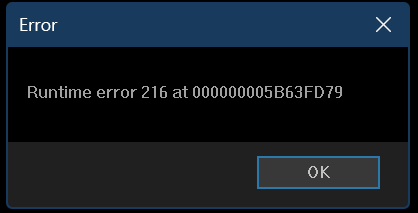
Closing the lister does not help (GDI objects are not cleared, unlike, for example, explorer.exe). Ultimately, this leads to an unpleasant situationsituation where DO freezes, and the only thing that helps is restarting the process. No logs/dumps are saved.
Hello, thank you for your prompt reply.
Yes, disabling DO elements from the context menu helps. GDI handles stop increasing, but I have DO set as a replacement for Explorer, and it is inconvenient for me to press Shift every time.
I also open the context menu in the same folder, but using explorer.exe. In Task Manager, you can see that the number of GDI objects increases and decreases after closing the menu. This does not happen in DO (even if I close the lister). The number of GDI objects only increases. As soon as there are about 10,000 of them, DO naturally starts to malfunction. I have to restart it, which is inconvenient.
Are there any ways to locate the problematic extension? I enabled context_menu_debug but didn't understand where to look. There are no messages in Dbgview. (DO is not run as an administrator.)