Any idea how to make it happen?
The Prefs window normally won't let you resize it that small unless the monitor it's on is too small to fit the normal minimum size.
If you resize it to a fairly large size, then close and re-open it, does the problem still happen?
I normally use it on a 27-inch monitor. It was resized for the video, but the size doesn't matter.
I tried it on a virtual machine, and the same thing happens.
The only thing I noticed is that all the entries need to be collapsed.
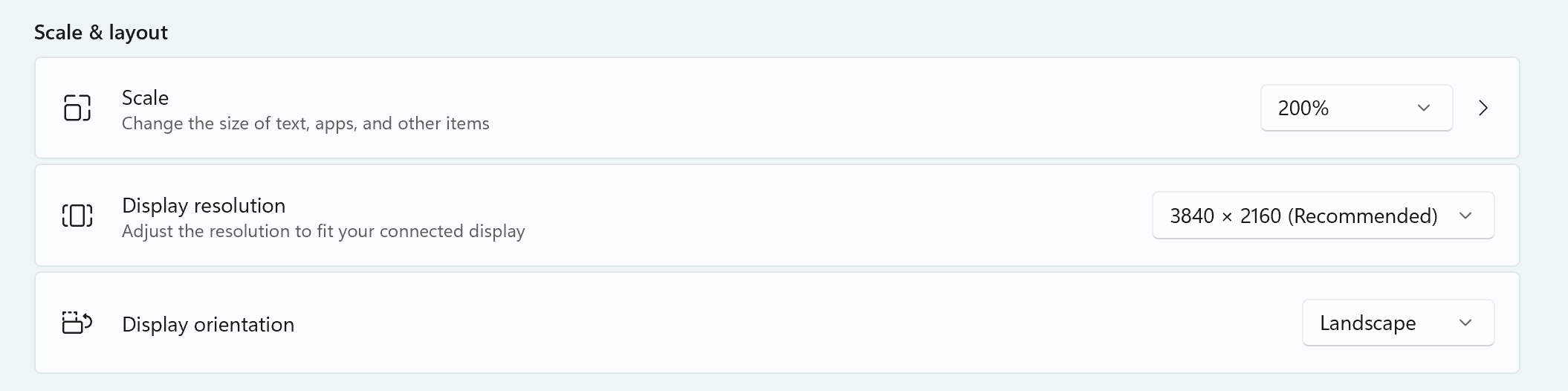
What resolution/DPI is the monitor set to?
What is your dialog font set to in Opus?
2560x1440 100%
And the font is Segoe UI 9 Normal
I tried changing the font and it does the same thing.
What version of Opus?
Opus 12.23.5
With beta 13.23.6 everything seems ok to me
Thanks