A mix of possible bugs, feature requests, and general questions/reflections from using this functionality for the first time 

- Evaluator Column grouping
Let's say I create an Evaluator Column like this, simply checking height resolution of a video (picheight) and returning either HD or SD.
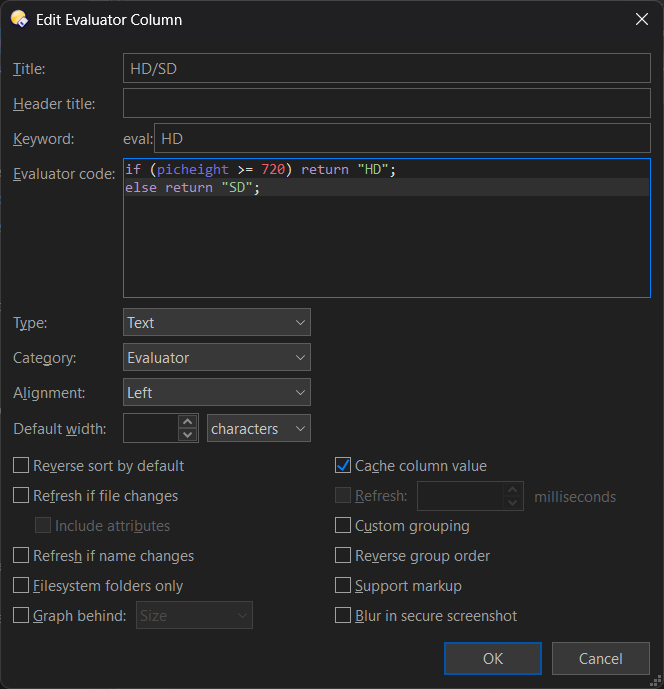
Evaluator Column XML
<?xml version="1.0"?>
<evalcolumn align="0" attrrefresh="no" autorefresh="no" blurrable="no" customgrouping="no" foldertype="all" keyword="HD" maxstars="5" namerefresh="no" nocache="no" reversegroups="no" reversesort="no" supportmarkup="no" title="HD/SD" type="0">if (picheight >= 720) return "HD";
else return "SD";</evalcolumn>
If I apply grouping on this column (with Never combine values to make it clearer), it will group on the column just fine...
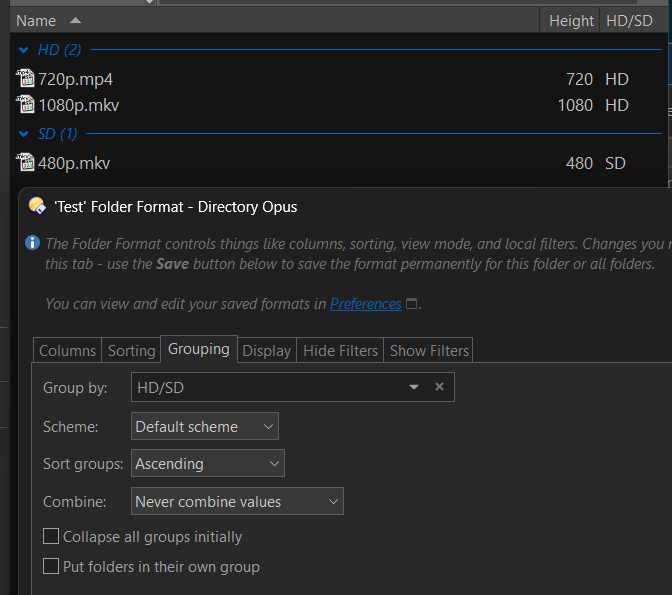
...Once! Because if I refresh the lister after the initial grouping, it will no longer group properly -- they all end up in first evaluated column grouping.

This might be a timing issue maybe..? I understand calculating this value requires polling the file, which can take time, but even after the evaluation is complete (or completes file by file), the files do not regroup (though applying the group after the evaluation is already complete seems to work).
There's a Cache column value that's default on, which sounds like it should help here after the first evaluation -- and hopefully it does regarding not refetching the value, but it does not have effect on using the (presumably) cached value on regrouping.
A bug or a known limitation/wrong usage..? Because...
- ...it works using Evaluator Groups!
Creating a similar Evaluator Group (and adding it under Height) will work much better.
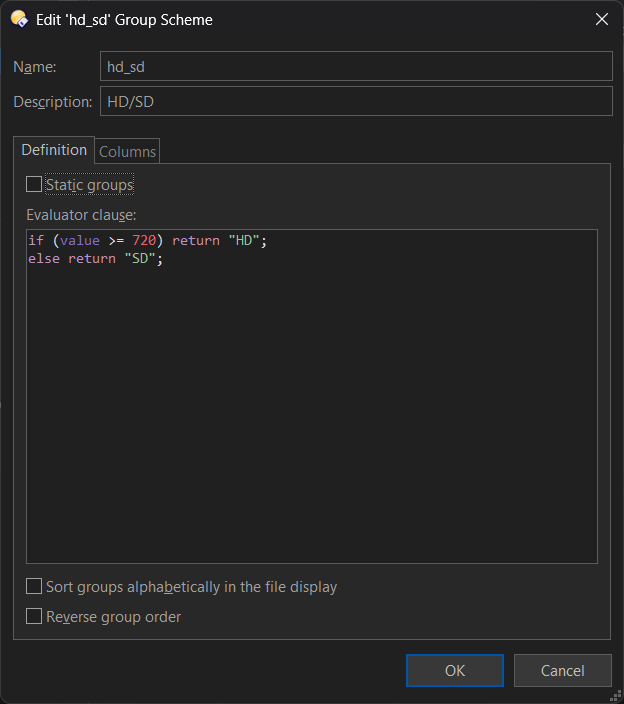
Evaluator Group XML
<?xml version="1.0"?>
<evalgroupscheme desc="HD/SD" reverse="no" scheme_name="hd_sd" sort="no">
<eval>if (value >= 720) return "HD";
else return "SD";</eval>
<groups enable="no">
<group name="1" />
<group name="2" />
</groups>
<columns>
<col default="no" id="16" />
</columns>
</evalgroupscheme>
Now it will group the files correctly even after a refresh, and I can see them move from one group to another as it reads the value, so this grouping seems to have some sort of "hook" to regroup them as the value populates.

- Small test / amateur "bug" hunt
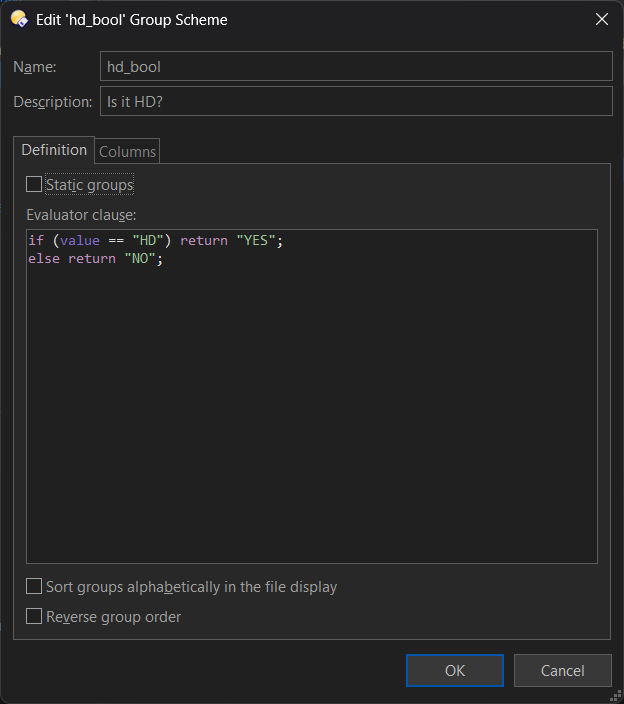
As a small test, I make a redundant round-about Evaluator Group that checked the value of my Evaluator Column "HD/SD" and simply returned "YES/NO" based on that value. (See screenshots at the end.)
This also worked once on already evaluated/listed files, but after a refresh it does not work. So it seems it's the Evaluator Column acting differently from other columns when grouping.
Is it possible to make an Evaluator Column column act like other columns when grouping on them (after a refresh)?
As seen, I can work around it using both an Evaluator Column for showing the value, and then make a separate Evaluator Group for grouping on it, but it would be more convenient to be able to group directly on the Evaluator Column 


- Context Menu
I can right-click an Evaluator Column to get a nice context menu. But Evaluator Groups does not have the same, even though they are very similar.
Would be nice if it had, just for consistency

- XML formatting
XML output format from Share To Clipboard for Evaluator Columns and Evaluator Groups are different. You have examples above from my copy paste.
Would be nice if Evaluator Columns had the same formatting as Groups, just for consistency (and better human readability)
- Picture / Movie category groups
In the "normal" column category groups (eg. when right-clicking a Column Header), the shared keywords between Picture and Movies are duplicated into both categories, for example Height.


In the Columns picker for an Evaluator Group, they are not duplicated, and the Height only appears under Picture Dimensions and not under Movies.
Would be nice if they were, just for consistency (and for people who don't know they are the same keyword)


