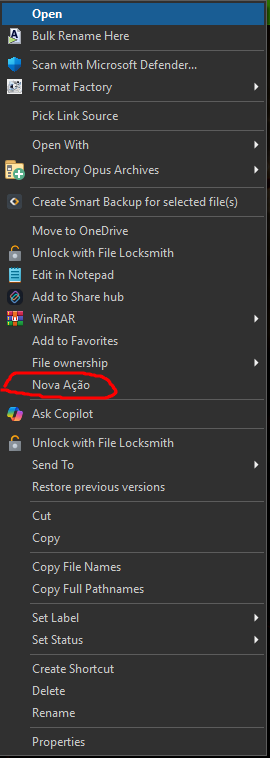
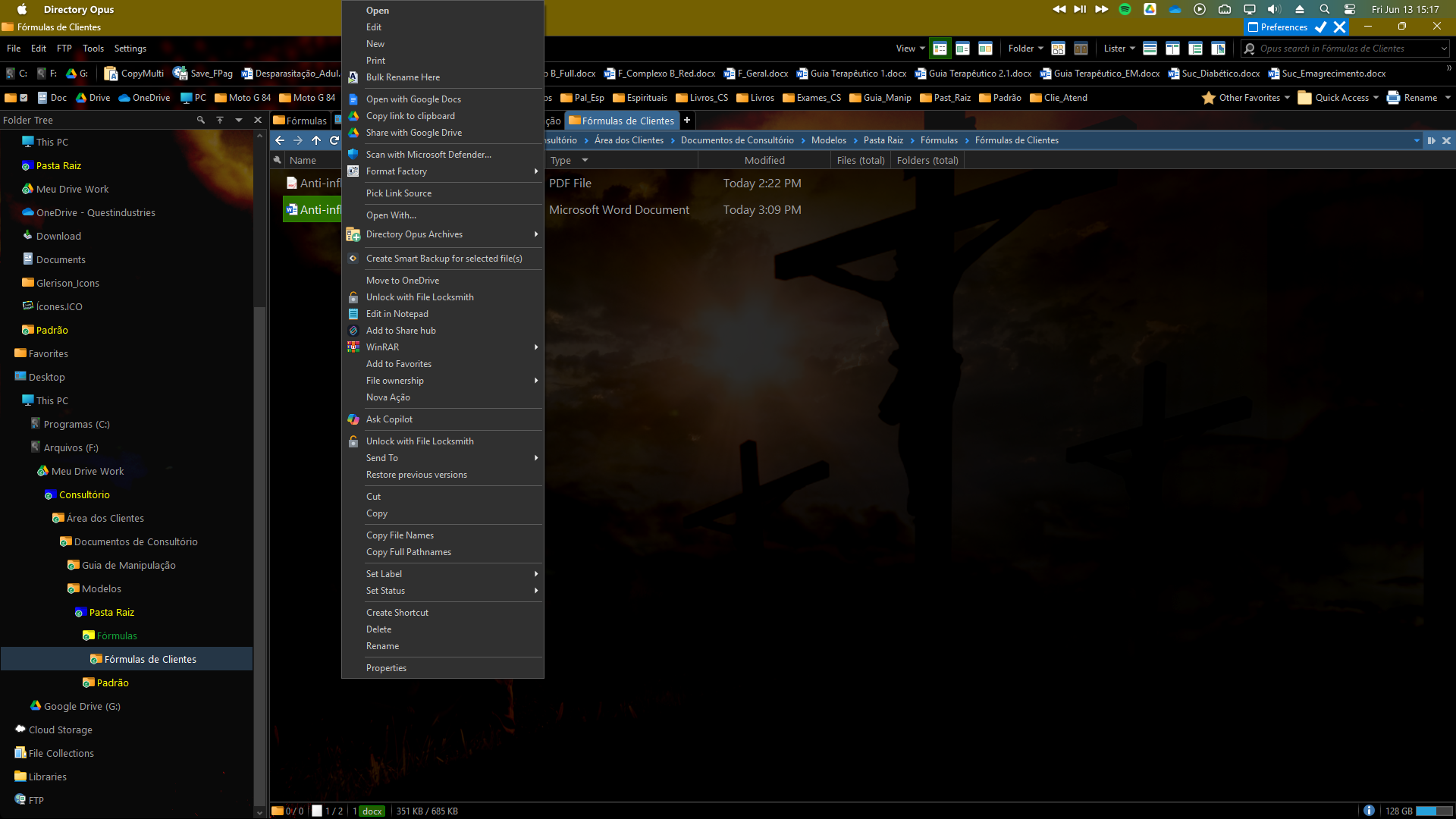
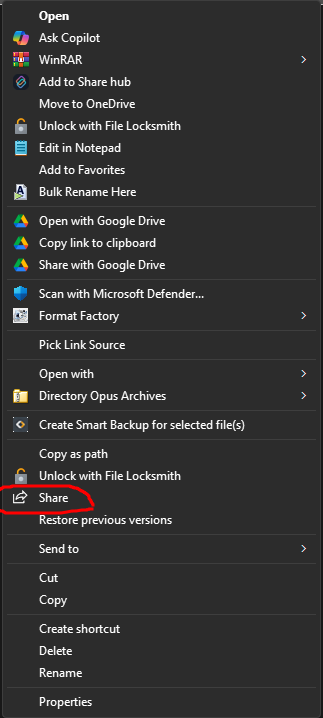
Friends, I was testing some functions and ended up creating a function in the context menu and now I can't find where to delete the function. I went to settings » context menu and I didn't find this function (print).
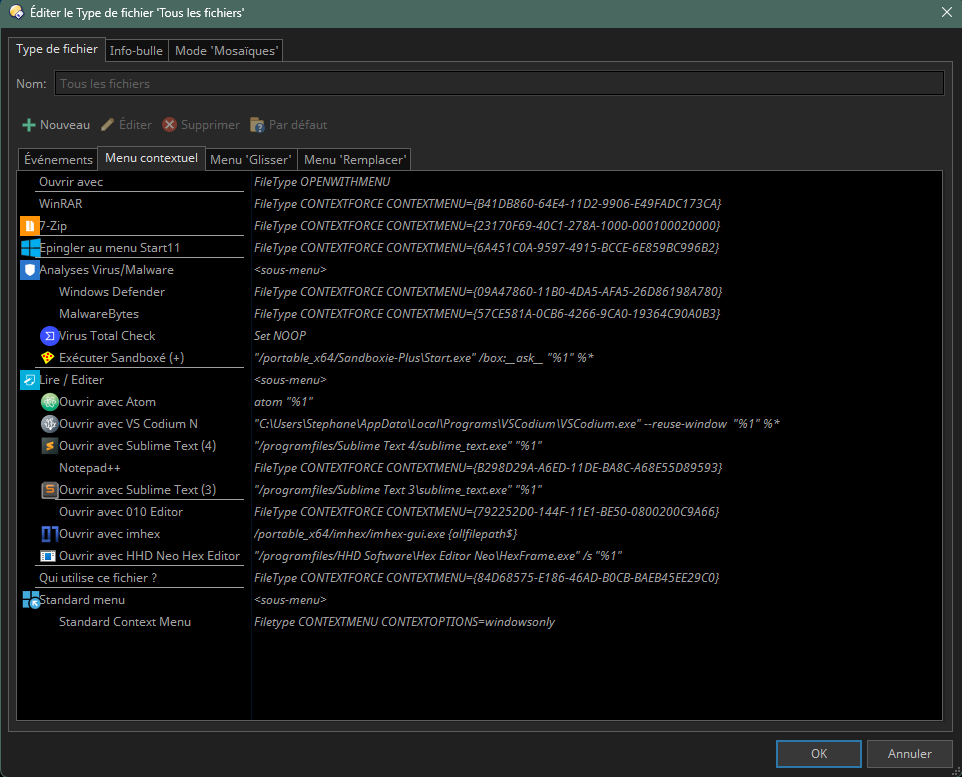
You need to identify when (meaning on which type of files/folders) it appears.
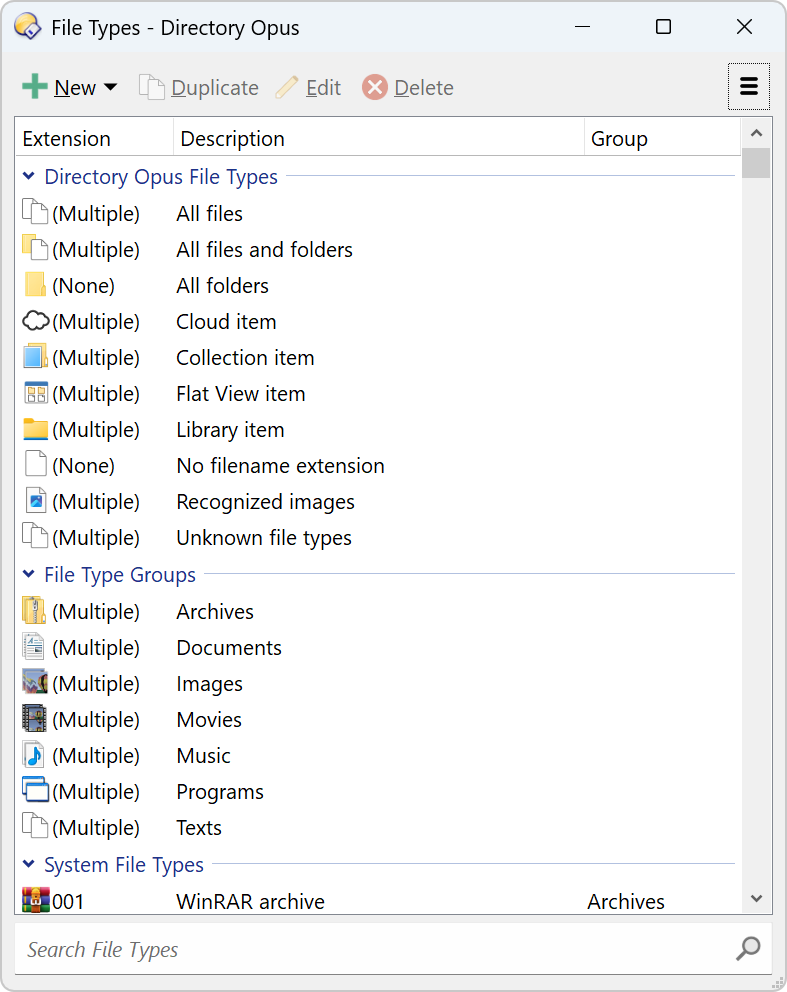
Ex: if only on .rar file look for .rar, if on all files but not folders, look for "All Files", if everywhere, look on "All files and folders", ...
EDIT: Can also be on File Type Groups (e.g. Archives for instance).
How do you trigger the context menu?
Right clicking that .docx file?
Does it appear only on .docx files or also on:
.pptx, .xlsx, ...
Other types such as .jpg
Only docx : look for docx in the System File Types section (you can use the search bar at the bottom for docx
Also pptx, xlsx, ... : try the Documents file type group
Other files : look for all files and maybe all files and folders
in a lister, type /dopusdata\FileTypes /dopusdata is a predefined alias for Opus configuration folder, and FileTypes is a subfolder where all your "per file type" configurations are stored (in different files).
Drag and drop works.
But if you want to do this from a button or context menu, this would require WhatsApp to provide some kind of API (maybe a command line utility). I've never looked for this.
A quick search (Google search) shows some attempts to build such an API from users (on GitHub), but nothing official.
It seems you'd need some setup ... not sure it will be much easier than drag and drop ...