Is it possible to have on/off state indicators in the status bar for these types of filters?
Thanks
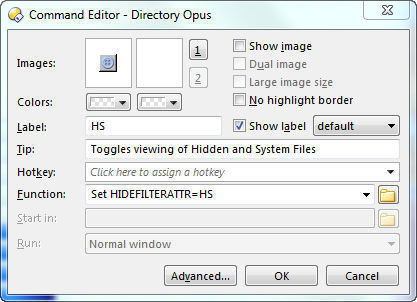
[quote]For your convenience, here is a button which clears all filters when left-clicked and toggles hiding of Hidden-System files when right-clicked. While in Customize mode you can paste this button directly on to your toolbar, as described here.
Code: Select all
<?xml version="1.0"?>
Clear Filters
#filterfield
Clear Filters
#default:deletefilter
Set SHOWFILTERFILENAME=""
Set HIDEFILTERFILENAME=""
Set SHOWFILTERFOLDERS=""
Set HIDEFILTERFOLDERS=""
Set HIDEFILTERATTR=""
Set SHOWFILTERATTR=""
Set VIEWFILTER=""
Select NOPATTERN SHOWHIDDEN
Hide System Files
#recursivefilter
Set HIDESYSTEMFILES=Toggle
[/quote]