Hi again
thanks,
this is as much as i can get in a laptop monitor
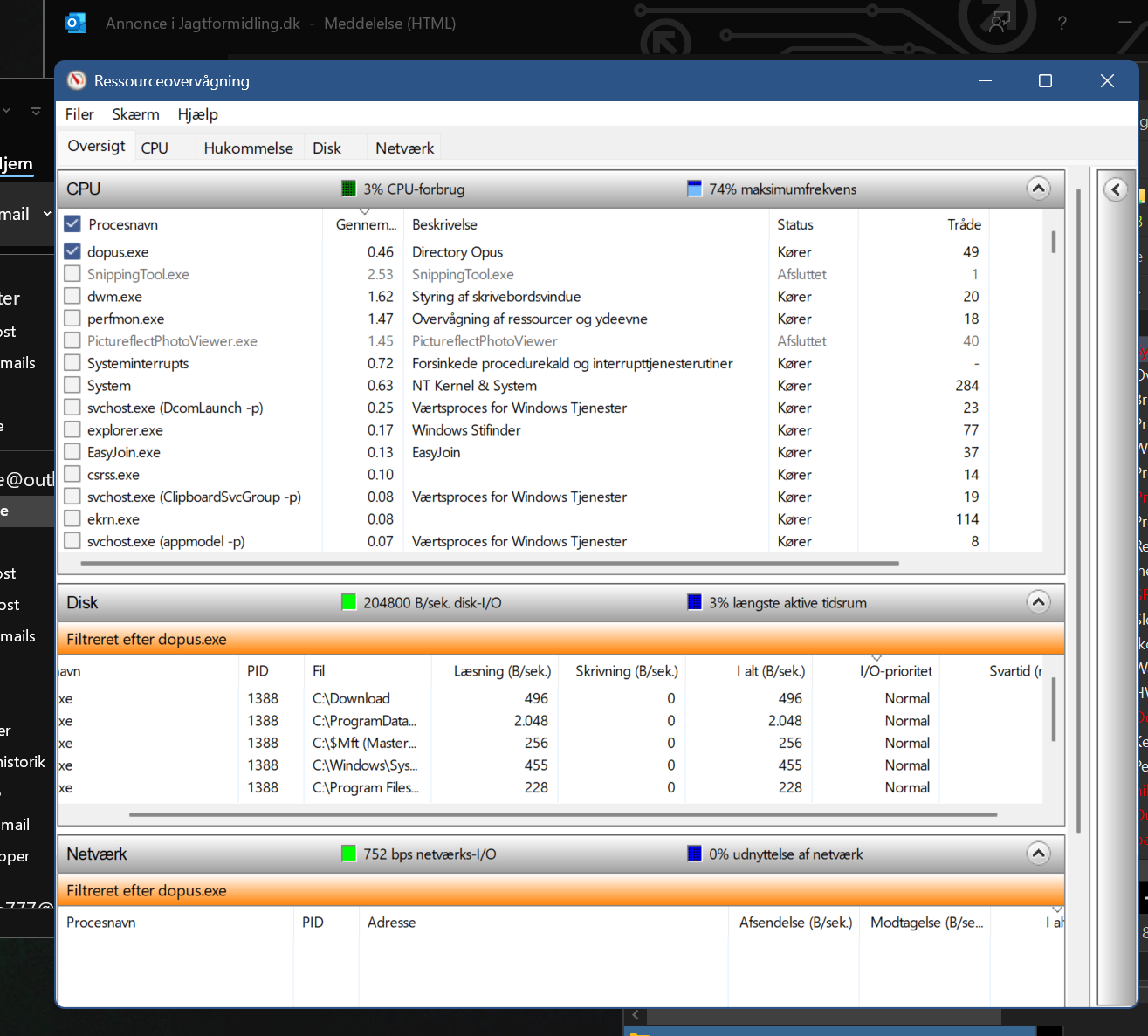
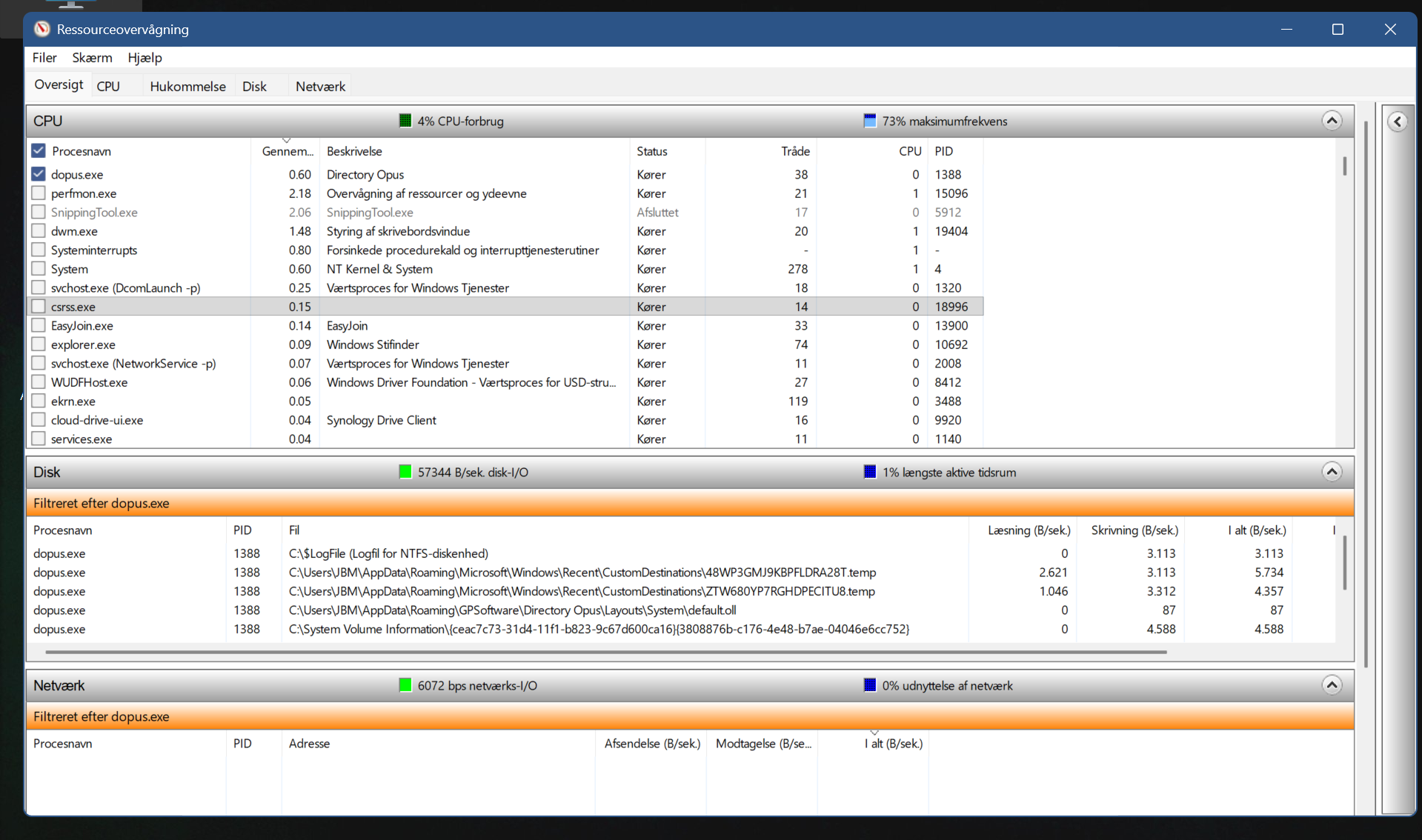
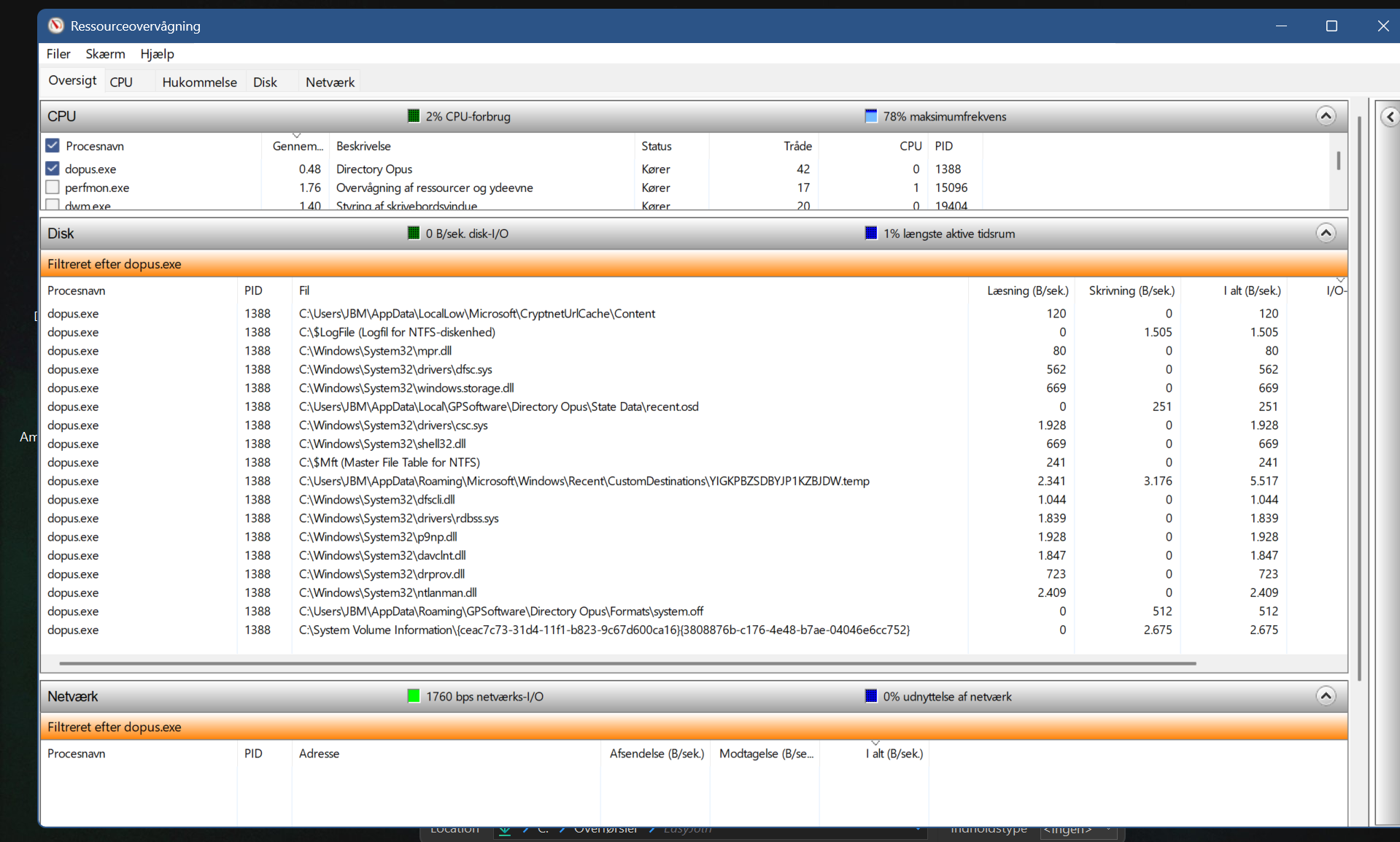
Those screenshots seem to show Opus using almost no CPU (< 1%).
Re-reading your first post, 0.3% CPU usage is nothing to worry about, especially on a weaker laptop CPU where the % usage is going to be higher (as efourc says). (I think the first time I read the post I thought it said 3%.)
It's probably just Opus responding to filesystem events to see if they need to be fed through to any open windows. I would not worry about it unless you see some other problem that seems related.
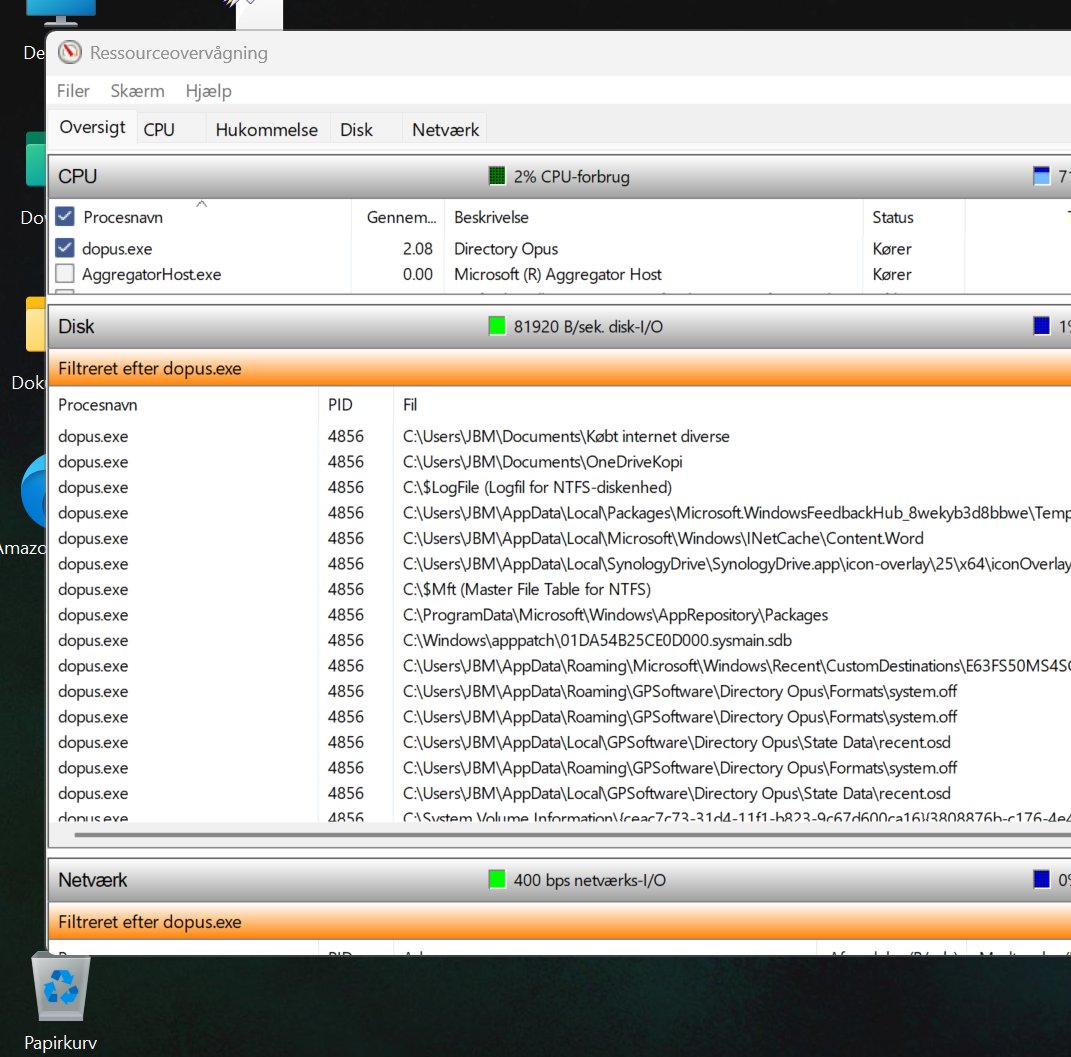
The 'Average CPU' tracking in Resource Monitor only tracks a small 'window of time' (maybe the previous 1 minute, starting when the tool is opened). It doesn't track the all-time average CPU usage of the process.
So, it's not really 'building up over time'.
Also, 2% average in that screenshot is hard to know anything about, since we don't know what else was happening on your system at the same time.
If you usually see 0.3%, then something is causing extra file activity at the time of your screenshot.
Even running the tools to log the system creates extra activity that can affect the measurement being observed.
1 Like
What are the processor models of both your laptop and stationary PC?
For example, in Windows 'System Information', my processor is listed as:
- AMD Ryzen 7 9800X3D 8-Core Processor, 4700 Mhz, 8 Core(s), 16 Logical Processor(s)
Stationary : CPU: AMD Ryzen 9950x3d
Laptop : Intel Core Ultra 8 258V
ah sorry yes it shows its building up i watched it during opus usage, it increased from about 0,15 til +2 in short time when i was navigating arpund in the app. That dod not happen using MS file explorer, at least much less.
You said its "hard to know anything about, since we don't know what else was happening on your system at the same time" but i thought that was the reason for asking about screenshot of resmon showing which activity dopus.exe caused in section "Disk" ? There you can see where the activity comes from i assume.
Just strange that dopus.exe use so much more cpu that explorer.exe
But in all i guess its no major problem in practice, its really just "nitty gritty" 
Those are such vastly different CPUs that it doesn't make sense to compare % usage between them.
I would honestly not worry about this unless you find it causing an problem you can notice other than via a number being different in Task Manager.
1 Like
yes, you are probably right,
sorry laptop is an Intel Core Ultra 7 258V