"Free up space" and "Always keep on this device" should both appear for files as long as Opus recognises they're in a cloud folder.
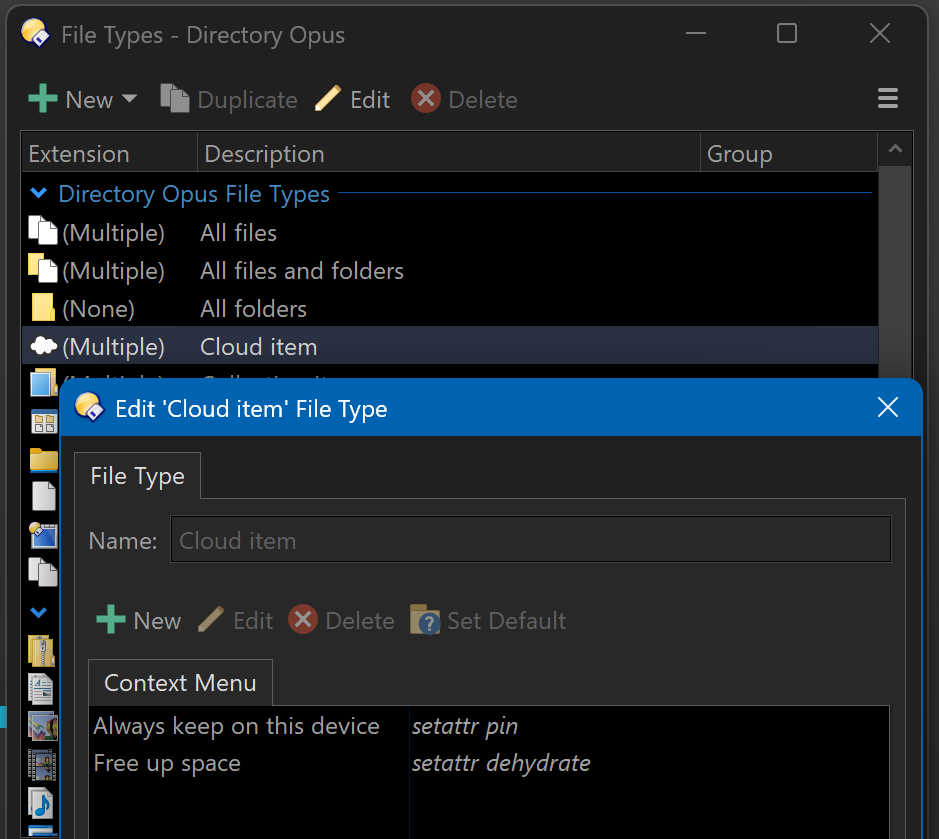
In the current betas (13.16.1 and later), the menus for cloud items can also be modified:
Preferences / Folders / Special Folders can be used to designate locations as cloud storage, if they aren't auto-detected, but OneDrive should be detected automatically.