How do i get rid of tool tips box?

Hi,

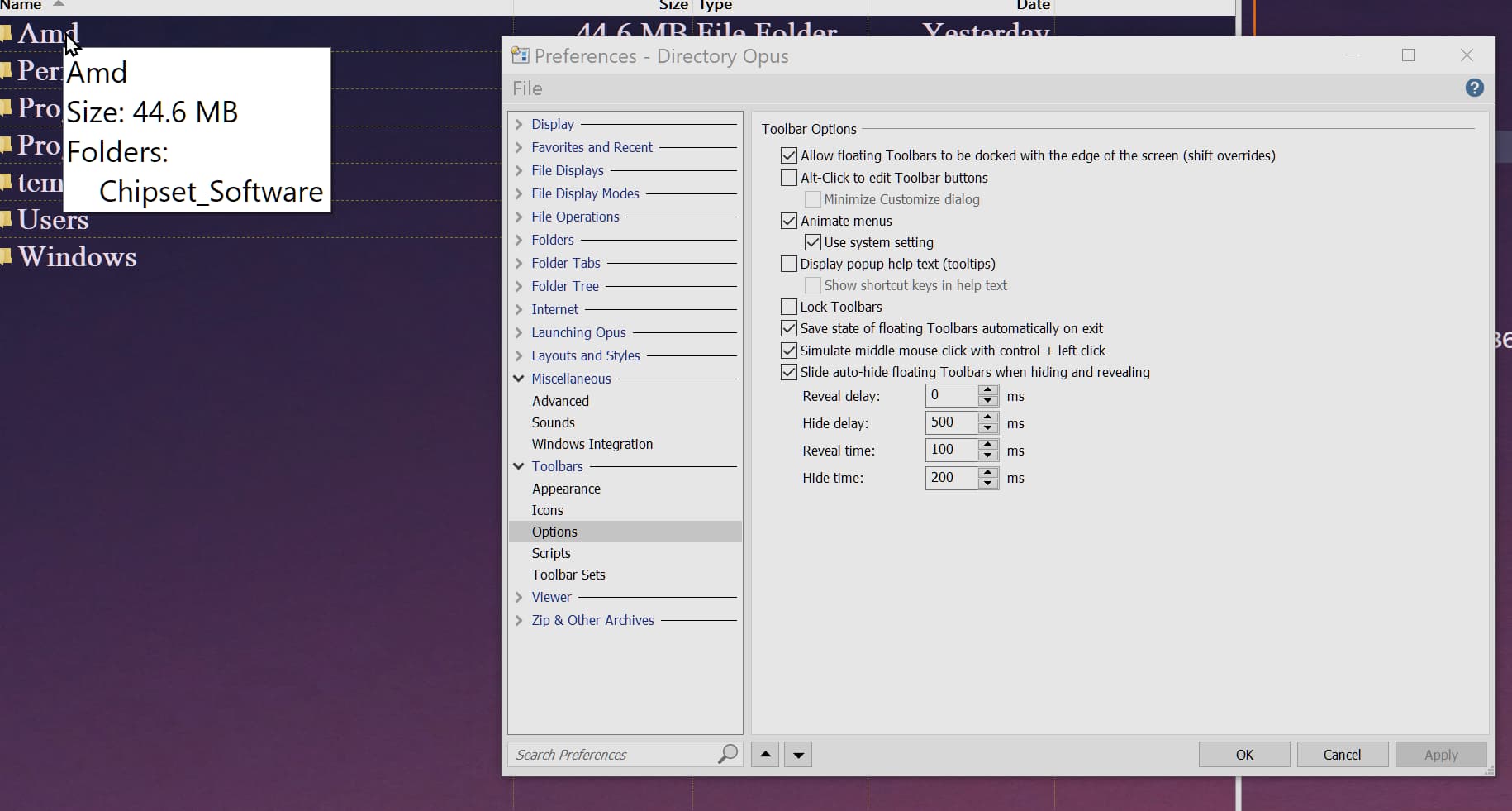
Everytime i hover my mouse over any folder or any file i get an tool tip that shows me what i am hovering over. (See attached image)

I dont want to see it and i can disable it in Windows Explorer but have not yet found how to disable it in DOpus, so the question is: How do i disable tool tips in DOpus?

/Roger :slight_smile:

Try searching for "tooltips" in Preferences dialog.
There is an option in Listers > File pane to disable that.

Try searching for "tooltips" in Preferences dialog.
There is an option in Listers > File pane to disable that.

Hurray!

Yes, i disabled Enable file InfoTips in Listers > File Display and that did the trick! :slight_smile:

Thank you very much Xyzzy!

I know this is old thread but i was able to disable tooltips following above procedure but now it is still showing tooltips although it is disabled.

That option turns off tooltips on toolbars; the option mentioned above 11 years ago is the one you're looking for (although in that time it has moved to Preferences / File Displays / Options).

thx for replying.Yes it works now.