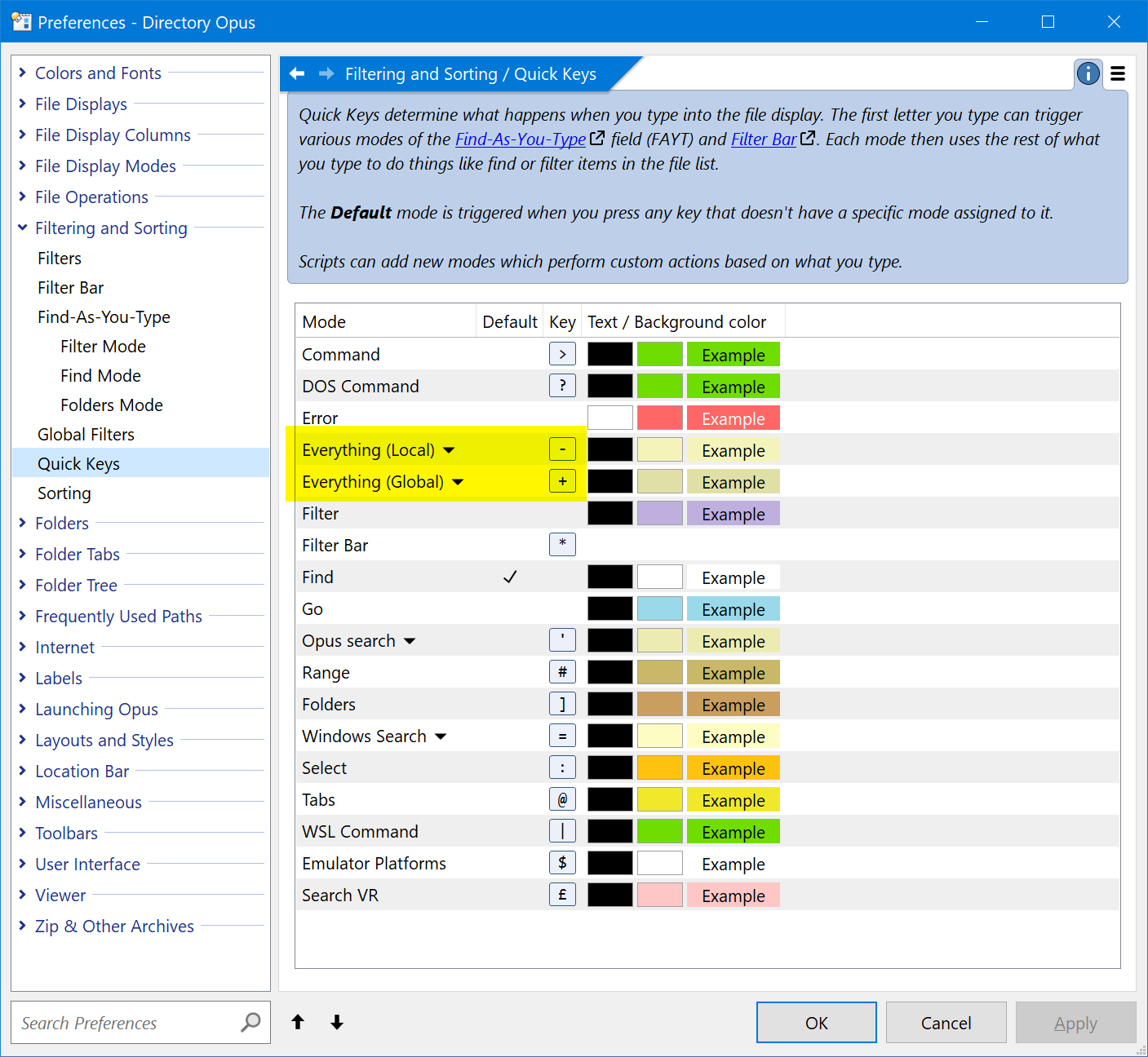
I just upgraded to DO 13 and wanted to make a Search in my folders. With the time it took (a couple of seconds), I think DO did not use Everything to do it, but the DO search engine. As an Everything user, I know that the results are displayed live when typing the caracters.
How to check that it Everything is activated and to activate it please?
I have the version 1.4.1.1017 installed.
Well, now that I launched Everything separately and closed it, I can see it appear in Preferences.
Now when I go in Find (CTRL+F), type a word and do Enter, it seems to run as fast as expected.
However, it doesn't give results as fast as I type (live) as it does in principle with Everything. How to do that it gives results when typing?
Use the search field at the top right if you just want to quickly search for a name/pattern using Everything.
Click the magnifying glass on the left of it to choose which search engine (e.g. Everything Global) is used and other options.
It’ll still wait for you to finish typing before initiating the search, but results should come back quickly and for the whole machine.
(The Find panel, Ctrl-F, can also use Everything but it’s used as a starting point which you refine further using the other options. The query string passed to Everything isn’t typed into the panel’s Name field; there’s a separate field for it on the right of the panel. You’d only use that for fairly complex searches that require both Opus and Everything to filter different things at once.)
Thanks for those clarifications Leo. I'm still a bit confused overall, but at least I can use Everything now
I spotted also a great feature you added : "+string1 +string2" with "Any word" selected to find results in any order. I love it.
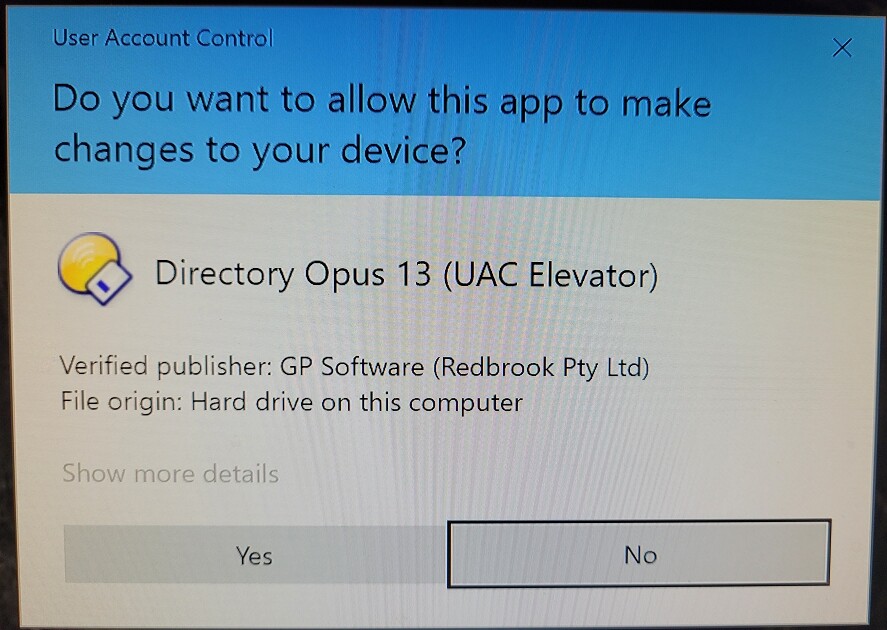
However, sometimes when I launch such a search, this screen appears :