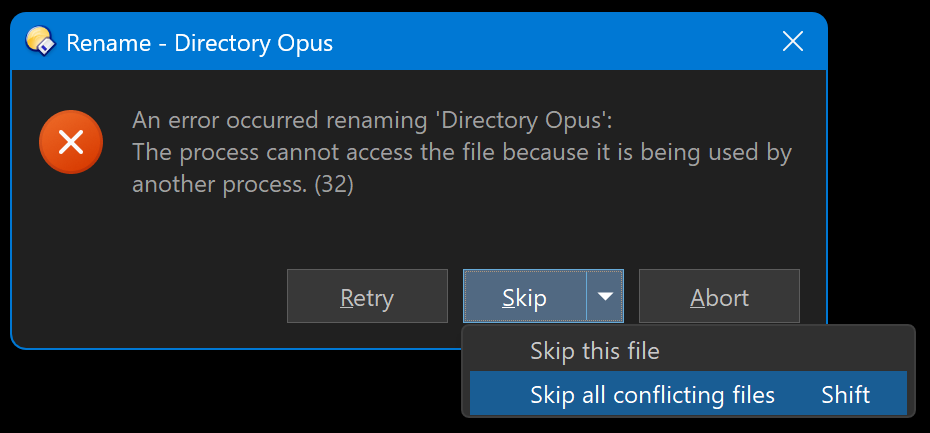
I'm using the following VBScript as a Rename preset, to rename specific files that match certain criteria.
Option Explicit
Function OnGetNewName(ByRef getNewNameData)
	Dim idx
	Dim item
	Set item = getNewNameData.item
	If LCase(item.ext) = ".mp4" Then
		idx = Instr(item.name_stem, "_chr2_prob3")
		If idx > 0 Then
			OnGetNewName = Left(item.name_stem, idx - 1) & " (4K, 60 fps)" & LCase(item.ext)
		End If
		idx = Instr(item.name_stem, " 4K_prob3")
		If idx > 0 Then
			OnGetNewName = Left(item.name_stem, idx - 1) & LCase(item.ext)
		End If
	End If
End Function
It works fine, but the only problem is that, if one or more files are locked (i.e., open in other applications) I get a dialog pop-up asking me if I want to skip the rename operation on the locked files. What I want to do is to auto-skip all locked files and proceed with renaming all unlocked files.
Is this possible, and how can I do it?
Many thanks.