Hi,
I have version 13.24 x64 as a trial.
I'm fed up with the yellow folders.
Is it possible to color a specific folder with a chosen color?
If so, how?
thanks
Hi,
I have version 13.24 x64 as a trial.
I'm fed up with the yellow folders.
Is it possible to color a specific folder with a chosen color?
If so, how?
thanks
You can change icons, or recolor existing icons, for some or all files/folders using Labels.
I can't do it !
Explain it to me step by step:
I select a folder whose color I want to change: then what?
No
I understand that I need to go to Preferences > Color:then what?
thanks !
How to reset all settings?
Sorry,i found the solution:
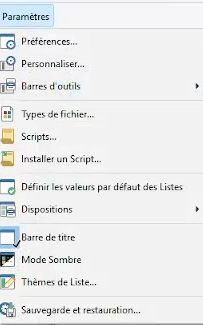
Parameters>Backup and Restore
Another problem:
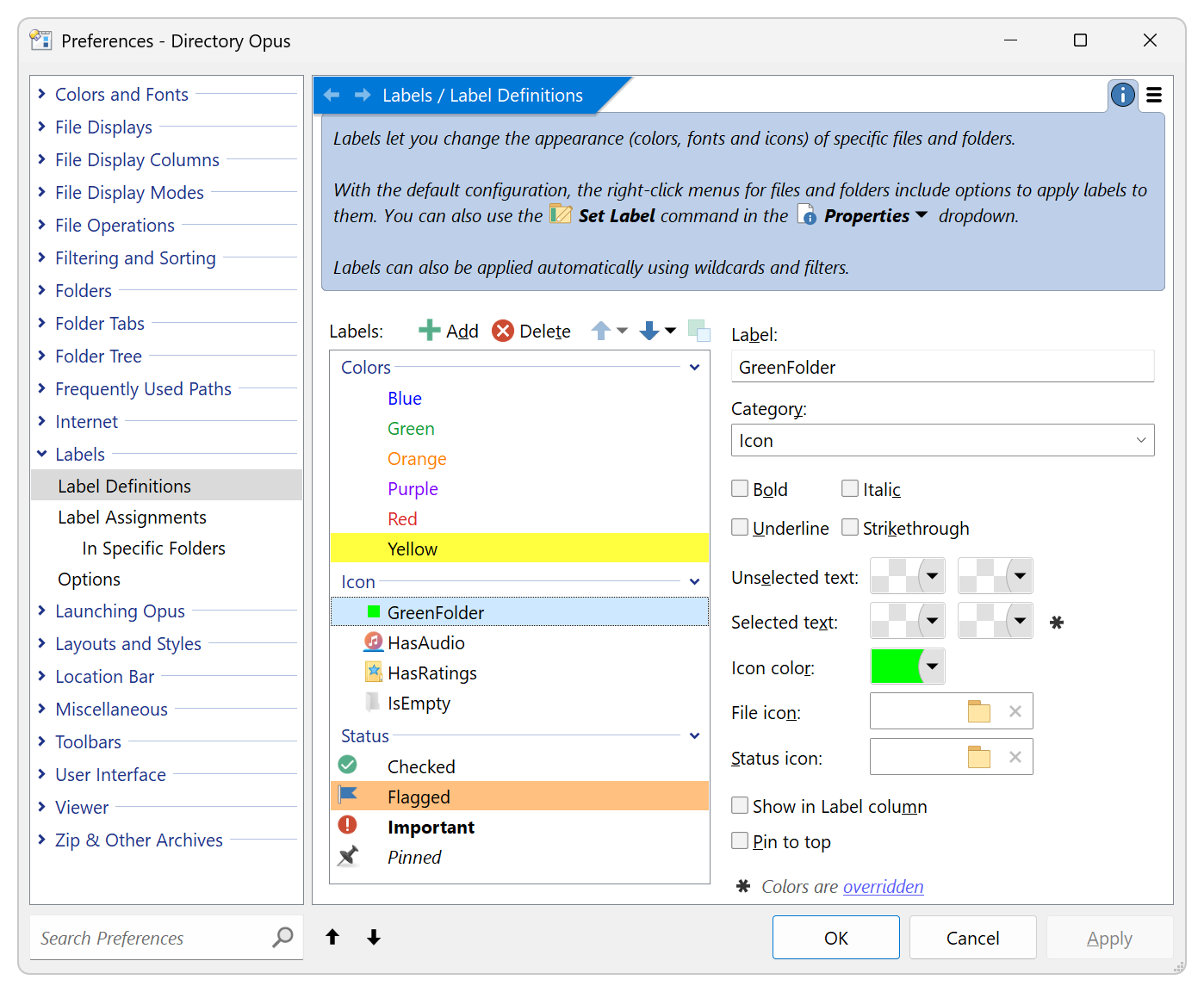
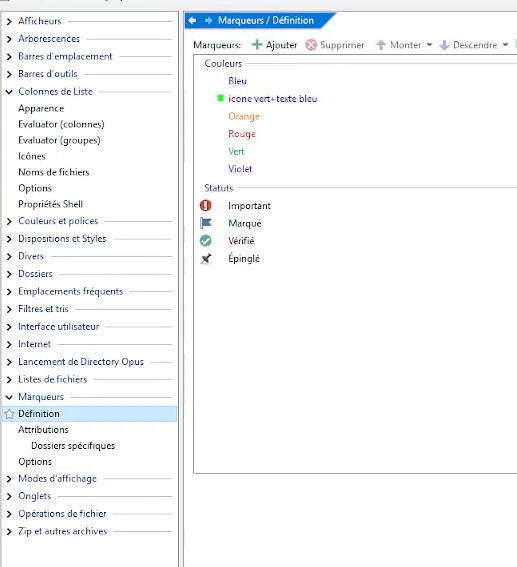
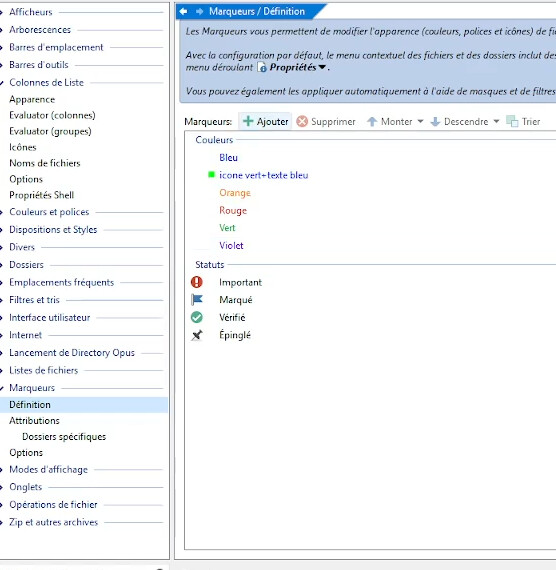
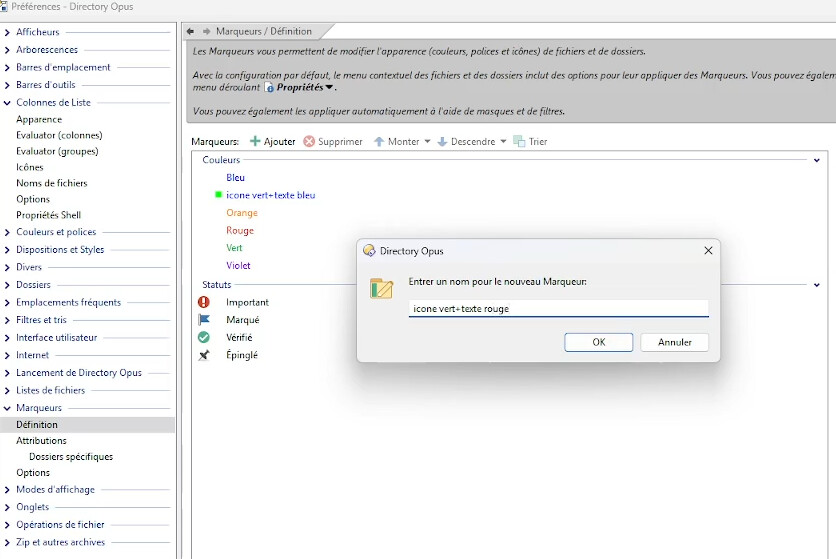
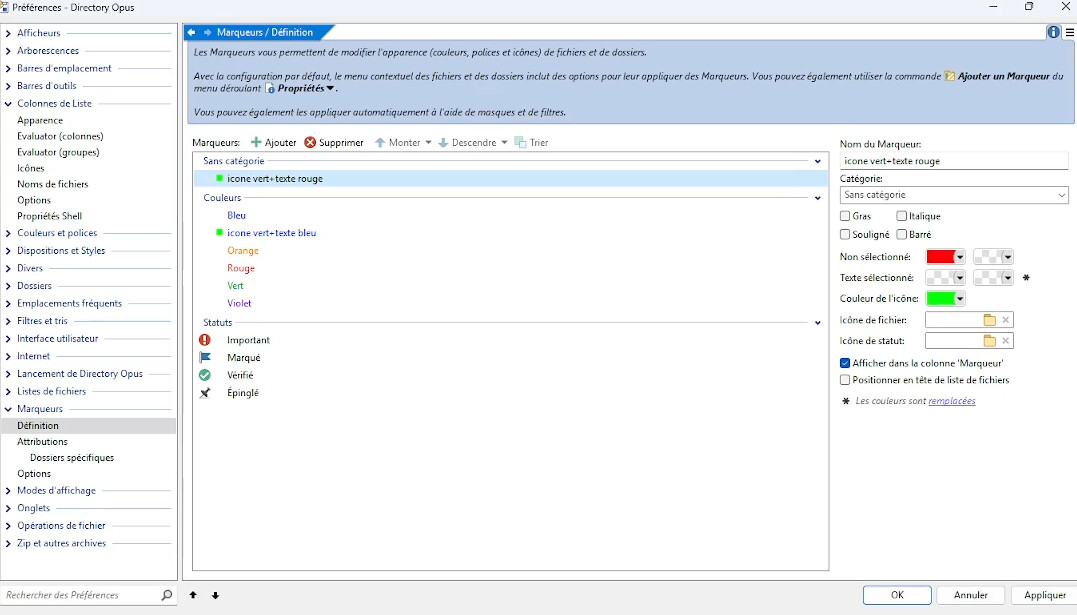
I created a label named label_name in Preferences > Markers > Definition:
Icon color: green
Unselected color: blue
Selected text color: red
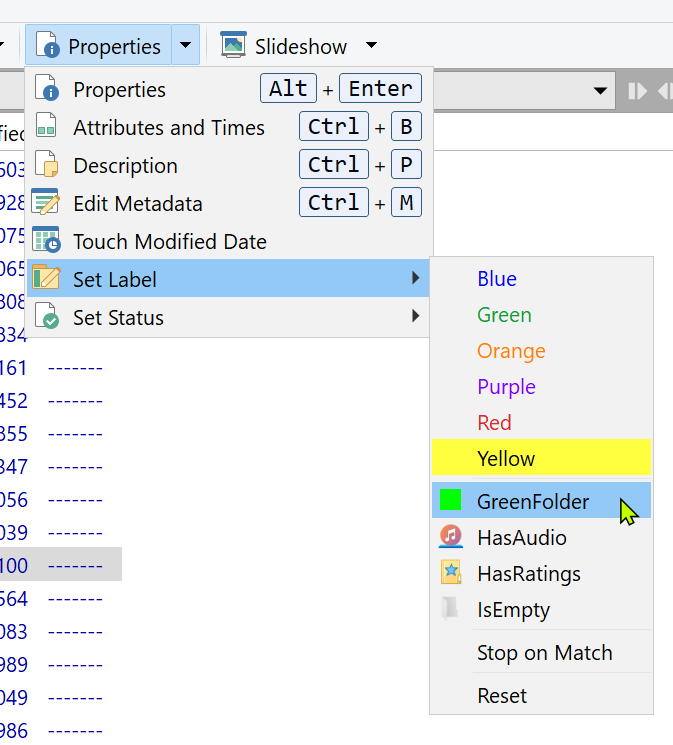
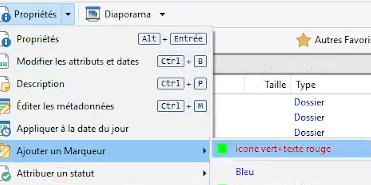
When I select a folder, go to Properties > Add Marker > label_name, the folder icon is indeed green, and its text color is blue, but I don't see any red text, even when the folder isn't selected.
What's causing the problem?
Ah, I understand; I need to adjust the colors in Preferences > Files and Folders.
Please show a screenshot of the label definition page in Preferences (with the relevant label selected).
Another problem:
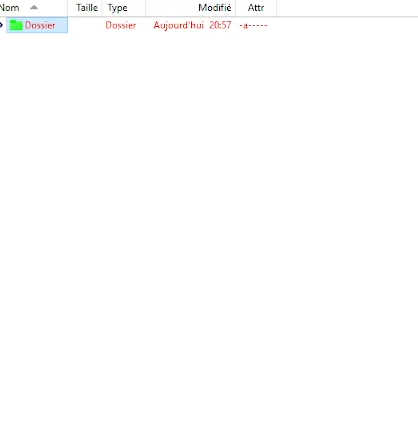
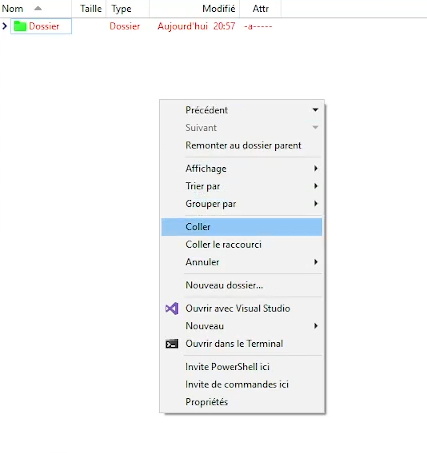
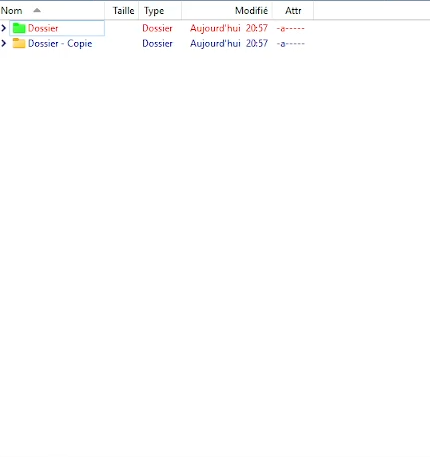
I assign a new label to a folder via Properties > Add Marker (for example, the folder is colored green with its name in red).
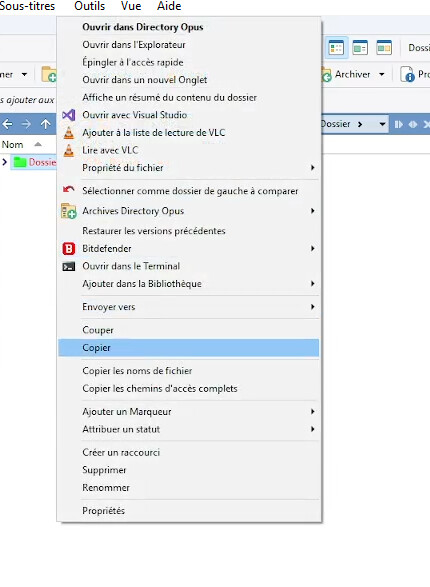
When I copy and paste this folder elsewhere, the new label is no longer applied.
Yet, everything is checked in Preferences > Markers > Options.
How can I resolve this issue?
You haven't answered my previous question yet. Let's stick to one thing at a time, else the thread will be difficult to follow.
please lxp,can you answer to my last problem?
I don't have the solution
I asked you for a screenshot above and you haven't posted it yet.
There's no point asking further questions, or the same question again, if you still haven't responded to the people trying to help you.
The text is red in your screenshot, but I just noticed you edited your earlier post to say you had already worked that out, which I had missed.
OK, moving on to the third question about copying folders with labels.
Please go to Preferences / File Operations / Copying Files / Metadata and set Copy Alternate Data Streams to Copy to new file. (Note: Different to "Copy to new file, unless slower".)
Does it work then?
Please note, in general it is much better if you Ask one question per thread.
It's good !
Looking at this in more detail, I think there's a bug here.
(Edit: This only applies to FILES, not folders, so may not matter for what you're doing. See next reply.)
In the default "Copy to new file, unless slower" mode, the label is being copied, but it looks like it isn't because the file display doesn't notice it until you refresh the directory. So the label is there, but doesn't show up on the new file.
We're looking into that and should have a fix soon. For now, keep it set to "Copy to new file", but once it's fixed you can change it back to "Copy to new file, unless slower" if you want.
Actually, it's even more complicated than that. 
Windows only seems to copy the label for files, not folders. So even if we fix the refresh issue, you'll still need to use "Copy to new file" for folder labels to be copied over.
I'm surprised by that myself, but confirmed it by doing the same copy using File Explorer.