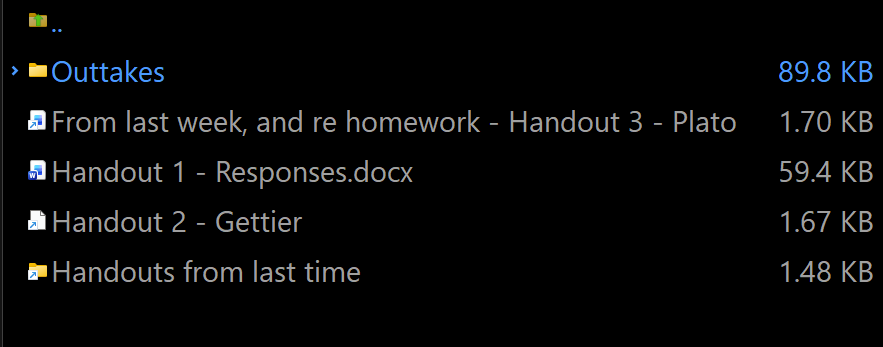
Icon sizes in Details view are normally a system-wide setting (matching what File Explorer shows, for example), which scales with the system DPI setting.
Increasing the DPi setting will make the icons larger, but also make other things larger at the same time.
Another option is to add the Thumbnails column to Details view (ala Details + Thumbnails view, as mentioned by Chuck above). That can be resized to whatever you want, and can also be configured to replace the normal icons (or be shown in addition to them, if you prefer). But it will also show thumbnails for images and other formats that have them, rather than only show icons.
Thank you, both. 'Details + Thumbnails' is the solution, even though, as Leo writes, that view will 'show thumbnails for images and other formats that have them, rather than only show icons.'