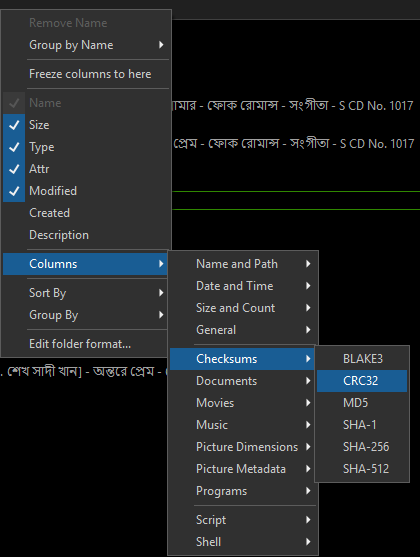
Preferences / Miscellaneous / Advanced: [Limits] max_md5_file_size
Set it to 0 to disable any size limit.
This applies to an automatic hash checking. For manual has checking the value is irrelevant.
Hi dear @Konrad_Klar
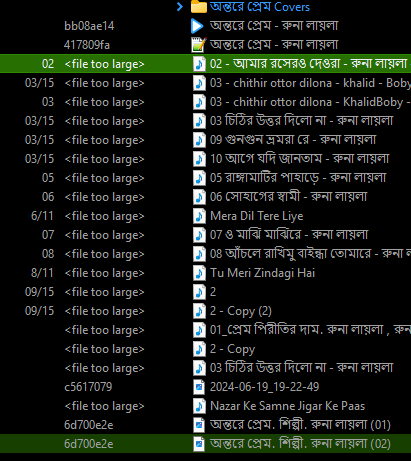
I don't want to display MD5 value. I want to display the CRC value. when I Rip the Audio CD in dbpoweramp there is a column called CRC I want to show that value in my file display also. How can I do that?
If you want to display automatically the CRC value or other hash value for files of any size, then do exactly the same as described in first reply.
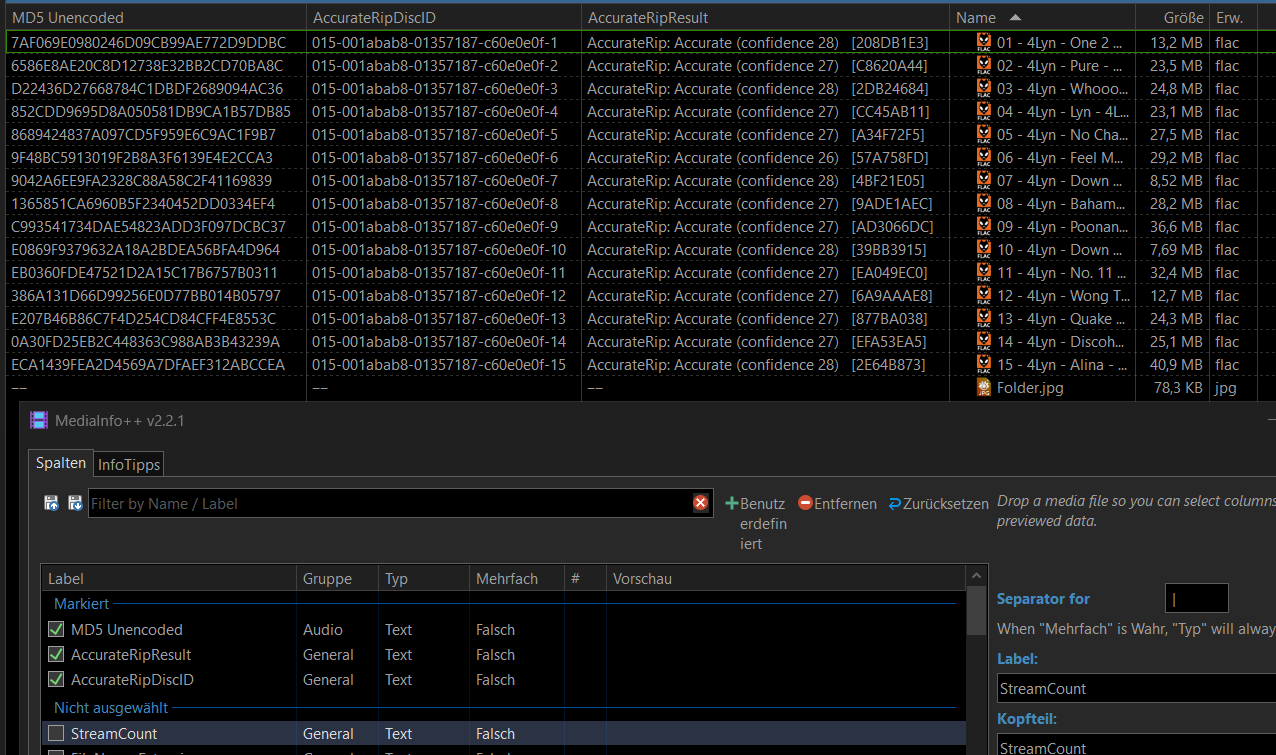
The commands in the Edit menu will calculate checksums/hashes for all selected files regardless of file size.
The CRC32 of the whole file probably won’t match the one inside the FLAC metdata, as that’s probably a CRC of the audio data, not the CRC of the file.
And I would add that really useful is CRC32 of uncompressed audio data. It may tell whether FLAC or other encoder's compression is actually lossless (if CRC32 matches of CRC32 of source's uncompressed audio data).
I ensure that the Directory Opus default column "CRC32 Checksum" does not display the CRC value which is created when I ripped the CD with the dbpoweramp program. Now I able to display both of the column and they show diffrent value. the column in the screenshot called CRC32 is shown the value from the dbpoweramp CRC value but the DOpus default column "CRC32 Checksum" shows a new value and I don't know where is from. Thanks to All.
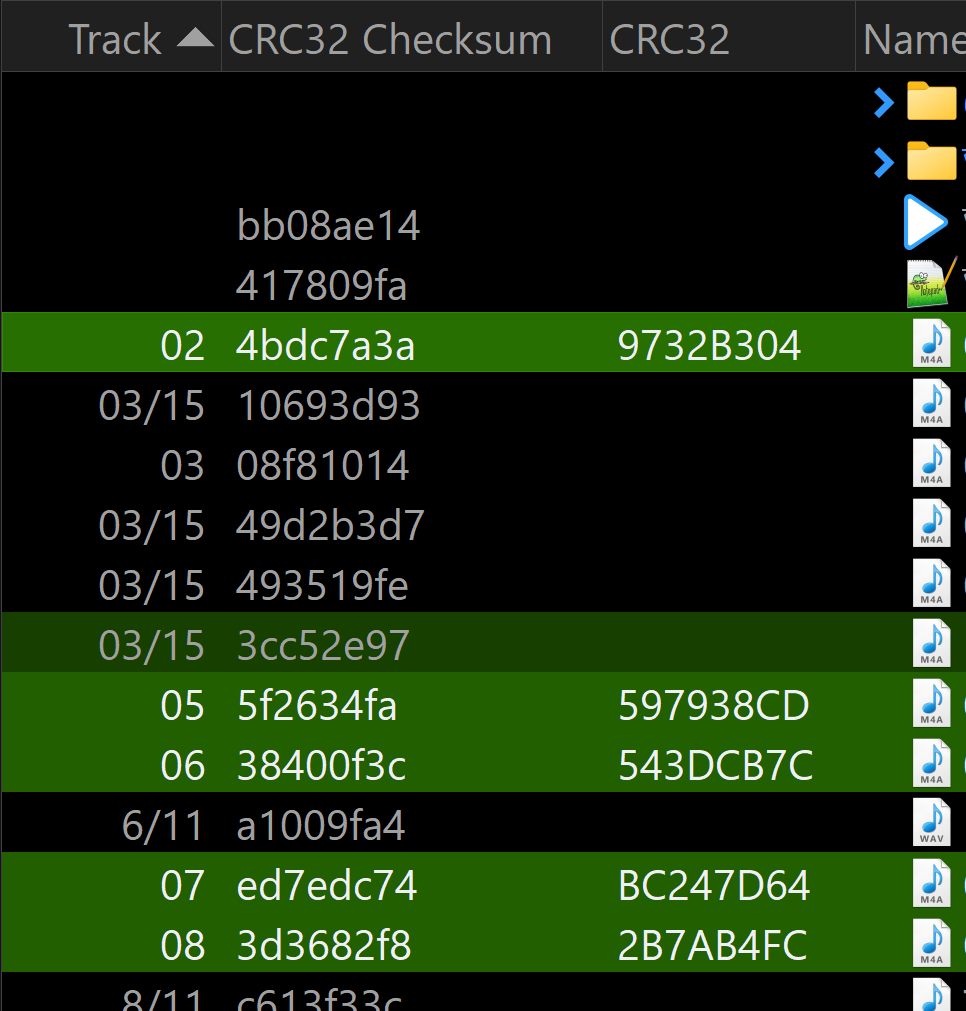

It's the CRC of the whole file, as I said in the reply you quoted. 