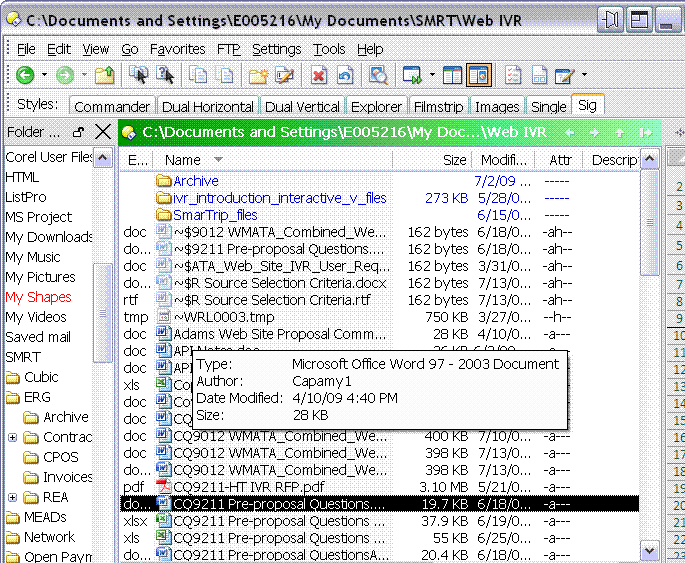
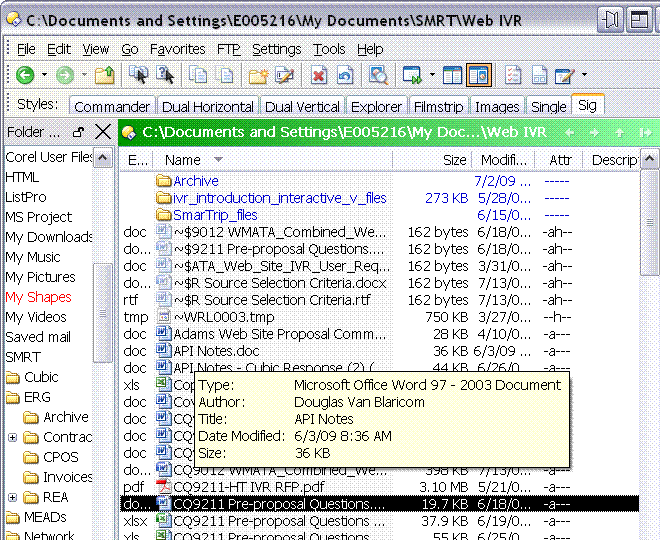
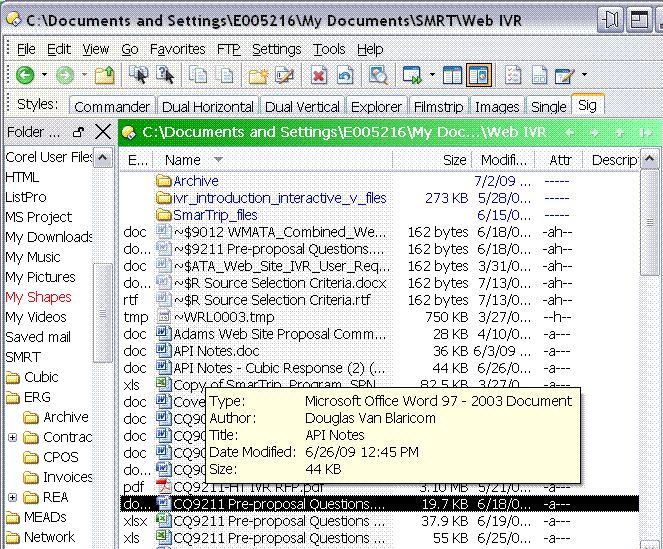
I have many files whose name is longer than the column I use to view the file name. I do not want to resize the column as I have other columns to display.
I would like the full file name to show up in the pop-up box when I hover over it. This is the way Windows Explorer works.
The DOpus pop-up box looks just like the Windows Explorer except it it missing the first line. The line with the file name.
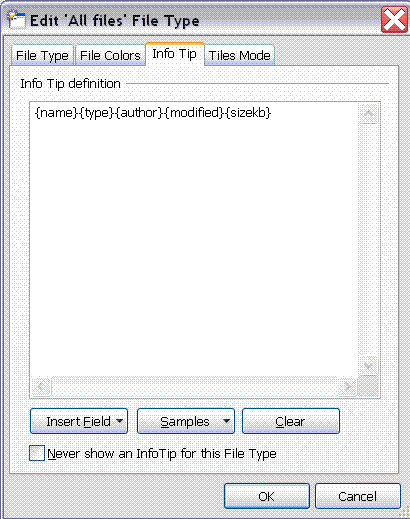
You can change that in -> customize -> file types -> all files -> edit -> info tip. If you add file name, you should have the full name in the tool tip.
You can't attach .doc files to forum posts. You could zip the document if you need to attach it.
If it's just pictures, though, please attach the images themselves to your post so that people can view them directly in their web browsers without having to download a Word doc and then load Word.
Just above where it says "Filename" in the Add an Attachment part of the page there is a link to Allowed Extensions and Sizes which tells you what you can and cannot attach.
From the list of file types, expand the File Type Groups section and double-click the Documents group.
You'll see that it overrides the info-tip. (The 'All Files' info-tip is only used when there isn't a more specific file type or file type group that overrides it.)
So you should just need to add {name} into the documents info-tip and you'll see the name for your Word docs.
(By default, the Images, Movies, etc. groups also have their own infotips that you may wish to edit. If you want the name to be included for folders, edit the 'All folders' near the top of the window.)