13.17.2
I now have 14 buttons called Select None
Button Code
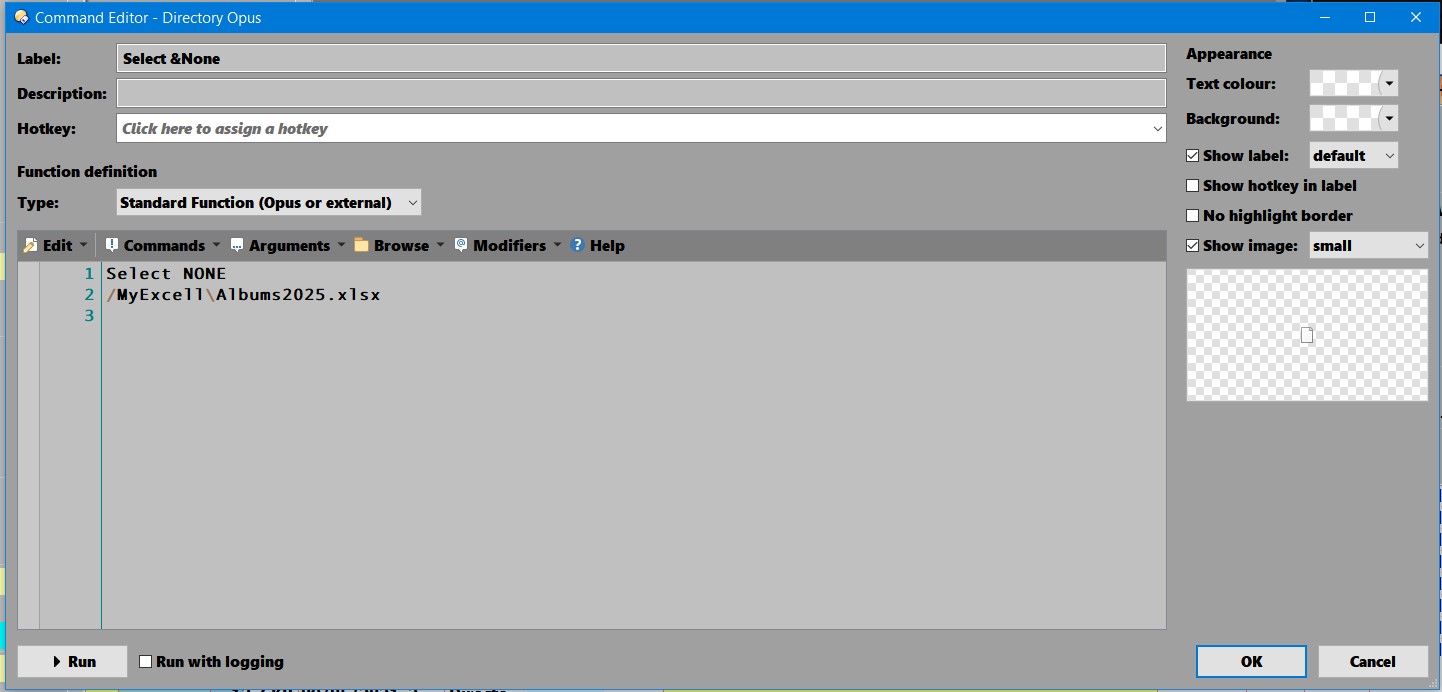
Any other information?
Was OK 13.17.0
Label was AlbumsNew7
Looking in the dcf the label for the button is correct
dcf last modified 2019-03-27
I don't know what you're talking about sorry.
I had 14 buttons all with names
Eg
Coins
Stamps
Bonds
DVD
Now they are called Select None
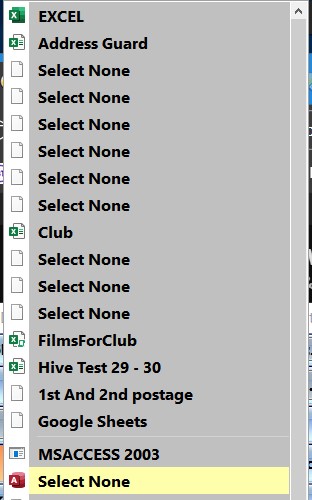
I have just made a new copy of one of the buttons renamed the Label DVD and the button is now called DVD
13.17.2 was installed yesterday and PC was shut down
Have just closed Opus File Exit and restarted and still the same
In the button code why has the label name changed to Select &None was OK before the new Language changes
Your button code label is Select None. Is that the same for every button?
Thanks for the extra info, I think I know what might have happened. We should have a fix for it in the next beta.
1 Like
@Jon
Buttons still show Select None
Should 13.17.3 correct the button label or do I have to do it myself.
You may need to edit them, unfortunately.
The fix stops them being turned into the wrong label when changing language and translating all the toolbars/menus (it was using one of the stock labels if the command was similar or a prefix of a default command with the same label; now the command has to be identical for the label to be touched).
So it shouldn't go wrong when changing languages again, but the toolbar items will need editing to give them their correct labels.
(If they came from the default toolbars, you can drag them out of the Default Toolbars page in the Customize dialog to avoid having to type the labels again.)
Copying the toolbar file from the last 13.17.1 backup is likely the quickest option.