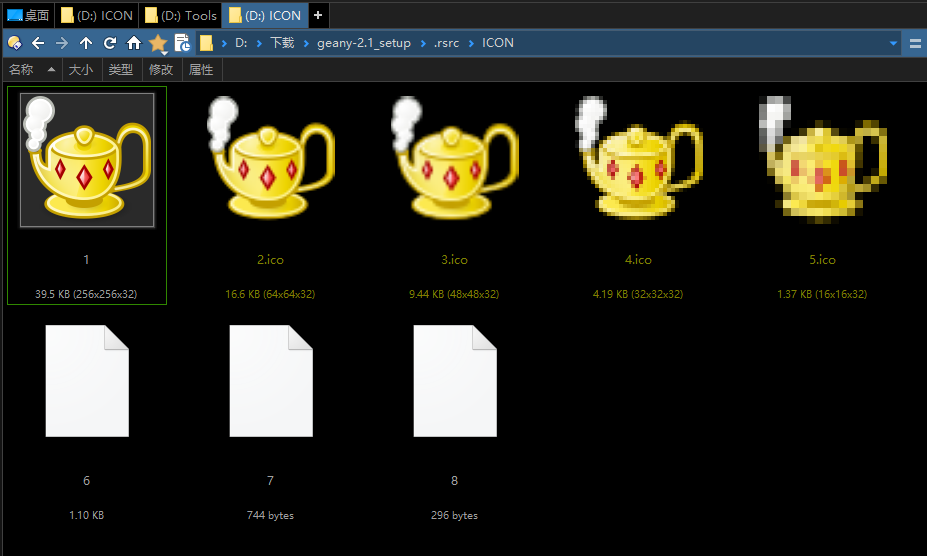
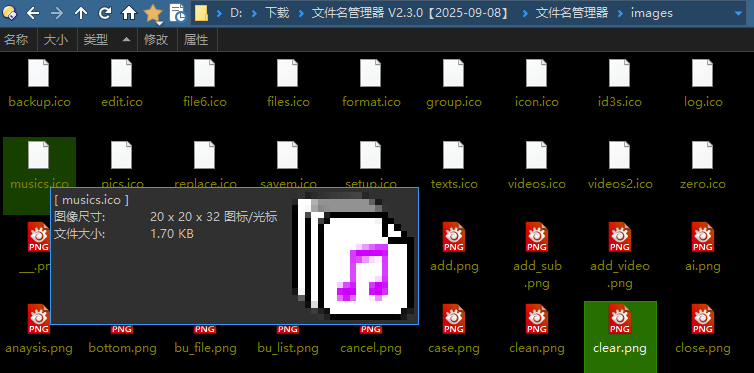
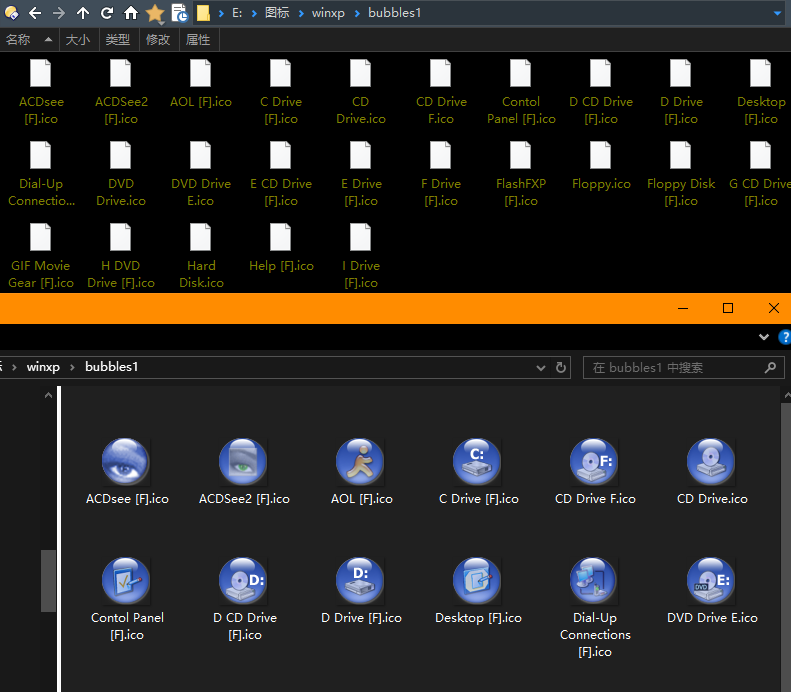
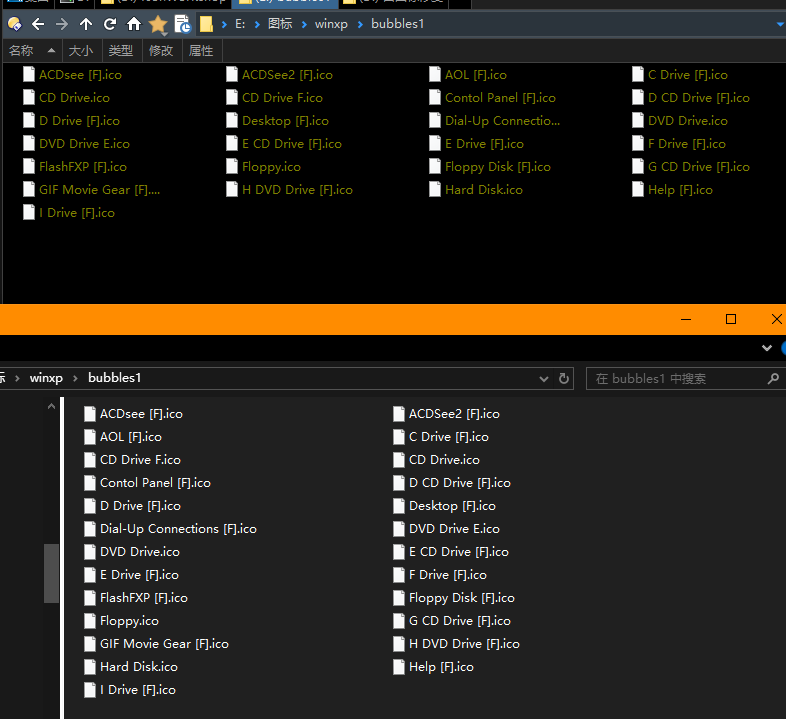
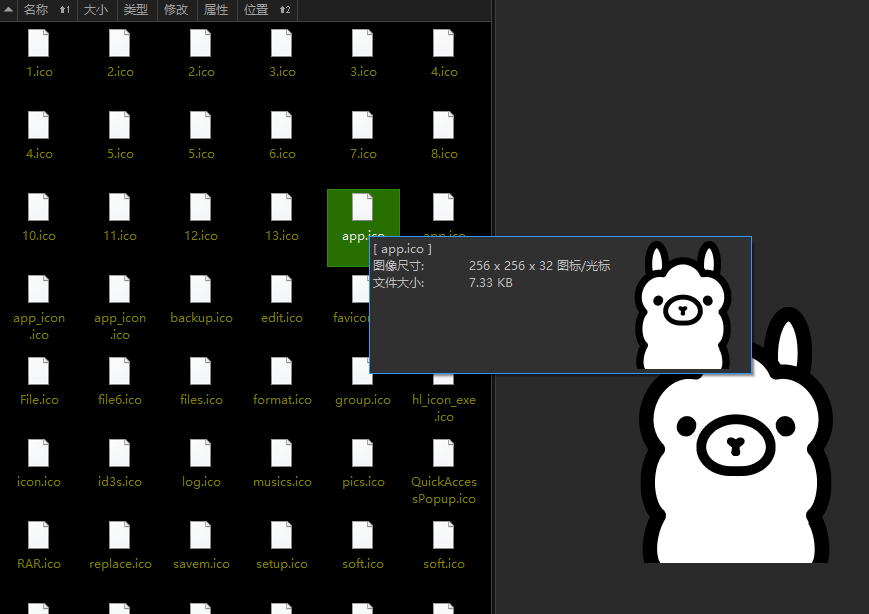
They are in Directory Opus, are normal ico.[Big Icon mode]
They are in Windows Explorer, are image [Big Icon mode]
The two screenshots seem to be showing different files?
Please zip and attach one of the icons that doesn’t display.
The non-display of icon files is not an isolated phenomenon; all icon files are not being displayed.
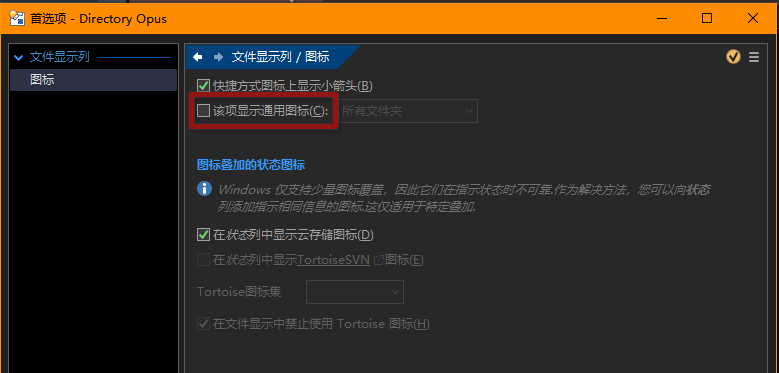
If it affects all icons then it probably means Preferences / File Display Columns / Icons / Show generic icons for... has been turned on, and needs turning off again.
Otherwise, please zip and attach some example icons with the problem.
So icons seem randomly broken in both Opus and File Explorer (even if not always in both at the same time for the same icons)?
I would try deleting the shell icon cache and disabling antivirus in case either is involved.
Other than that I don’t know what could break icons in that way, but it must be something unrelated to Opus for it to also affect File Explorer.