Icon for custom Cloud Storage folders

Nohting dramatic here but I do look at icons for synced services to see if they are still connected.

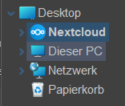
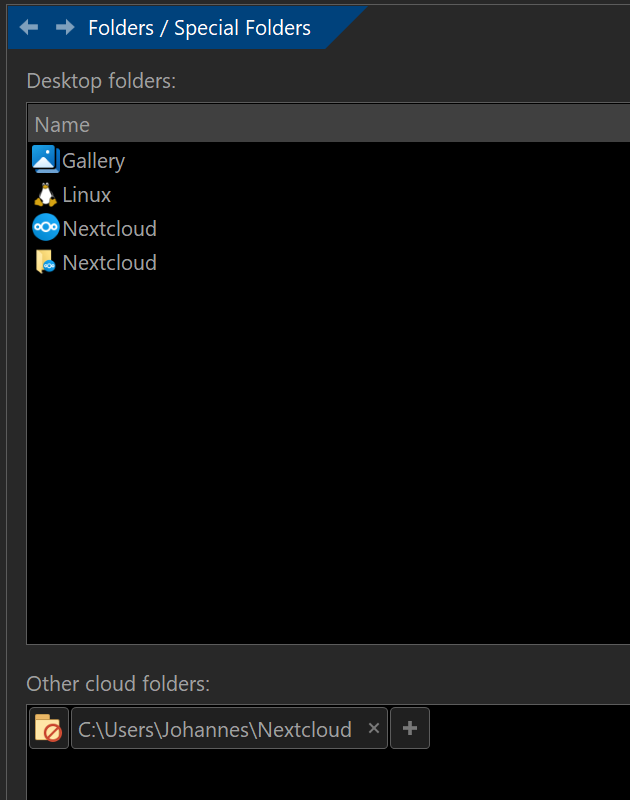
This is the content of Desktop with Nextcloud:

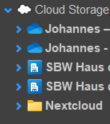
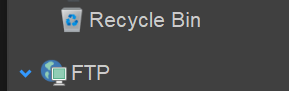
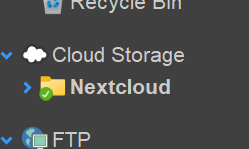
I've connected the folder to the special "Cloud Storage" folder but there the icon is just a default:

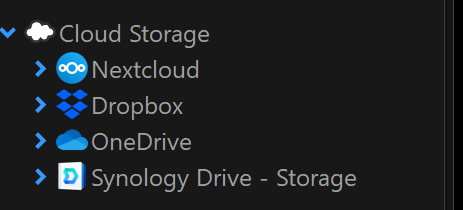
What version of Opus are you using? I tried this with the latest beta and didn't have to do anything special to get Nextcloud to show in the Cloud Storage folder - and the icon is correct as well.

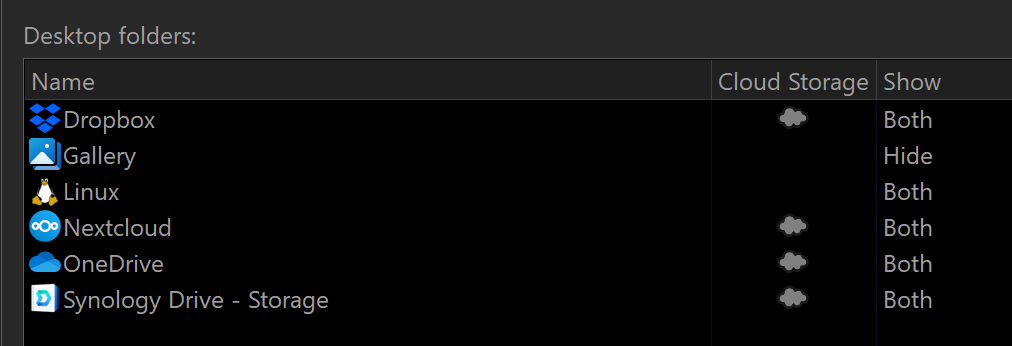
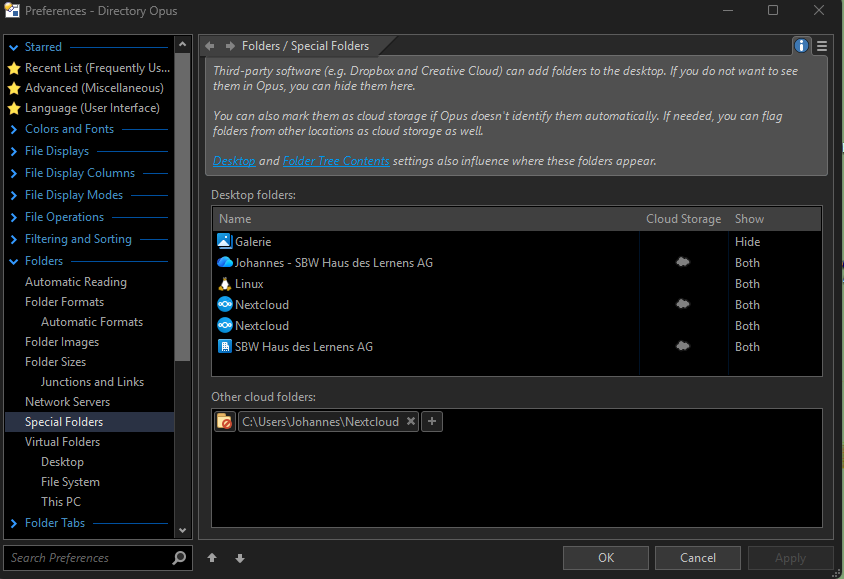
Under Preferences / Folders / Special Folders, Nextcloud is correctly identified as cloud storage by default:

1 Like

Directory Opus 13.20 Build 9407 x64
OS 10.0 (B:26100 P:2 T:1) SP 0.0

With only Nextcloud desktop client installed the Cloud Storage icon is not displayed.
afbeelding

If I add it manually the Cloud Storage folder does appear but with a normal icon:

shows like

Can we see the whole window?

Nextcloud is listed twice now (or three times if you count the manually added entry), once detected as cloud storage and once not.

I would start by removing the manually added entry.

I know, I know. The installer of Nextcloud on Windows is far from perfect. But than the registry keys for sync folders isn't that transparent either (for me at least) and the Nextcloud developers keep changing the icons used.

Is there way to find out (in the registry) where the Icons are taken from?