I put Word Excel 2007 and Outlook 2010 in Applications tool bar they work , however no Icon just wondering why. Any thing else like Fire Fox and Chrome which I added to this tool bar shows the default Icon. Only Word Excel and Outlook do not show any icon
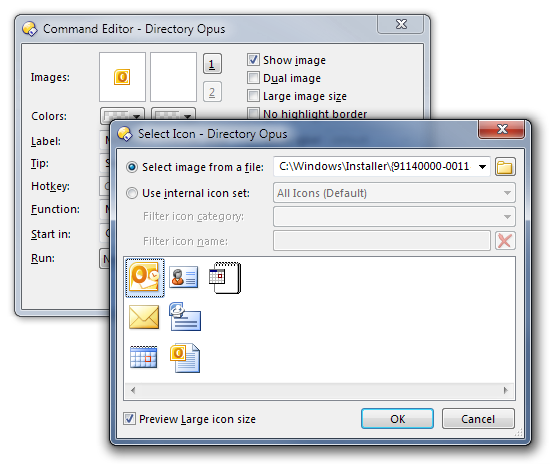
If you edit the toolbar buttons you created you can set the icons explicitly. (They will be inside of excel.exe and outlook.exe)
(That said, I get icons fine if I drag Excel 2010 from my start menu to a toolbar, so I'm not sure why it wasn't automatic.)
I explicitly put Excel, Word and Outlook in by editing no Icon. I will try dragging it from start bar and see what happens
Not sure what that means. 
I am talking about editing the toolbar button (one way is to use Settings -> Customize, then right-click the button and select Edit) and changing the icon it uses (click the top-left Image box).
I used the drag and drop method that worked for some reason so I now have Icons I am supposed to thanks for the help